


Close Menu

    Subscribe to Updates

    Get the latest tech news

    Facebook X (Twitter) Instagram
    TechArenaTechArena
    • Home
    • News
    • Reviews
    • Features
      • Top 5
    • Events
    • Startups
    • Contact
    Facebook X (Twitter) Instagram
    TechArenaTechArena
    Home»Apps»Google Rolls Out Dark Mode to More G Suite Apps
    Apps

    Google Rolls Out Dark Mode to More G Suite Apps

    Kaluka wanjalaBy Kaluka wanjalaMay 21, 20192 Mins Read
    Facebook Twitter Telegram LinkedIn WhatsApp Email Pinterest
    Google Keep
    Google Keep
    Share
    Facebook Twitter LinkedIn WhatsApp Telegram

    It just hit me that I love dark mode more than the average person. I have it enabled on almost every single app that supports it. It does not matter what time of the day it is, you will find me using dark mode as long as the app I am using supports it.
    We have seen dark mode on some of the popular apps on Android from Twitter to Facebook Messenger and even YouTube. With Android Q, Android will get a system-wide Dark Theme. Since Android Q is just a few months away from its public release, Google is making some changes to its core apps to support this theme.

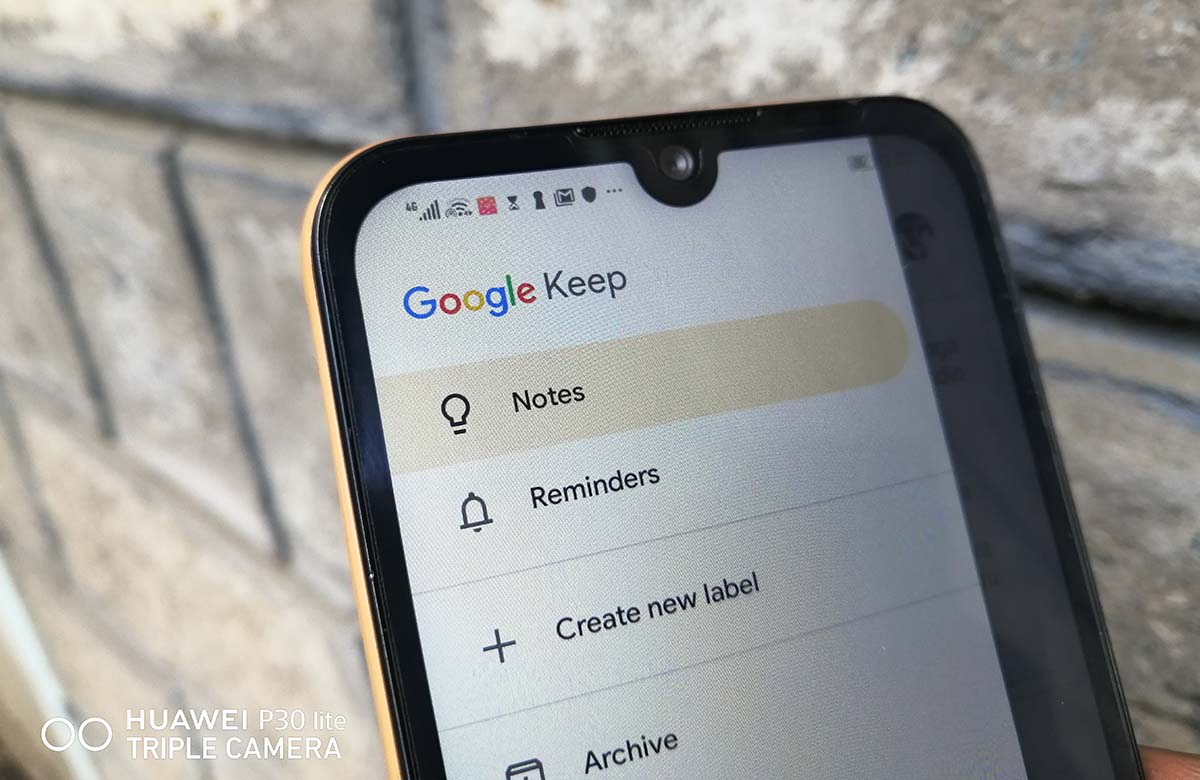
    Google has announced through its blogpost that it is rolling out Dark mode for two of its Android apps, Google Calendar and Google Keep. “Dark mode is a popular feature that’s frequently requested by Calendar and Keep users. It creates a better viewing experience in low-light conditions by reducing brightness,” the company said in a statement.

    Activate Dark Mode on Google Calendar

    Activating dark mode on Google Calendar is easy and straightforward:

    Open Google Calendar Settings

    Tap on General and then Theme

    Select Dark Mode

    Activate Dark Mode on Google Keep

    To activate dark mode on Google Keep, follow these steps:

    Open Google Keep settings menu

    Select Enable Dark Mode

    To use Dark mode on Google Calendar, you will need to have a device running Android 7 Nougat or higher. As for Google Keep, you can use Dark Mode on any device running Android 5 Lollipop or any newer version.

    For those using Android Q Beta and have dark theme activated, Dark mode for Keep and Calendar will be activated for you by default.

    If you do not have Android Q Beta, this update should get to you in the next 15 days.

    Also Read: How To Enable Dark Mode on Google Chrome For Windows 10

    Android Q Google
    Kaluka wanjala
    • Website
    • Facebook
    • X (Twitter)
    • LinkedIn

    Editor at TechArena. I cover all things technology and review new gadgets as I get them. You can reach me on email: [email protected]

    Related Posts

    Bolt Raises Fares by 6% to Cushion Drivers Against Rising Fuel Costs

    May 13, 2026

    Bolt Reaches R3 Billion Investment Milestone in South Africa After 10 Years

    May 6, 2026

    Safaricom Updates My OneApp to Restore Favourites Tab and Improves Navigation

    April 23, 2026

    Comments are closed.

    Latest Posts

    develoPPP Ventures Launches Cohort 11: Opening €100K Non-Dilutive Funding Opportunity for High-Impact Kenyan Startups

    Sponsor: VC4AMay 19, 2026

    Visa’s new white paper shows privacy and security concerns for women-led SMBs in digital finance

    May 18, 2026

    4G Capital Ranked Among Africa’s Fastest-Growing Companies in FT 2026 List

    May 18, 2026

    NCBA Bank and Caetano Kenya Launch Asset Financing Scheme for EVs in Kenya

    May 18, 2026
    Advertisement
    Editor's Pick

    Visa’s new white paper shows privacy and security concerns for women-led SMBs in digital finance

    May 18, 2026

    Equity CEO James Mwangi Pushes ‘Tech + Money’ Model to Unlock Africa’s Digital Economy

    May 18, 2026

    Kenya Is Not Catching Up, It is Building the Future of Finance, Says NIFC CEO

    May 15, 2026

    Why Safaricom Thinks Local Cloud Infrastructure Can Beat AWS and Azure in Kenya

    May 15, 2026
    © 2026 TechArena.. All rights reserved.
    • Home
    • Startups
    • Reviews

    Type above and press Enter to search. Press Esc to cancel.