


Close Menu

    Subscribe to Updates

    Get the latest tech news

    Facebook X (Twitter) Instagram
    TechArenaTechArena
    • Home
    • News
    • Reviews
    • Features
      • Top 5
    • Startups
    • Contact
    Facebook X (Twitter) Instagram
    TechArenaTechArena
    Home»Apps»Google Rolls Out Dark Mode to More G Suite Apps
    Apps

    Google Rolls Out Dark Mode to More G Suite Apps

    Kaluka wanjalaBy Kaluka wanjalaMay 21, 20192 Mins Read
    Facebook Twitter Telegram LinkedIn WhatsApp Email Pinterest
    Google Keep
    Google Keep
    Share
    Facebook Twitter LinkedIn WhatsApp Telegram

    It just hit me that I love dark mode more than the average person. I have it enabled on almost every single app that supports it. It does not matter what time of the day it is, you will find me using dark mode as long as the app I am using supports it.

    We have seen dark mode on some of the popular apps on Android from Twitter to Facebook Messenger and even YouTube. With Android Q, Android will get a system-wide Dark Theme. Since Android Q is just a few months away from its public release, Google is making some changes to its core apps to support this theme.

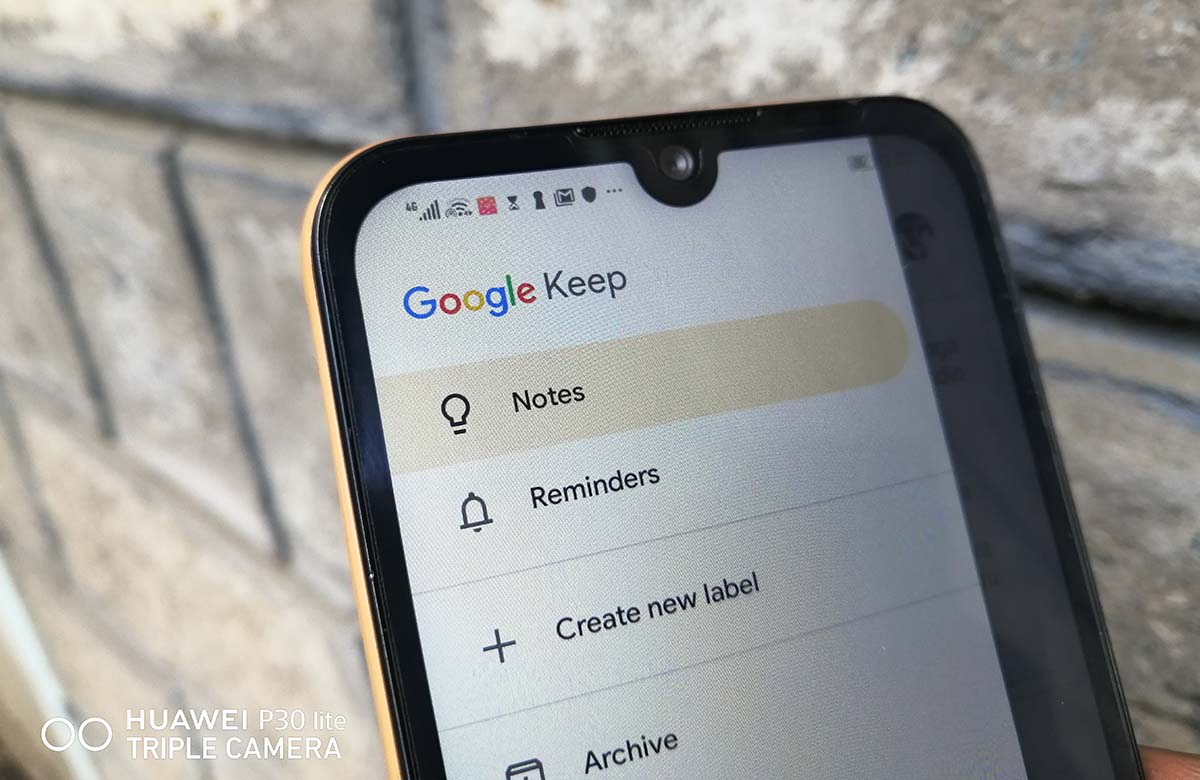
    Google has announced through its blogpost that it is rolling out Dark mode for two of its Android apps, Google Calendar and Google Keep. “Dark mode is a popular feature that’s frequently requested by Calendar and Keep users. It creates a better viewing experience in low-light conditions by reducing brightness,” the company said in a statement.

    Activate Dark Mode on Google Calendar

    Activating dark mode on Google Calendar is easy and straightforward:

    Open Google Calendar Settings

    Tap on General and then Theme

    Select Dark Mode

    Activate Dark Mode on Google Keep

    To activate dark mode on Google Keep, follow these steps:

    Open Google Keep settings menu

    Select Enable Dark Mode

    To use Dark mode on Google Calendar, you will need to have a device running Android 7 Nougat or higher. As for Google Keep, you can use Dark Mode on any device running Android 5 Lollipop or any newer version.

    For those using Android Q Beta and have dark theme activated, Dark mode for Keep and Calendar will be activated for you by default.

    If you do not have Android Q Beta, this update should get to you in the next 15 days.

    Also Read: How To Enable Dark Mode on Google Chrome For Windows 10

    Android Q Google
    Kaluka wanjala
    • Website
    • Facebook
    • X (Twitter)
    • LinkedIn

    Editor at TechArena. I cover all things technology and review new gadgets as I get them. You can reach me on email: [email protected]

    Related Posts

    Kenya set to benefit from AWS and Google multicloud connectivity solution

    December 4, 2025

    Binance Launches ‘Binance Junior’ Crypto Savings Account for Kids and Teens 

    December 3, 2025

    Bolt and Gebeya Partner to Offer Affordable Transport to Africa’s Service Workforce

    December 3, 2025

    Comments are closed.

    Latest Posts

    Inside Ampersand the Startup Powering East Africa’s Electric Motorcycles

    December 11, 2025

    Visa Showcases 22 Startups at Africa Fintech Accelerator Demo Day in Cape Town

    December 11, 2025

    Airtel Money Partners With I&M Bank To Expand Digital Payments Reach Across Kenya

    December 11, 2025

    Fincra Named Headline Supporter for Africa Tech Summit Nairobi 2026

    December 11, 2025
    Advertisement
    Editor's Pick

    Inside Ampersand the Startup Powering East Africa’s Electric Motorcycles

    December 11, 2025

    What You Need to Know About KCB and Visa’s New Tap to Phone Payment Solution in Kenya

    December 11, 2025

    Accelerated entry: How East Africa Leapfrogged into the Cloud Age

    December 11, 2025

    How Buying Data on M-PESA Opened New Doors for Sheila

    December 10, 2025
    © 2025 TechArena.. All rights reserved.
    • Home
    • Startups
    • Reviews

    Type above and press Enter to search. Press Esc to cancel.