


Close Menu

    Subscribe to Updates

    Get the latest tech news

    Facebook X (Twitter) Instagram
    TechArenaTechArena
    • Home
    • News
    • Reviews
    • Features
      • Top 5
    • Events
    • Startups
    • Contact
    Facebook X (Twitter) Instagram
    TechArenaTechArena
    Home»Apps»Google Renames Its Ultra-Light OS For Low End Devices From Android Go to Android Oreo (Go Edition)
    Apps

    Google Renames Its Ultra-Light OS For Low End Devices From Android Go to Android Oreo (Go Edition)

    Kaluka wanjalaBy Kaluka wanjalaDecember 5, 20172 Mins Read
    Facebook Twitter Telegram LinkedIn WhatsApp Email Pinterest
    android go
    android go
    Share
    Facebook Twitter LinkedIn WhatsApp Telegram

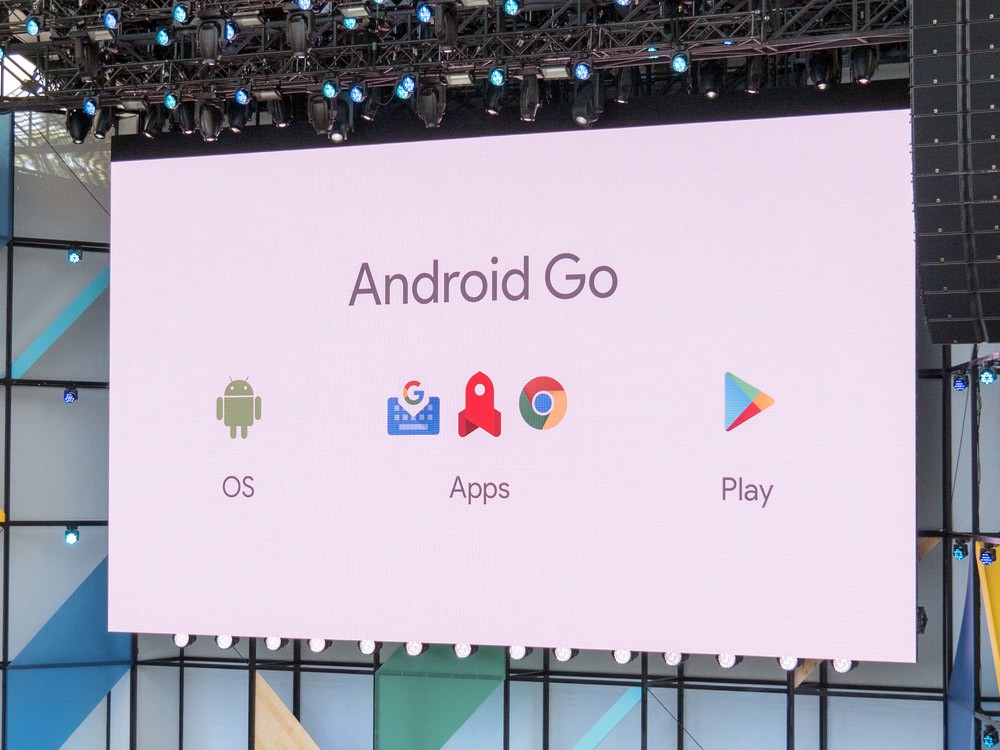
    Back in May this year, Google announced its new ultra-light OS for low end devices that it called Android Go. The company was clear that this was not a new version of Android and it is not replacing the Android One Program.

    Since May, we haven’t heard much about Android Go but it looks like that will change very soon. This has already stared with the changing of the name from Android Go to Android Oreo (Go Edition). This is the same version targeting low-end Android smartphones with low memory and specs.

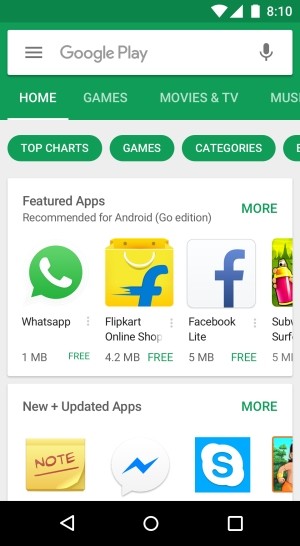
    Android Oreo (Go Edition) is different from the standard Android version in three main ways; It comes with optimized default apps, it has an optimized version of Play Store that showcases lightweight apps and a streamlined operating system.

    According to Google, Android Oreo (Go Edition) has improved reliability and speed on low-end hardware. The search giant promises 15% faster app performance and 2x more free storage since the Operating system and the pre-loaded apps take 50% less space.
    Android Oreo go edition

    Android Oreo (Go Edition) will also comes with a data saver feature built-into the apps and users will be able to control background data consumption. The Google apps that will be included on this variant will be built specifically for it and they will include the new Files Go app, Gmail Go, Google Play, Chrome, Google Maps Go, YouTube Go, Google Assistant Go, Google Go and Gboard. These applications are much smaller than their standard variants and use less data.

    Google will officially release Android Oreo (Go Edition) tomorrow as it launches Android 8.1 Oreo. Devices that will come with this OS will be shipped in the coming months.

    Also Read: Google Chrome For Android To Finally Get HDR Video Support

    android Android Go Android Oreo (go edition)
    Kaluka wanjala
    • Website
    • Facebook
    • X (Twitter)
    • LinkedIn

    Editor at TechArena. I cover all things technology and review new gadgets as I get them. You can reach me on email: [email protected]

    Related Posts

    Bolt Raises Fares by 6% to Cushion Drivers Against Rising Fuel Costs

    May 13, 2026

    Bolt Reaches R3 Billion Investment Milestone in South Africa After 10 Years

    May 6, 2026

    Safaricom Updates My OneApp to Restore Favourites Tab and Improves Navigation

    April 23, 2026

    Comments are closed.

    Latest Posts

    Tecno AI Identified as Catalyst for Africa’s Digital Economy in New Omdia Report 

    May 15, 2026

    oraimo Launches SpaceBuds 2: AI-Powered Flagship Earbuds Endorsed by Grammy Award-Winning Excellence

    May 15, 2026

    Kenya Is Not Catching Up, It is Building the Future of Finance, Says NIFC CEO

    May 15, 2026

    Why Safaricom Thinks Local Cloud Infrastructure Can Beat AWS and Azure in Kenya

    May 15, 2026
    Advertisement
    Editor's Pick

    Kenya Is Not Catching Up, It is Building the Future of Finance, Says NIFC CEO

    May 15, 2026

    Why Safaricom Thinks Local Cloud Infrastructure Can Beat AWS and Azure in Kenya

    May 15, 2026

    How 58% free transactions have propelled the growth of M-PESA

    May 15, 2026

    What comes after Generative AI? And What That Means for African Innovation

    May 13, 2026
    © 2026 TechArena.. All rights reserved.
    • Home
    • Startups
    • Reviews

    Type above and press Enter to search. Press Esc to cancel.