


Close Menu

    Subscribe to Updates

    Get the latest tech news

    Facebook X (Twitter) Instagram
    TechArenaTechArena
    • Home
    • News
    • Reviews
    • Features
      • Top 5
    • Startups
    • Contact
    Facebook X (Twitter) Instagram
    TechArenaTechArena
    Home»Apps»You can now move your WhatsApp data from Android to iOS
    Apps

    You can now move your WhatsApp data from Android to iOS

    TA Insights HubBy TA Insights HubJune 14, 2022Updated:August 15, 20252 Mins Read
    Facebook Twitter Telegram LinkedIn WhatsApp Email Pinterest
    Whatsapp
    Whatsapp
    Share
    Facebook Twitter LinkedIn WhatsApp Telegram

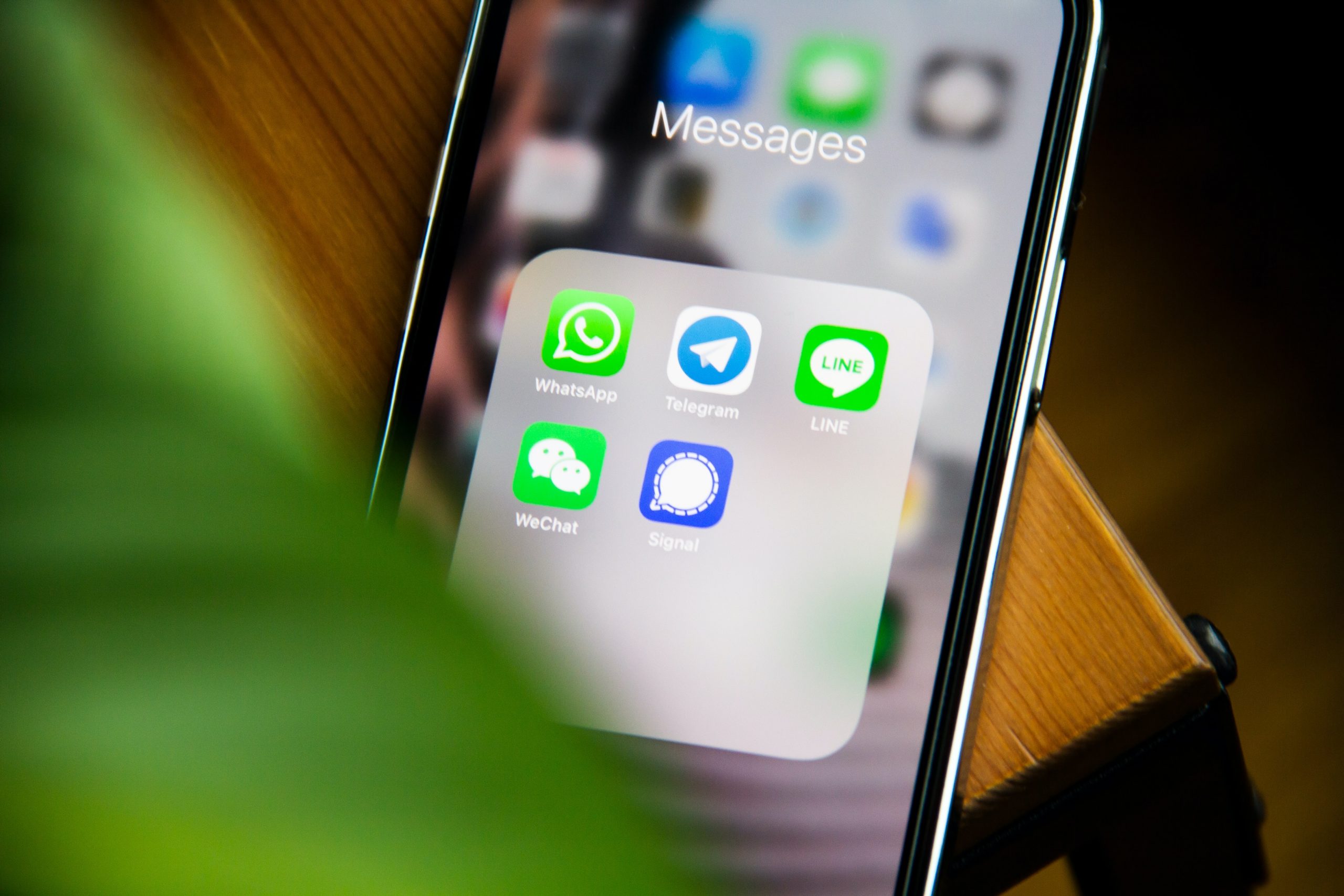
    Finally, Meta, formerly Facebook and the Cupertino brand, have decided to release a new feature that should make transferring data between Android and iPhone possible.

    WhatsApp is an end-to-end encrypted messaging software, and switching platforms might pose issues with this degree of protection. For a very long time, it has not been possible to transfer WhatsApp chats from Android to iOs, leaving many Android users to switch to a different ecosystem  to grumble

    The issue has been resolved thanks to a new feature in Apple’s Move to iOS program, which is accessible on the Google Play Store and allows you to transfer your WhatsApp conversations when purchasing a new iPhone.
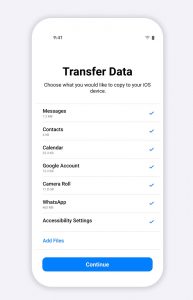
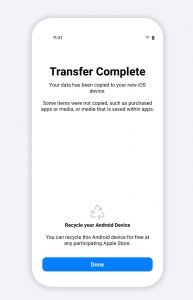
    With this particular update, you can recover a huge portion of the information and data stored on an Android smartphone and transfer it to an iPhone during setup to locate contacts, messages, and other photographs. Only payment-related call records and messages may be preserved and shared.

    How to move WhatsApp Chats from Android to iPhone

    To carry out the procedure:

    Launch the Move to iOS app on the Android smartphone and check the “WhatsApp” line if the data has not yet been transferred to the new iPhone.

    While you install WhatsApp on your iPhone, the information and data will be delivered to the phone and kept locally in iOS.

    To ensure the confidentiality of your chats and media throughout the transfer, no transmission to iCloud is done. The function is already available in WhatsApp beta app for Android, and it will take around a week for all users to get it.

    To complete the transfer, you’ll need to upgrade Move to iOS to the newest version and have a new iPhone with iOS 15.5 installed. The Android smartphone that you are using should also be higher than 5.0

    Also Read: WhatsApp aims to  enable the platform users to recover deleted messages

    android ios whatsapp
    TA Insights Hub
    • Website
    • Facebook
    • X (Twitter)
    • Instagram
    • LinkedIn

    Tech Arena is an independent technology news website that mainly covers social media news, mobile and gadget news and reviews, apps and software among others.

    Related Posts

    Neeraj Pradhan appointed as CEO of Liquid Intelligent Technologies Kenya

    December 12, 2025

    Airtel Money Partners With I&M Bank To Expand Digital Payments Reach Across Kenya

    December 11, 2025

    Fincra Named Headline Supporter for Africa Tech Summit Nairobi 2026

    December 11, 2025

    Comments are closed.

    Latest Posts

    Neeraj Pradhan appointed as CEO of Liquid Intelligent Technologies Kenya

    December 12, 2025

    Inside Ampersand the Startup Powering East Africa’s Electric Motorcycles

    December 11, 2025

    Visa Showcases 22 Startups at Africa Fintech Accelerator Demo Day in Cape Town

    December 11, 2025

    Airtel Money Partners With I&M Bank To Expand Digital Payments Reach Across Kenya

    December 11, 2025
    Advertisement
    Editor's Pick

    Inside Ampersand the Startup Powering East Africa’s Electric Motorcycles

    December 11, 2025

    What You Need to Know About KCB and Visa’s New Tap to Phone Payment Solution in Kenya

    December 11, 2025

    Accelerated entry: How East Africa Leapfrogged into the Cloud Age

    December 11, 2025

    How Buying Data on M-PESA Opened New Doors for Sheila

    December 10, 2025
    © 2025 TechArena.. All rights reserved.
    • Home
    • Startups
    • Reviews

    Type above and press Enter to search. Press Esc to cancel.