


Close Menu

    Subscribe to Updates

    Get the latest tech news

    Facebook X (Twitter) Instagram
    TechArenaTechArena
    • Home
    • News
    • Reviews
    • Features
      • Top 5
    • Startups
    • Contact
    Facebook X (Twitter) Instagram
    TechArenaTechArena
    Home»Apps»You Can Now Completely Disable the Bixby Key on Your Samsung Smartphone
    Apps

    You Can Now Completely Disable the Bixby Key on Your Samsung Smartphone

    Kaluka wanjalaBy Kaluka wanjalaNovember 6, 2017Updated:August 18, 20252 Mins Read
    Facebook Twitter Telegram LinkedIn WhatsApp Email Pinterest
    Bixby
    Bixby
    Share
    Facebook Twitter LinkedIn WhatsApp Telegram

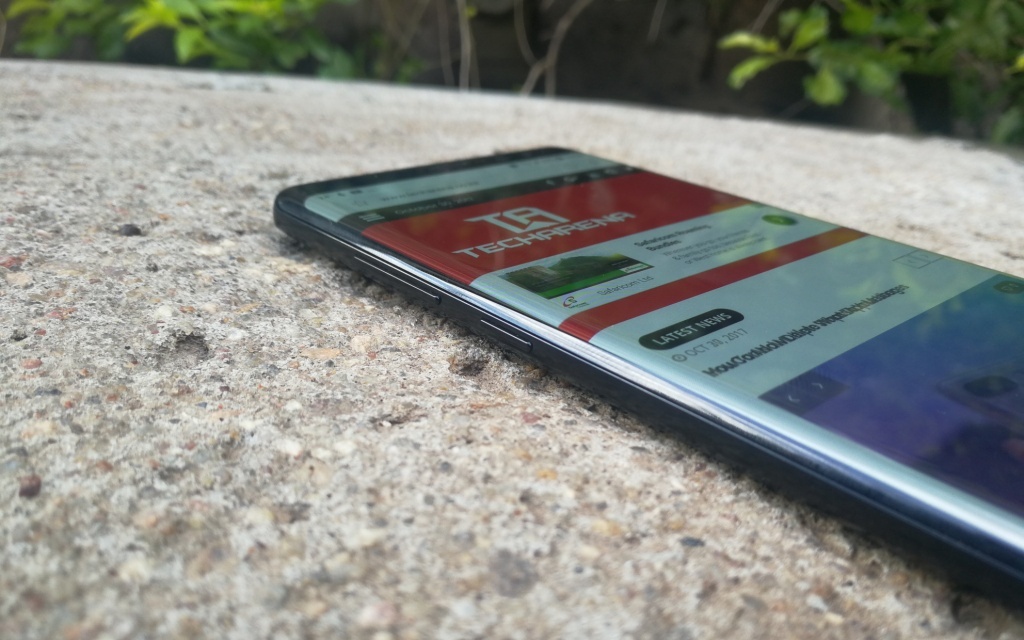
    This year, Samsung introduced some amazing flagship devices that include the Galaxy S8, S8+ and the Note 8. With the launch of these devices, we also saw the company introduce the Bixby AI assistant. To make it easier for users to interact with this assistant, the company included a dedicated Bixby button that activates it even when the screen is locked. As expected, not all users were happy with this because the company made it difficult to disable the button or even remap it for those not planning to use Bixby.

    If you are among the users who are not happy with what Samsung has done so far, then you should know that the company is making some changes. With the latest update, you can completely disable the Bixby button. This latest update lets you completely disable the button and pressing it will not wake up the phone.

    Disabling the Bixby button is easy, start by pressing it to access its homepage and press the gear icon on the top left area. Toggle the key off and you are good to go. You will still have Bixby enabled on your phone but pressing the key will not activate it as it did before.
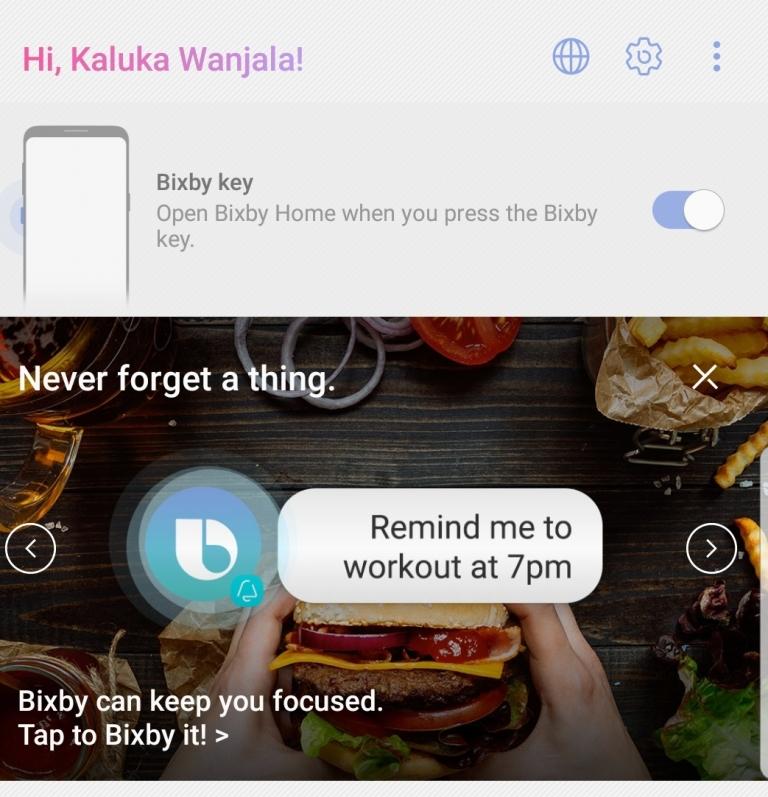
    Bixby key

    As mentioned above, Bixby is your typical digital assistant but Samsung hopes that it will be able to do more than what other assistants can do. It can currently do most functions on your phone including opening app, changing phone settings among other features. These have not been the problem so far but rather the inability to repurpose the key if you do not plan to use Bixby. Personally, I have no problem with Bixby, it is usable but I would have been happier if I could remap the key to use with other apps.

    With the changes Samsung has made with the Bixby key, the company is definitely listening to its customers but I do not see it letting users repurpose the key anytime soon. The earliest we can see this is after Bixby has evolved and the company isn’t worried that letting users repurpose the key will prevent many of them from signing up to use the AI assistant.

    Read Now: Four Things I Hate About The Samsung Galaxy Note 8

    Bixby Galaxy Note 8 Samsung
    Kaluka wanjala
    • Website
    • Facebook
    • X (Twitter)
    • LinkedIn

    Editor at TechArena. I cover all things technology and review new gadgets as I get them. You can reach me on email: [email protected]

    Related Posts

    Samsung Unveils “Your Companion to AI Living” at CES 2026

    January 9, 2026

    Samsung Makes the Case for Open Ecosystems at CES 2026 Tech Forum

    January 9, 2026

    MYDAWA Stabilizes Platform After Major Upgrade

    December 18, 2025

    Comments are closed.

    Latest Posts

    NTT DATA Named a Top Employer in Kenya for 2026

    January 16, 2026

    Binance Research 2025: How Regulation, Stablecoins, and DeFi Turned Crypto into a Real Financial System

    January 16, 2026

    Back-to-School is Now Stress-Free with Prepaid Card for Students

    January 16, 2026

    Hashgraph Ventures Pledges $1 Million to Power Africa’s Largest Web3 Hackathon

    January 16, 2026
    Advertisement
    Editor's Pick

    Binance Research 2025: How Regulation, Stablecoins, and DeFi Turned Crypto into a Real Financial System

    January 16, 2026

    Human Behaviour, Not AI, Will Determine Who Wins in 2026

    January 14, 2026

    Looking Ahead in 2026 and the Forces that Will Shape Africa’s Digital Future

    January 12, 2026

    How to Check the 2025 KCSE Examination Results Online

    January 9, 2026
    © 2026 TechArena.. All rights reserved.
    • Home
    • Startups
    • Reviews

    Type above and press Enter to search. Press Esc to cancel.