


Close Menu

    Subscribe to Updates

    Get the latest tech news

    Facebook X (Twitter) Instagram
    TechArenaTechArena
    • Home
    • News
    • Reviews
    • Features
      • Top 5
    • Startups
    • Contact
    Facebook X (Twitter) Instagram
    TechArenaTechArena
    Home»Apps»You Can Now Download Google Assistant on your iPhone
    Apps

    You Can Now Download Google Assistant on your iPhone

    Kaluka wanjalaBy Kaluka wanjalaMay 18, 20172 Mins Read
    Facebook Twitter Telegram LinkedIn WhatsApp Email Pinterest
    Google assistant iphone
    Google assistant iphone
    Share
    Facebook Twitter LinkedIn WhatsApp Telegram

    A few days ago, we told you that Google had plans to take its latest digital assistant, Google Assistant, to iOS. The assistant has been available in a few Android devices, specifically those running Android Marshmallow and Android Nougat.

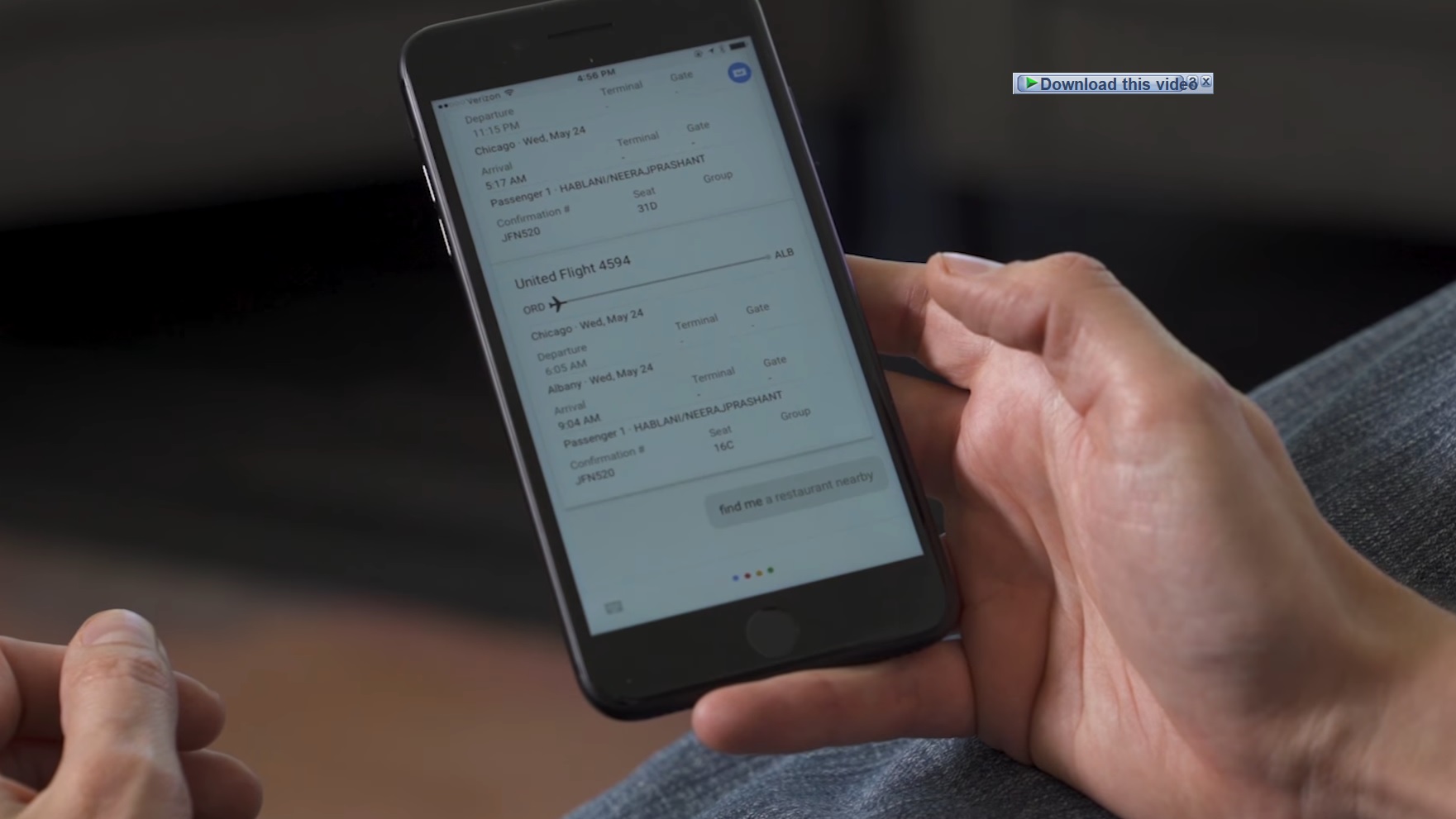
    At Google I/O yesterday, the company announced that iPhone users are now able to use Google Assistant. Google Assistant for the iPhone comes as a standalone app and does not come as an update to Google Search as some people had expected.

    How to Get Google Assistant on Your iPhone

    To get Google Assistant on your iPhone, you will have to download another app, different from the Google Search app. Since Google Assistant isn’t embedded in the Search app, this step is crucial, you need the separate app. Given that Apple is not allowing deep integration between third party digital assistants and iOS, users will end up with a digital assistant that lacks features you can find on Siri. If Apple decides to open its API much wider, we may see a richer app that what we get at the moment.

    With that said, the basic Google Assistant app for the iPhone is still useful. It is able to play songs in a set of music apps, open applications and perform searches. With that said, you may be wondering, isn’t it similar to the Google Search app? Yes, it is to some extent. The two apps share some similarities but are different given that it is more of an assistant than a search app.

    For those who are looking for this app, you will find it listed as “Assistant” on the iTunes App Store under Google, Inc. This app is made for the iPhone but should work on the iPad without any problems. If you have the iPhone or iPad, you should be heading to the App Store to grab this app right now.

    Also Read: How To Check If You Have Google Assistant On Your Phone And How To Enable It

    google assistant iphone
    Kaluka wanjala
    • Website
    • Facebook
    • X (Twitter)
    • LinkedIn

    Editor at TechArena. I cover all things technology and review new gadgets as I get them. You can reach me on email: [email protected]

    Related Posts

    Binance Launches ‘Binance Junior’ Crypto Savings Account for Kids and Teens 

    December 3, 2025

    Bolt and Gebeya Partner to Offer Affordable Transport to Africa’s Service Workforce

    December 3, 2025

    Safaricom Ethiopia Launches M-PESA LeHulum, a Telco-Agnostic Mobile Money Platform for All Ethiopians

    December 2, 2025

    Comments are closed.

    Latest Posts

    Neeraj Pradhan appointed as CEO of Liquid Intelligent Technologies Kenya

    December 12, 2025

    Inside Ampersand the Startup Powering East Africa’s Electric Motorcycles

    December 11, 2025

    Visa Showcases 22 Startups at Africa Fintech Accelerator Demo Day in Cape Town

    December 11, 2025

    Airtel Money Partners With I&M Bank To Expand Digital Payments Reach Across Kenya

    December 11, 2025
    Advertisement
    Editor's Pick

    Inside Ampersand the Startup Powering East Africa’s Electric Motorcycles

    December 11, 2025

    What You Need to Know About KCB and Visa’s New Tap to Phone Payment Solution in Kenya

    December 11, 2025

    Accelerated entry: How East Africa Leapfrogged into the Cloud Age

    December 11, 2025

    How Buying Data on M-PESA Opened New Doors for Sheila

    December 10, 2025
    © 2025 TechArena.. All rights reserved.
    • Home
    • Startups
    • Reviews

    Type above and press Enter to search. Press Esc to cancel.