Close Menu

    Subscribe to Updates

    Get the latest tech news

    Facebook X (Twitter) Instagram
    TechArenaTechArena
    • Home
    • News
    • Reviews
    • Features
      • Top 5
    • Startups
    • Contact
    Facebook X (Twitter) Instagram
    TechArenaTechArena
    Home»Apps»Tecno’s HiOS First Look
    Apps

    Tecno’s HiOS First Look

    Saruni MainaBy Saruni MainaMarch 10, 2016Updated:October 9, 20252 Mins Read
    Facebook Twitter Telegram LinkedIn WhatsApp Email Pinterest
    IMG 20160304 192305
    IMG 20160304 192305
    Share
    Facebook Twitter LinkedIn WhatsApp Telegram

    If you’re an active follower of technology trends, you may have heard of HiOS, a new custom user interface from Tecno that they will be releasing alongside their upcoming Tecno Boom J8. This move by Tecno aims to give them a personalized identity in the eyes of the consumer when it comes to Tecno smartphones.
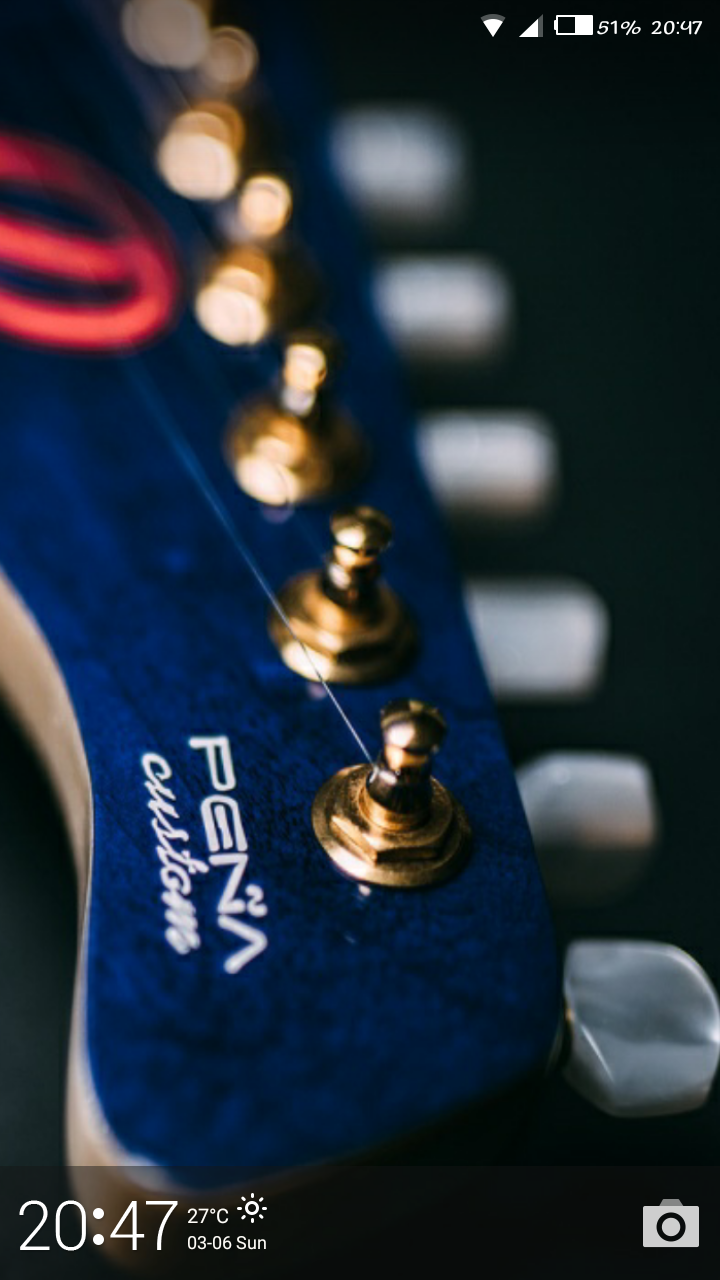
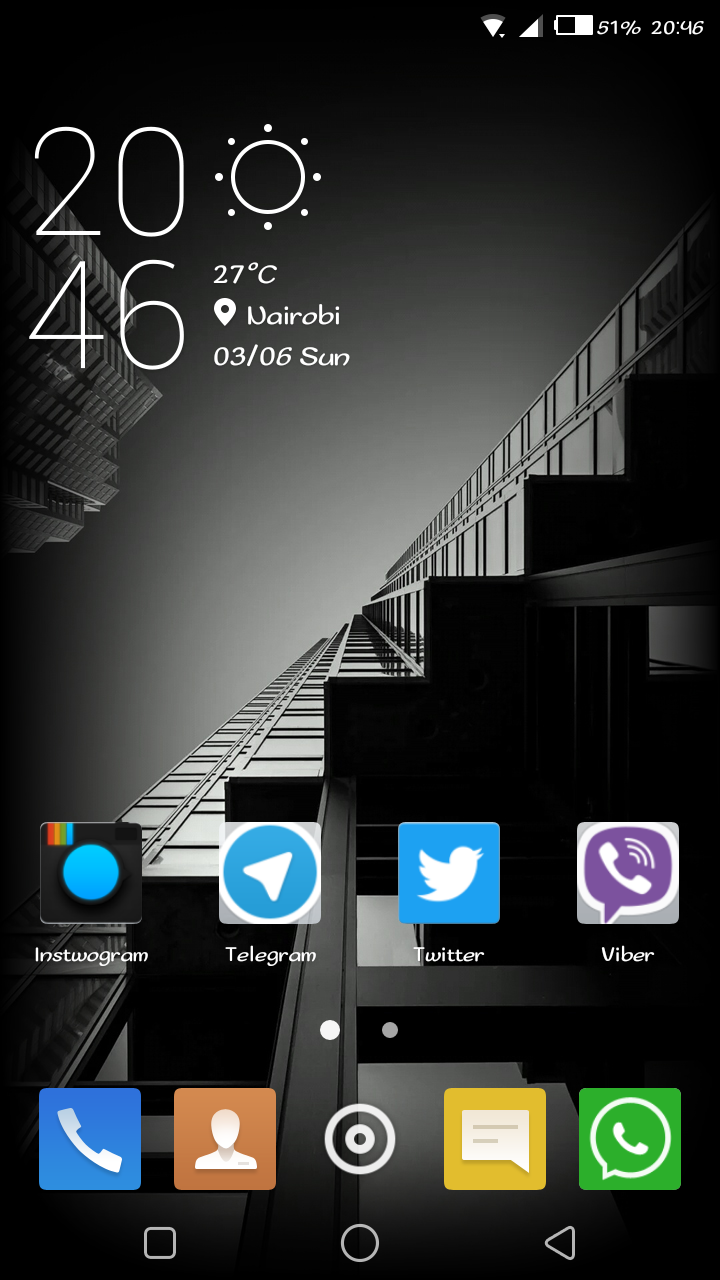
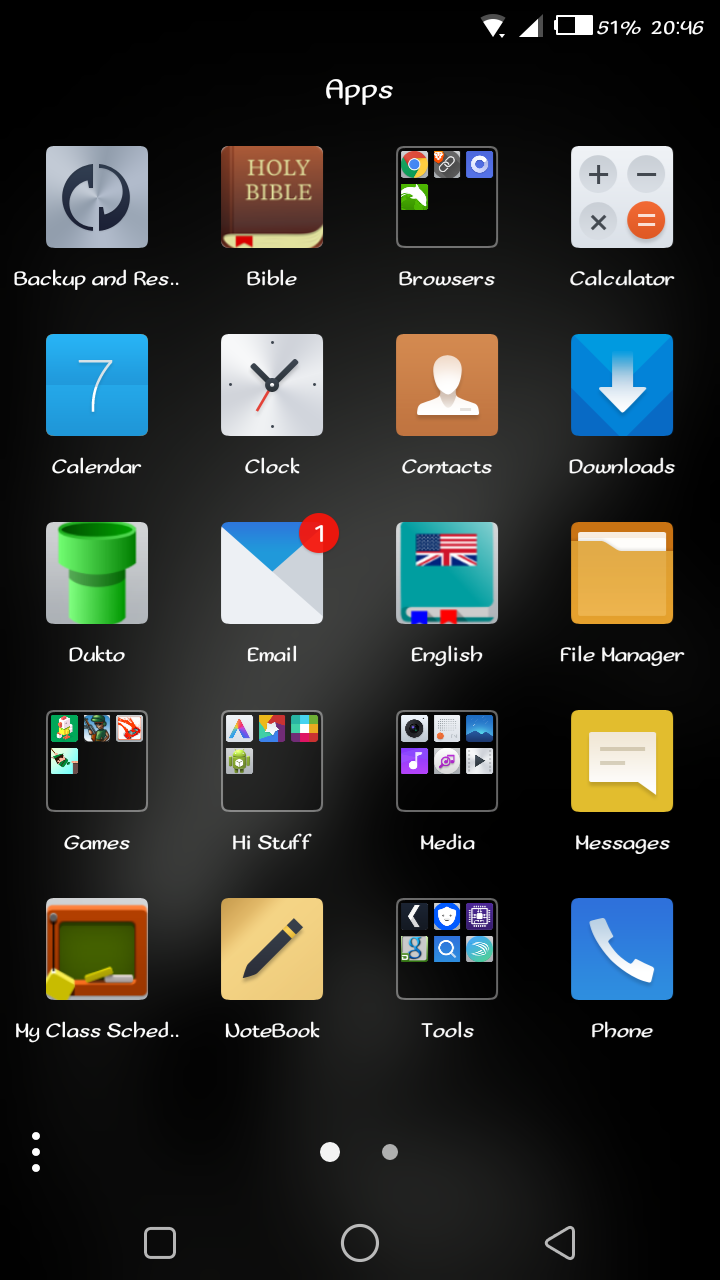
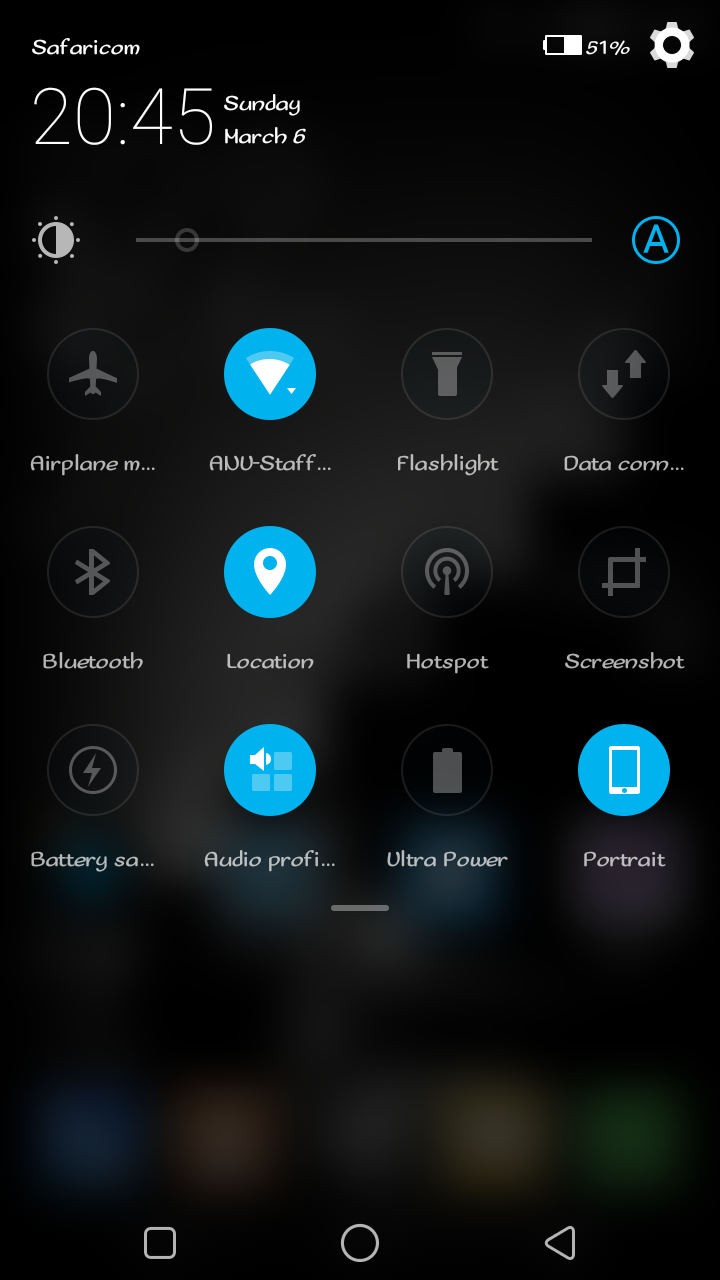
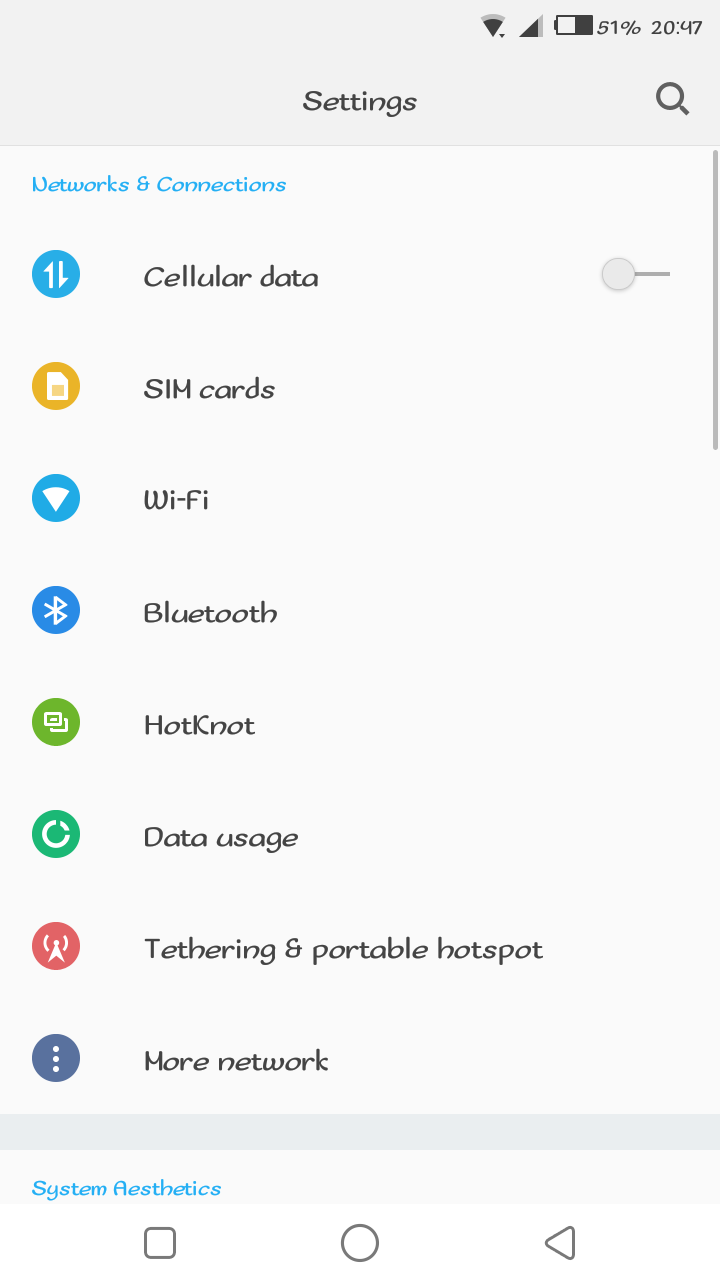
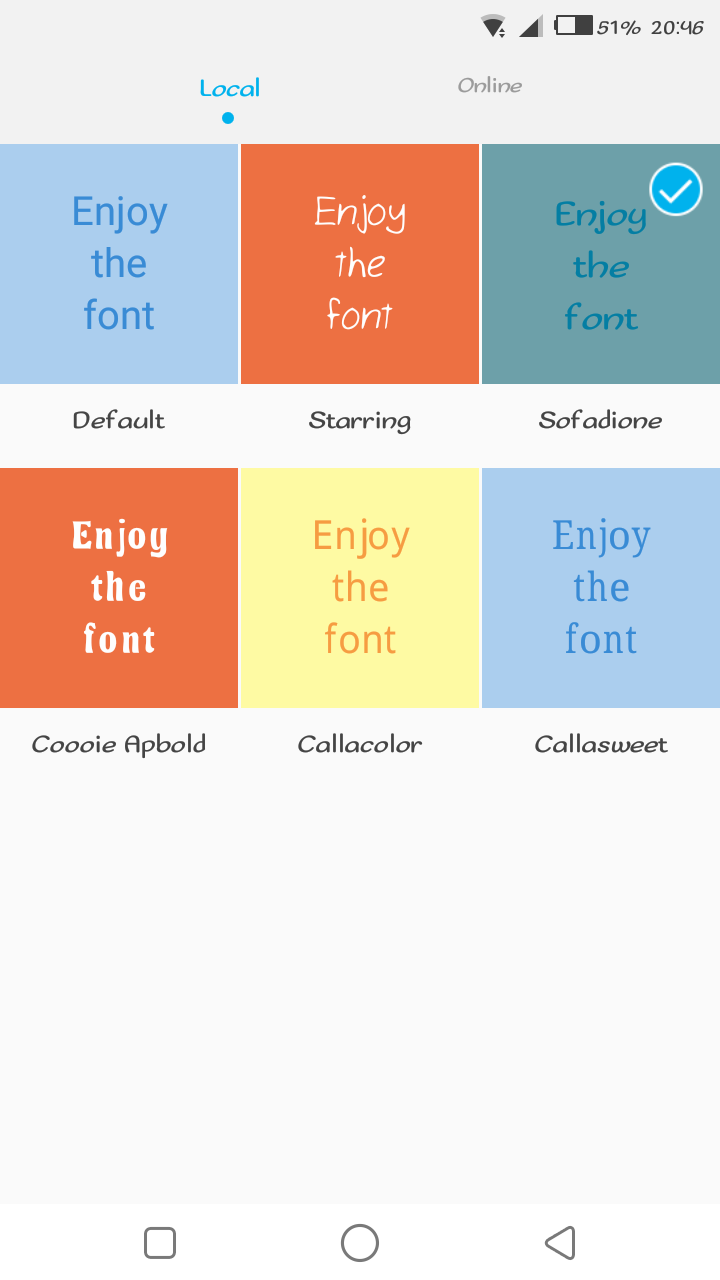
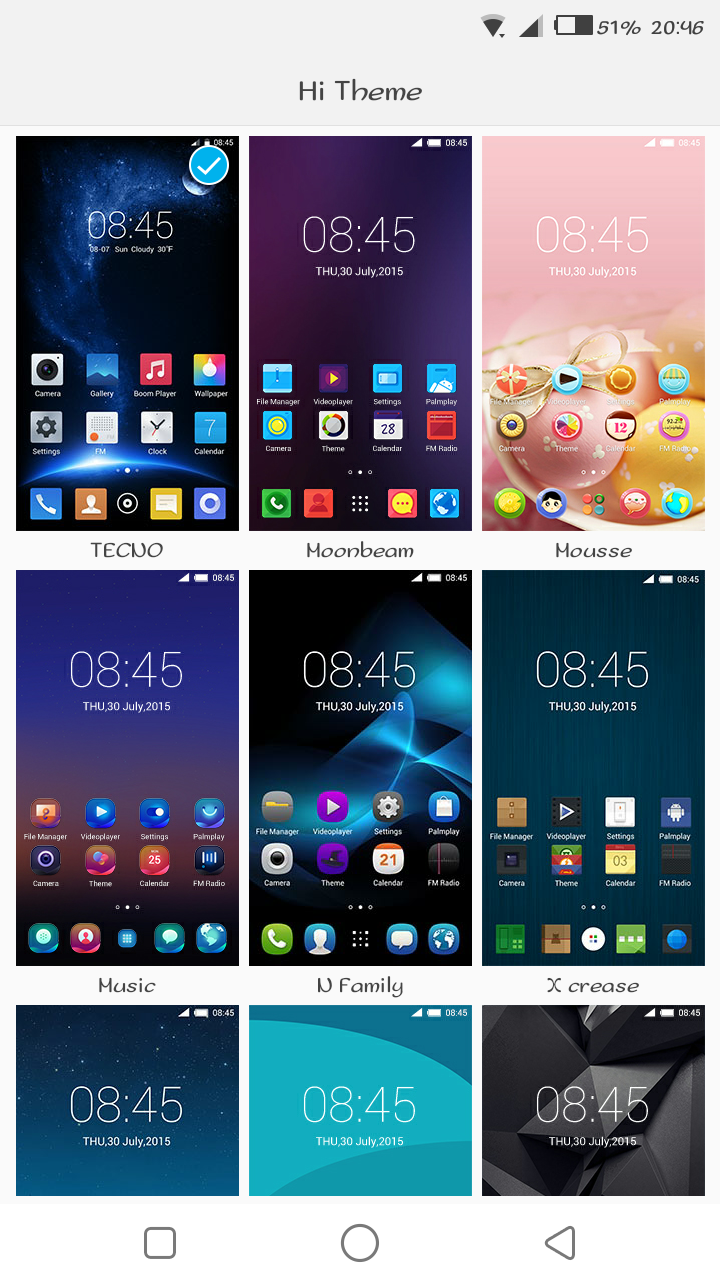
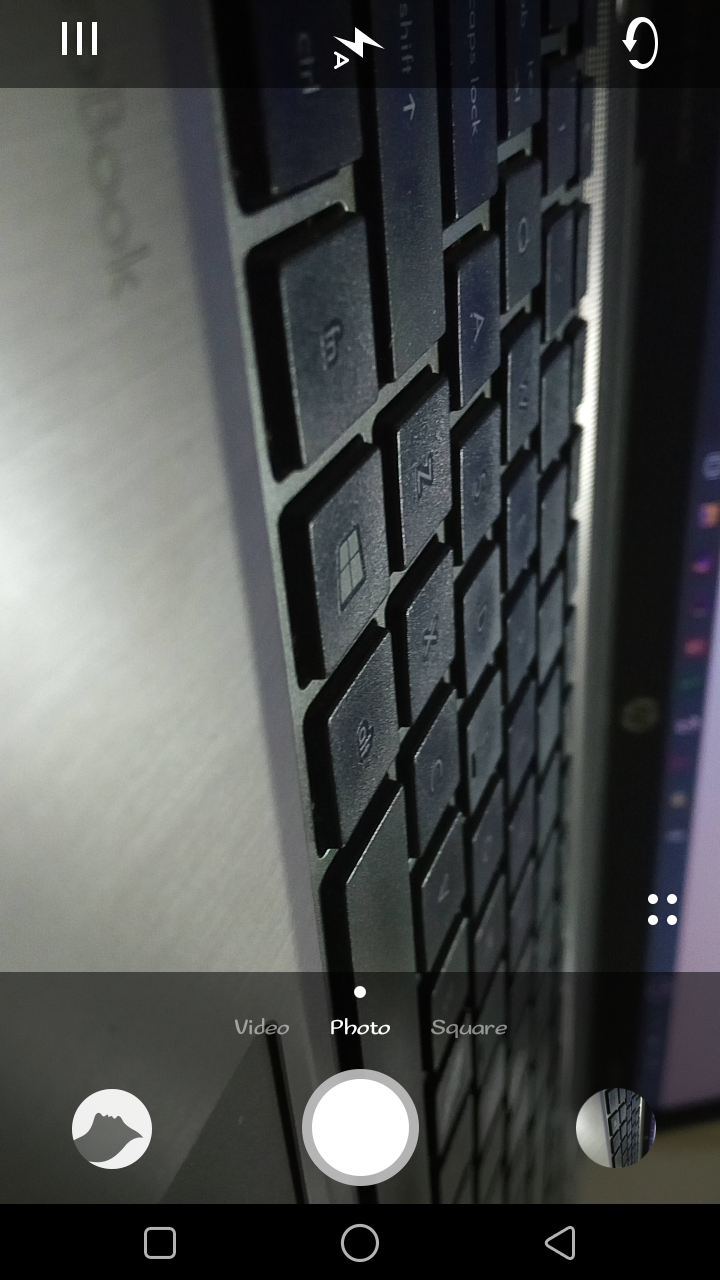
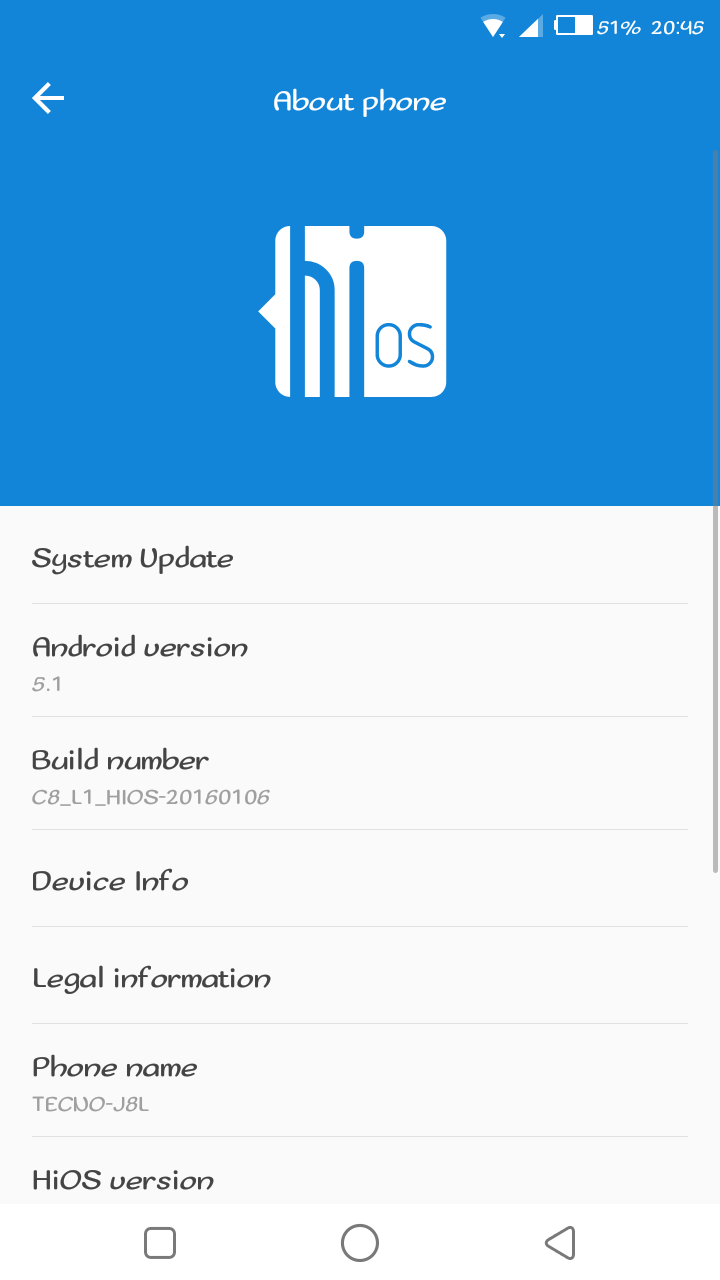
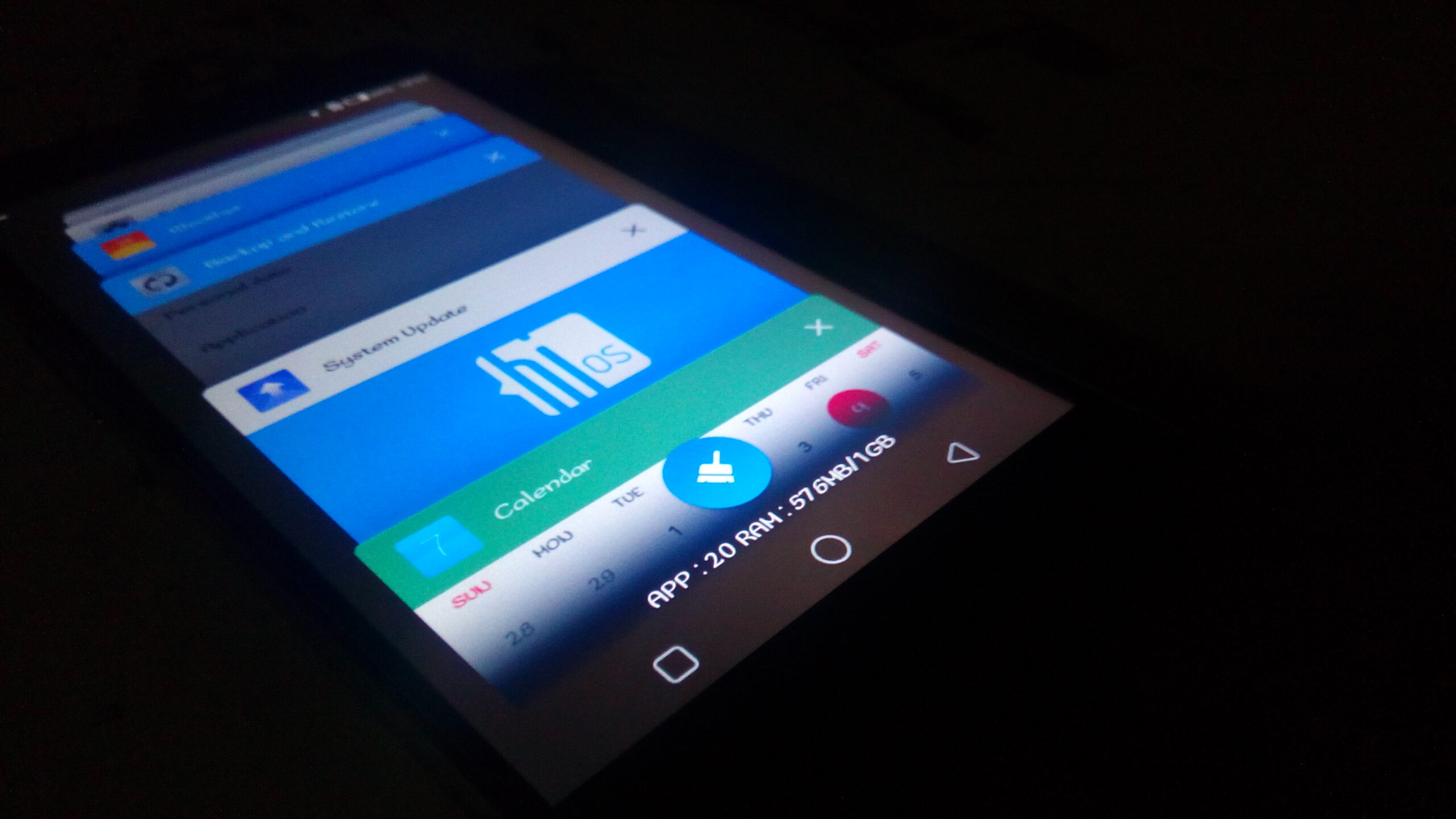
    I was priviledged enough to get an early experience with the new HiOS, and I must say, I am looking forward to the final release of this inerface. It looks beautiful, the animations are just on point, they have added a few new features into the interface that enhance the user experience. You can now choose between different themes for the interface, including the lockscreen. They have included new font styles, a new pull down notification drawer (I am not sure I like it though) and other neat features that just make it exciting to use the phone. What I love most, is the camera app, it is fast! Snapping a photo in under a second and actually capturing decent looking photos without blur. I couldn’t find anything not to like about HiOS, maybe it’s because the pre-release software I have does not have Google Play Services and thus I haven’t tested how fast and efficiently it would run on a day-to-day use. Oh, there is one thing I don’t like, the icons…I wish they would change them to just stock android icons, Tecno! Anyway, enough reading below are a few screenshots of HiOS:

    Lockscreen Homescreen App Drawer Notification Dropdown Settings Fonts Themes Camera App About Phone

    What do you think of HiOS? Excited to try it out or do you prefer what Tecno has going on already?

    Read More: Tecno Launches a Community-Based Online Help Forum

    HiOS TECNO Tecno Boom J8
    Saruni Maina
    • Website
    • Facebook
    • X (Twitter)

    I'm all about mobile apps, gadgets and smartphones. I tell you what's worth getting and what sucks!

    Related Posts

    Kenyan Startups Invited to Secure 100,000 euros in Non-Dilutive Funding Opportunity 

    November 17, 2025

    Belgium deepens digital partnership with Africa as ATOMNIA expands its secure connectivity rollout

    November 17, 2025

    How Samsung Appliances Elevate the Festive Experience

    November 17, 2025

    2 Comments

    1. gkt on April 6, 2016 2:51 pm

      hope it deosnt have numerous bloat-ware applications which a common with tecno?

      • kalu on April 12, 2016 12:35 pm

        Doesn’t have many of those, just a few as you might expect

    Latest Posts

    Kenyan Startups Invited to Secure 100,000 euros in Non-Dilutive Funding Opportunity 

    November 17, 2025

    Belgium deepens digital partnership with Africa as ATOMNIA expands its secure connectivity rollout

    November 17, 2025

    How Samsung Appliances Elevate the Festive Experience

    November 17, 2025

    Africa Stablecoin Summit 2025 Brings Together Top Regulators and Industry Leaders

    November 15, 2025
    Advertisement
    Editor's Pick

    Safaricom’s Nicholas Mulila Urges Shift from Cyber Prevention to Resilience at Cybersecurity Summit 2025

    November 13, 2025

    Safaricom’s HY26: Cloud, IoT and Fiber Emerge as the Next Big Growth Engines

    November 7, 2025

    Inside Jumia’s Black Friday 2025 – How the E-commerce Giant is Powering Kenya’s Biggest Shopping Event

    November 6, 2025

    Corporate Stablecoins: Transforming African Business this Crypto Month

    October 30, 2025
    © 2025 TechArena.. All rights reserved.
    • Home
    • Startups
    • Reviews

    Type above and press Enter to search. Press Esc to cancel.