


Close Menu

    Subscribe to Updates

    Get the latest tech news

    Facebook X (Twitter) Instagram
    TechArenaTechArena
    • Home
    • News
    • Reviews
    • Features
      • Top 5
    • Startups
    • Contact
    Facebook X (Twitter) Instagram
    TechArenaTechArena
    Home»Apps»Google Podcasts Update Lets Users Auto-Download New Podcast Episodes
    Apps

    Google Podcasts Update Lets Users Auto-Download New Podcast Episodes

    Kaluka wanjalaBy Kaluka wanjalaMay 16, 2019Updated:August 15, 20252 Mins Read
    Facebook Twitter Telegram LinkedIn WhatsApp Email Pinterest
    Google Podcasts
    Google Podcasts
    Share
    Facebook Twitter LinkedIn WhatsApp Telegram

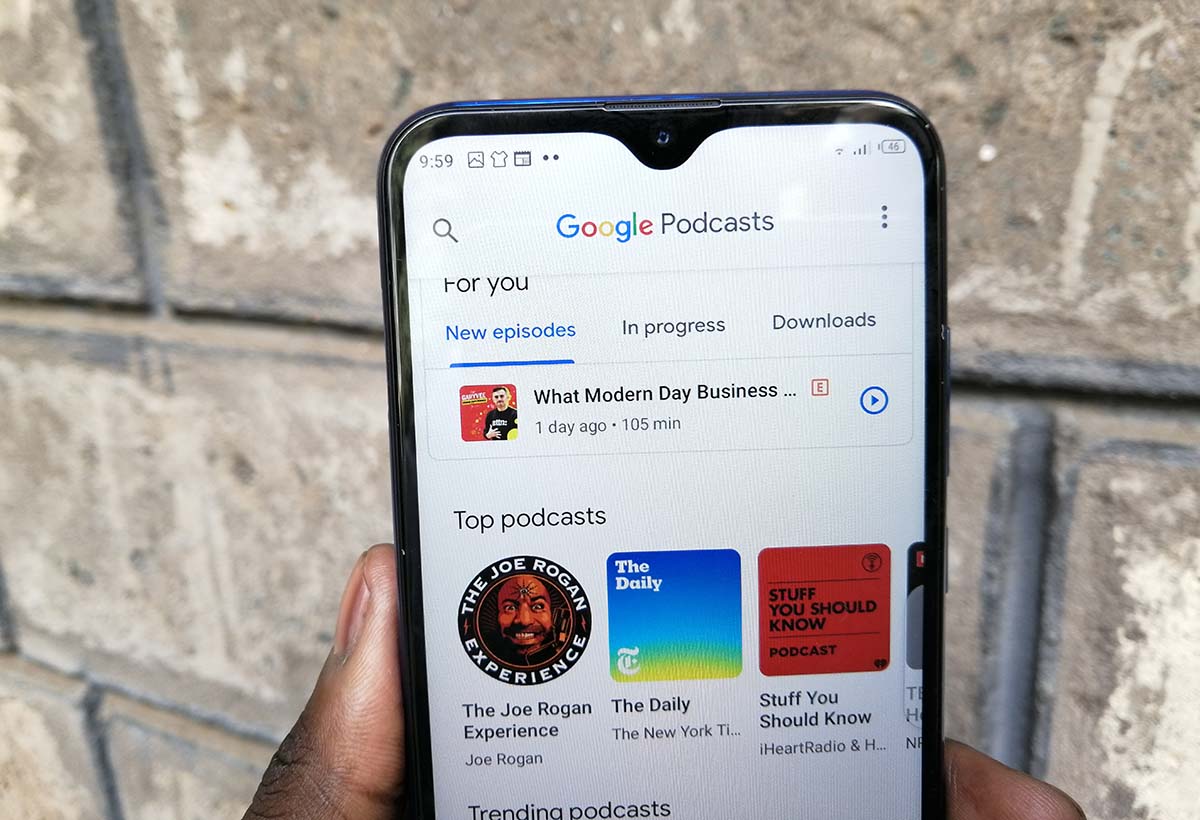
    If you are a fan of podcasts, then you may have come across Google Podcasts app at some point. It is not a robust as the other podcasting applications but Google has been changing some things on the app to make it appealing.

    The latest change on Google Podcasts makes it possible to automatically download the latest episodes of the podcasts you listen to. This option is available on most other podcasting apps but has been missing from Google Podcasts until now. Users of Google Podcasts will now be able to set new episodes of their favourite podcasts to auto download eliminating the need of manually looking for the episodes and downloading them.

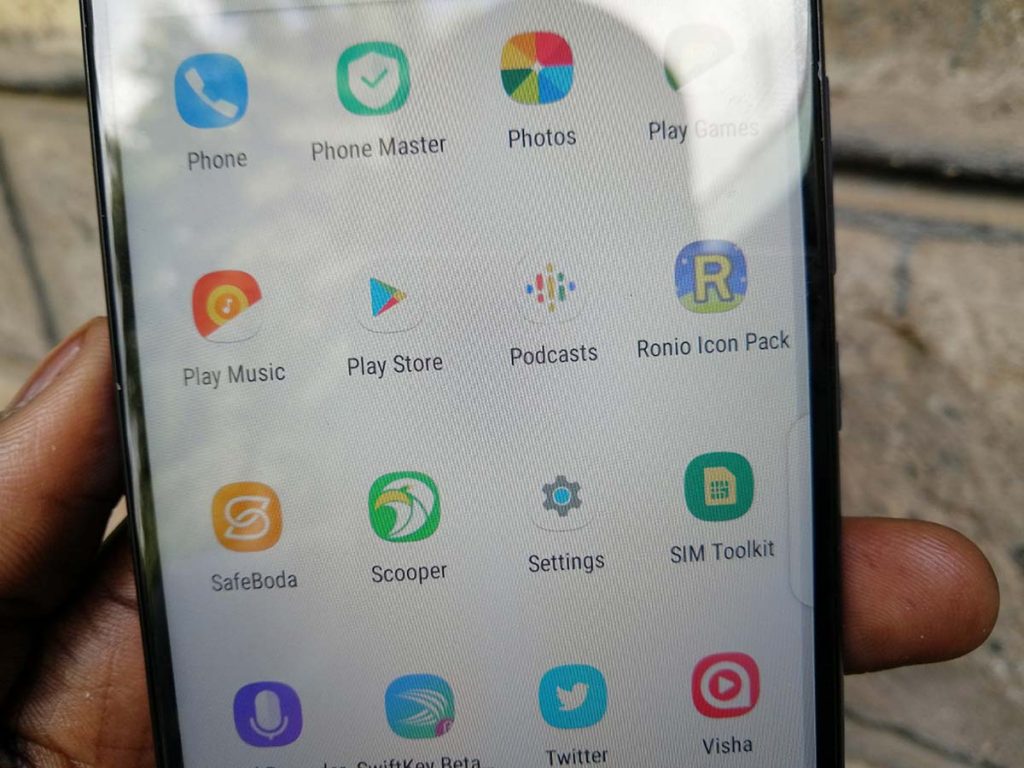
    I have been using Google Podcasts for close to a year and I find it very useful. It is not as good as the other established apps but still reliable. It lets users find and listen to their favourite podcasts and audio shows. It is available on Android only and this may limit its growth as most other competing apps are available on different platforms.
    podcasts

    Google Podcasts makes it easier to sync podcasts across devices. It also allows users to instantly pick up from where they were using Google Assistant. Such options have made Google Podcasts appealing to those who are deep in Google’s ecosystem. They can start listening to an episode on their smartphones and then pick it up on their smart speaker.

    If you want to auto-download new episodes, you can do so under the app’s settings menu. You can limit download to WiFi-only if you do not want to end up with outrageous data charges. You can also select the podcasts that will be included in the automatic downloads.

    Download Google Podcasts.

    Now Read: Spotify Now Has 100 Million Paying Subscribers

    Google Google Podcasts
    Kaluka wanjala
    • Website
    • Facebook
    • X (Twitter)
    • LinkedIn

    Editor at TechArena. I cover all things technology and review new gadgets as I get them. You can reach me on email: [email protected]

    Related Posts

    How to Bridge your Imagination and Reality This Festive Season with Galaxy AI

    December 16, 2025

    Airtel Money Enables Direct Showmax Payments for Kenyan Subscribers

    December 16, 2025

    Kenya set to benefit from AWS and Google multicloud connectivity solution

    December 4, 2025

    Comments are closed.

    Latest Posts

    Airtel Africa Partners with SpaceX to Bring Starlink Direct-to-Cell Connectivity Across 14 Markets

    December 18, 2025

    Vertiv and GreenScale Partner to Deliver AI-Ready Hyperscale Data Centres in Europe

    December 17, 2025

    Safaricom’s Shangwe @25 Celebrations Spotlight Drivers and Riders as Key to Kenya’s Mobility Ecosystem

    December 17, 2025

    [Op-Ed] How Safaricom Is Helping Enterprises Build Cyber Resilience

    December 17, 2025
    Advertisement
    Editor's Pick

    [Op-Ed] How Safaricom Is Helping Enterprises Build Cyber Resilience

    December 17, 2025

    [Op-Ed] From Generative to Agentic: How Kenya’s AI Future Will Be Built on Trust, Data and Practical Automation

    December 16, 2025

    Inside Ampersand the Startup Powering East Africa’s Electric Motorcycles

    December 11, 2025

    What You Need to Know About KCB and Visa’s New Tap to Phone Payment Solution in Kenya

    December 11, 2025
    © 2025 TechArena.. All rights reserved.
    • Home
    • Startups
    • Reviews

    Type above and press Enter to search. Press Esc to cancel.