


Close Menu

    Subscribe to Updates

    Get the latest tech news

    Facebook X (Twitter) Instagram
    TechArenaTechArena
    • Home
    • News
    • Reviews
    • Features
      • Top 5
    • Startups
    • Contact
    Facebook X (Twitter) Instagram
    TechArenaTechArena
    Home»Apps»Microsoft: You Will Only Be Able to Use Office 2019 If You Are Using Windows 10
    Apps

    Microsoft: You Will Only Be Able to Use Office 2019 If You Are Using Windows 10

    Kaluka wanjalaBy Kaluka wanjalaFebruary 5, 20182 Mins Read
    Facebook Twitter Telegram LinkedIn WhatsApp Email Pinterest
    office 2019
    office 2019
    Share
    Facebook Twitter LinkedIn WhatsApp Telegram

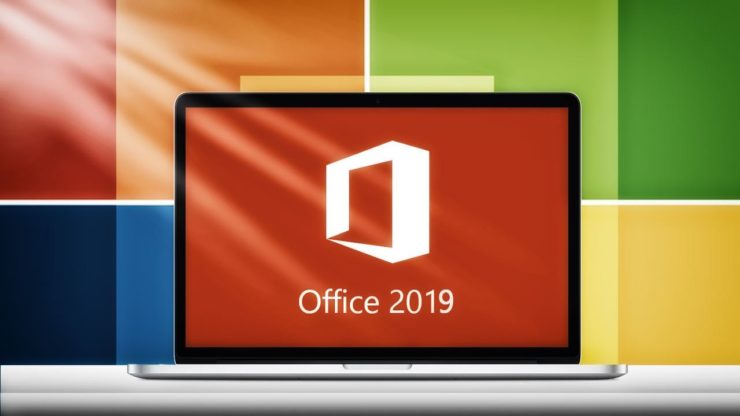
    If you use Microsoft Office and you still have not upgraded to Windows 10, then this post is for you. The company has just revealed that only those users who have Windows 10 on their devices will be able to use Office 2019 when it is available. The company announced this through its technical blog a couple of days ago.

    If you run older versions of Windows, you will have to upgrade as soon as possible or just stick with the old version of Office as the new one is released. This was an unexpected announcement from the software giant but the company explained the decision saying, “Modern software not only provides new features to help people do their best work, but also new, more efficient manageability solutions and more comprehensive approaches to security. Software that is more than a decade old, and hasn’t benefited from this innovation, is difficult to secure and inherently less productive.”

    Windows 10 was Microsoft’s attempt to get users to the next generation of its operating system and it looked promising at first but there are some users who did not see any reason to update. Microsoft even allowed users to upgrade for free for some time but there are users who were just not convinced. With this announcement, we might see those who rely on the Office applications and are yet to upgrade take that opportunity and get onboard.

    Microsoft officially announced Office 2019 last year and said that it will officially start shipping from the second half of 2018, previews will be available as from the second quarter of 2018. “Office 2019 will provide 5 years of mainstream support and approximately 2 years of extended support. This is an exception to our Fixed Lifecycle Policy to align with the support period for Office 2016. Extended support will end 10/14/2025,” the company said in a statement.

    Also Read: Microsoft Edge Browser Is Now Available To All Android And IOS Users

    Microsoft Office 2019 windows 10
    Kaluka wanjala
    • Website
    • Facebook
    • X (Twitter)
    • LinkedIn

    Editor at TechArena. I cover all things technology and review new gadgets as I get them. You can reach me on email: [email protected]

    Related Posts

    Microsoft and Zendawa Deploy AI Platform to Help Kenyan Pharmacies Cut Wastage and Boost Sales

    January 15, 2026

    Microsoft Kenya Country Manager Phyllis Migwi to Exit Role After 3.5 Years

    January 13, 2026

    MYDAWA Stabilizes Platform After Major Upgrade

    December 18, 2025

    Comments are closed.

    Latest Posts

    Zenith Bank Enters Kenya With Paramount Bank Acquisition

    January 23, 2026

    Flutterwave Launches Stablecoin Balances for Merchants Across Africa in Partnership With Turnkey and Nuvion

    January 22, 2026

    Paymentology Appoints Kesheni Moodley as Regional Director for Africa

    January 22, 2026

    How 2026 will stitch together the future of payments

    January 22, 2026
    Advertisement
    Editor's Pick

    How 2026 will stitch together the future of payments

    January 22, 2026

    5 Blockchain Trends to Watch in 2026: Insights from D24 Fintech’s CTO

    January 21, 2026

    Why SMEs Need Tailored Digital Banking Solutions

    January 20, 2026

    Meaningful AI May Matter a Lot More than Powerful AI

    January 20, 2026
    © 2026 TechArena.. All rights reserved.
    • Home
    • Startups
    • Reviews

    Type above and press Enter to search. Press Esc to cancel.