Close Menu

    Subscribe to Updates

    Get the latest tech news

    Facebook X (Twitter) Instagram
    TechArenaTechArena
    • Home
    • News
    • Reviews
    • Features
      • Top 5
    • Startups
    • Contact
    Facebook X (Twitter) Instagram
    TechArenaTechArena
    Home»Apps»APP OF THE WEEK: AppLock (Smart AppLock)
    Apps

    APP OF THE WEEK: AppLock (Smart AppLock)

    Saruni MainaBy Saruni MainaMarch 14, 2016Updated:August 14, 20253 Mins Read
    Facebook Twitter Telegram LinkedIn WhatsApp Email Pinterest
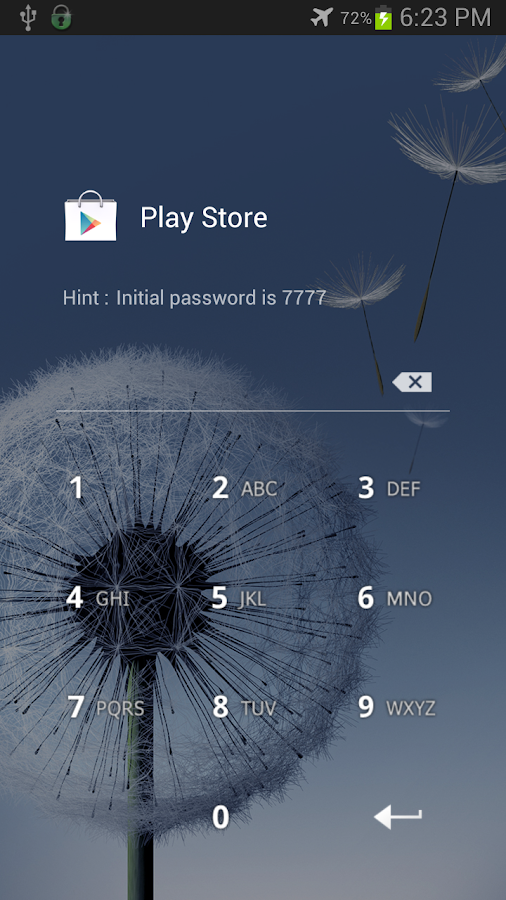
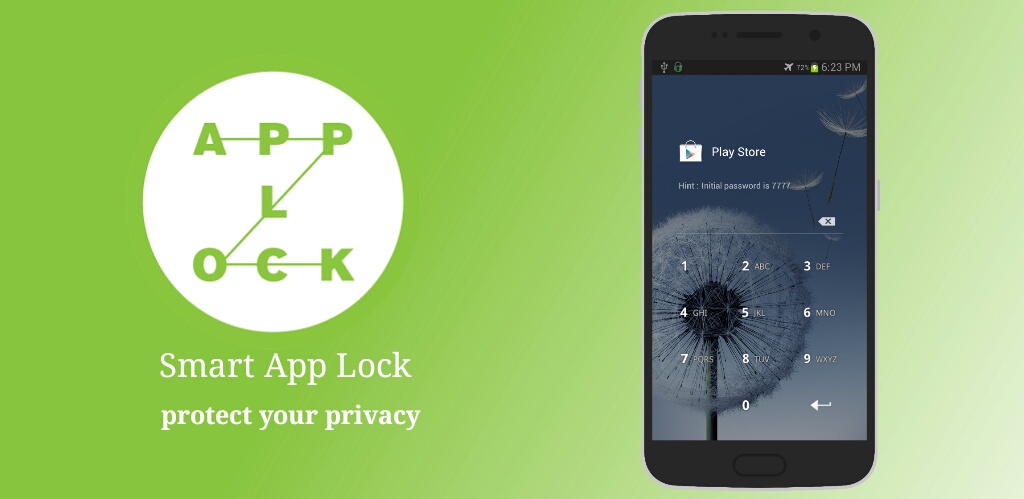
    Smart AppLock App Protector
    Smart AppLock App Protector
    Share
    Facebook Twitter LinkedIn WhatsApp Telegram

    The beauty of android is the endless possibilities of customization and this week we’re looking at an app that helps you keep the snoopers away. A few weeks ago, we looked at Stop Swipin! an app that restricts people from scrolling through your phone when you give it to them to see a photo. Well, AppLock helps you prevent snoopers from accessing any part of your phone, and I mean literaly any part.
    There are dozens of apps that create a password over an app, requiring you to eneter your password before you access the app, but AppLock does something more than just show a password box. I have tried many of these apps but none came close to impressing me as much as AppLock did.
    Since, we all know how these kinds of apps work, you probably have one running on your device right now, we will dive right into the special features of AppLock.

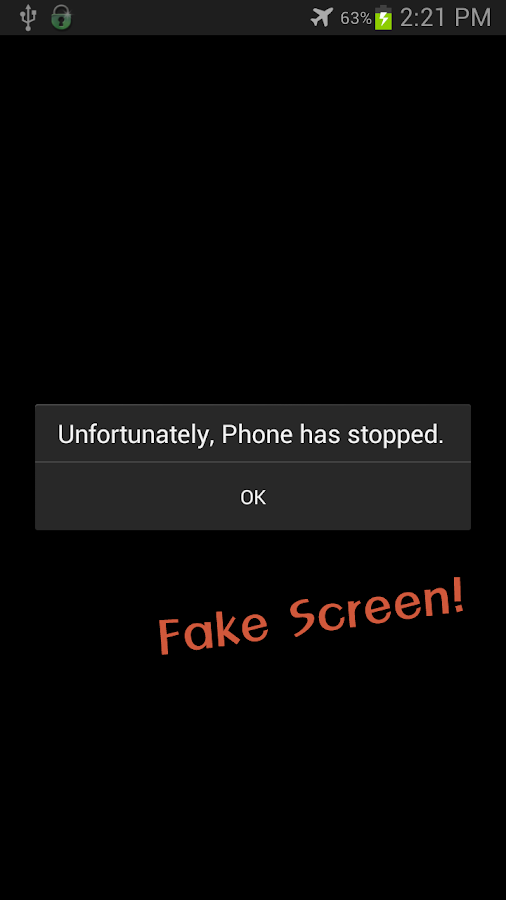
    1.  You can set a fake force close. Yeah, I just realized some of you might have no clue what a force close is but I am sure you have experienced it more than once (**cough** especially android users). You know when you try open an app or you’re busy using an app and you see such an error?

      Now that’s what we call a force close. So AppLock has the feature to trick snoopers that the app they are trying to access has force closed, where in reality, it is only a security feature to keep people off your private stuff.

      This fake force close error will show up each time someone tries to open the app and can only be by passed by long pressing the ok button for a few seconds and the enter password screen will appear.
    2. Multiple passwords – this simply means you can lock all your apps using different passwords.

    3. Taking pictures of the snooper. As much as this feature has been replicated by various apps, I like how it works here. It simply takes a picture of anyone who tried to access your apps but entered the wrong password a couple of times.
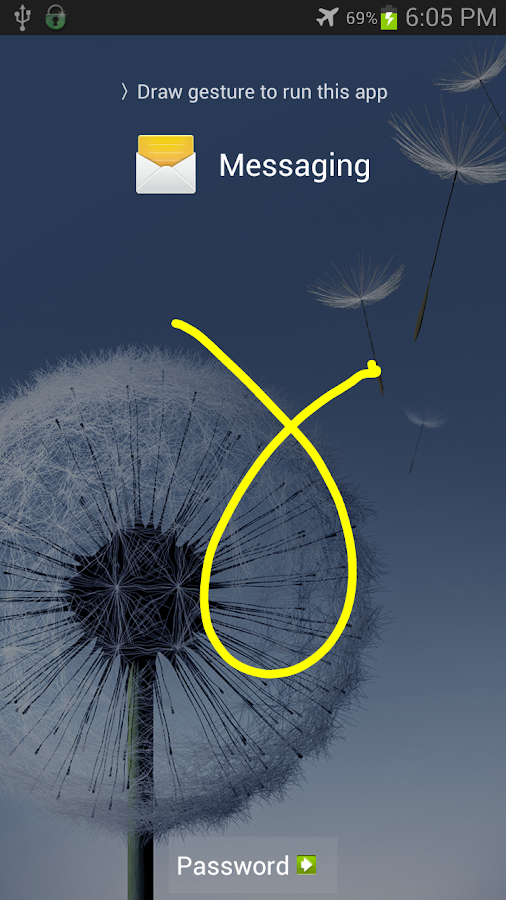
    It is a basic app, with functinalities like all the other apps, but the reason why I recommend AppLock and not the rest, is that one feature, the fake force close. This left a lasting impression on me. You can download AppLock on your android device here.
    I know, I don’t feature many apps that are on iOS, but I am working on that.

    Last Week’s App: Sprightly

    App of the week
    Saruni Maina
    • Website
    • Facebook
    • X (Twitter)

    I'm all about mobile apps, gadgets and smartphones. I tell you what's worth getting and what sucks!

    Related Posts

    TikTok for Business Is Reshaping How Kenyan Brands Do Digital Advertising

    February 3, 2026

    MYDAWA Stabilizes Platform After Major Upgrade

    December 18, 2025

    How to Bridge your Imagination and Reality This Festive Season with Galaxy AI

    December 16, 2025

    Comments are closed.

    Latest Posts

    Wimbart Launches “Wimbart Lite” to Support Africa’s Early-Stage Startups Raising Under $1M

    February 10, 2026

    NCBA Becomes First Bank in East & Central Africa to Achieve Dual ISO 27001 and 27701 Certifications

    February 9, 2026

    Watu Backs Kenya’s New E-Mobility Policy as Catalyst for EV Financing and Clean Transport Growth

    February 9, 2026

    Absa, Microsoft and Women in Tech Expand ElevateHer AI Programme Across Nine African Markets

    February 6, 2026
    Advertisement
    Editor's Pick

    Deepfake Scams and AI-Generated Malware Are Now Top Cyber Risks for Kenya, ESET Warns

    February 5, 2026

    The Smartphone as an AI Platform: What On-Device AI Really Means for Africa

    February 4, 2026

    What You Need to Know About Kenya’s National Electric Mobility Policy (e-Mobility Policy)

    February 4, 2026

    How Data Centers Are Reshaping Africa’s Power Market

    February 2, 2026
    © 2026 TechArena.. All rights reserved.
    • Home
    • Startups
    • Reviews

    Type above and press Enter to search. Press Esc to cancel.