



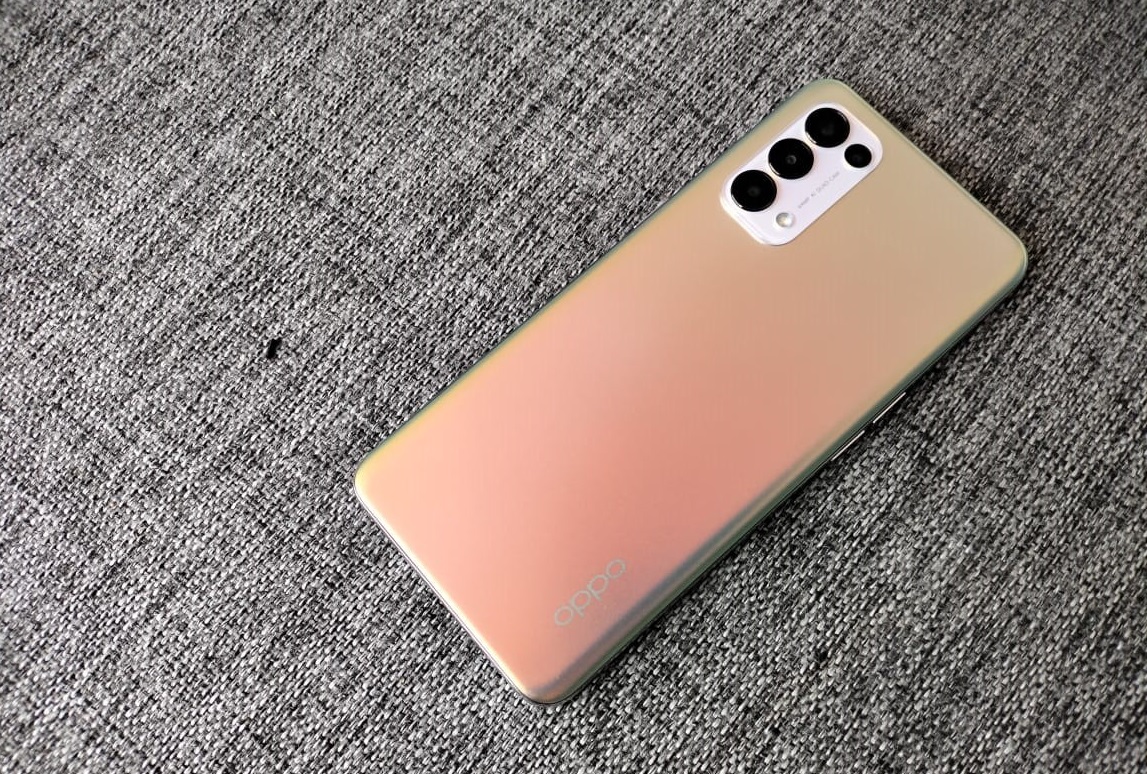
The OPPO Reno5 has been in the Kenyan market for over a month now, and one element of the device that users need to look out for is the experience with the camera for both photos and videos. There is no doubt that OPPO phones have often been defined by the power of their cameras but the Reno5 takes this to the next level.
OPPO Reno 5 pushes the boundaries of innovative imaging with an incredible camera setup incorporating features such as AI Mixed Portrait, Dual-View Video, and AI Highlight Video.
For starters, the Reno5 not only inherits the advantages of its predecessors in the Reno series line-up, but also integrates lots of advanced features, including OPPO’s imaging technology and design processes which offer users a new generation of experiences. This device comes with a 64MP rear quad-camera matrix with 8MP ultra-wide-angle camera, a 2MP macro camera, and a 2MP mono camera as well as a 44MP ultra-clear front camera.
The camera features in the two phones are tailored towards not only enhancing creativity among the users but also to give convenience and give the appearance of objects in their natural appearance. Here is how:
The Reno5 features the first-ever double exposure video effect in a smartphone – the AI Mixed Portrait, which is completely different from the effects of third-party video applications that directly mix two videos. Unlike the traditional hardware-based approach of double exposure through multiple shutter exposures, AI Mixed Portrait on the Reno5 recognizes and extracts the portrait through AI algorithms, and then superimposes it on another background video for different artistic effects.
The AI Mixed Portrait enables a creative effect by allowing a double exposure video effect. With this effect, you can impeccably channel your aesthetic videography skills into exhilarating and imaginative results.
With the Dual-View Video on the Reno5 one can now record videos using both the front and the back camera simultaneously. How cool is that? Better yet, it stitches the reaction and what is being filmed from the rear camera together and in the same frame at the same time. The Dual-View video is the perfect solution for vloggers looking to remain in action at all times.
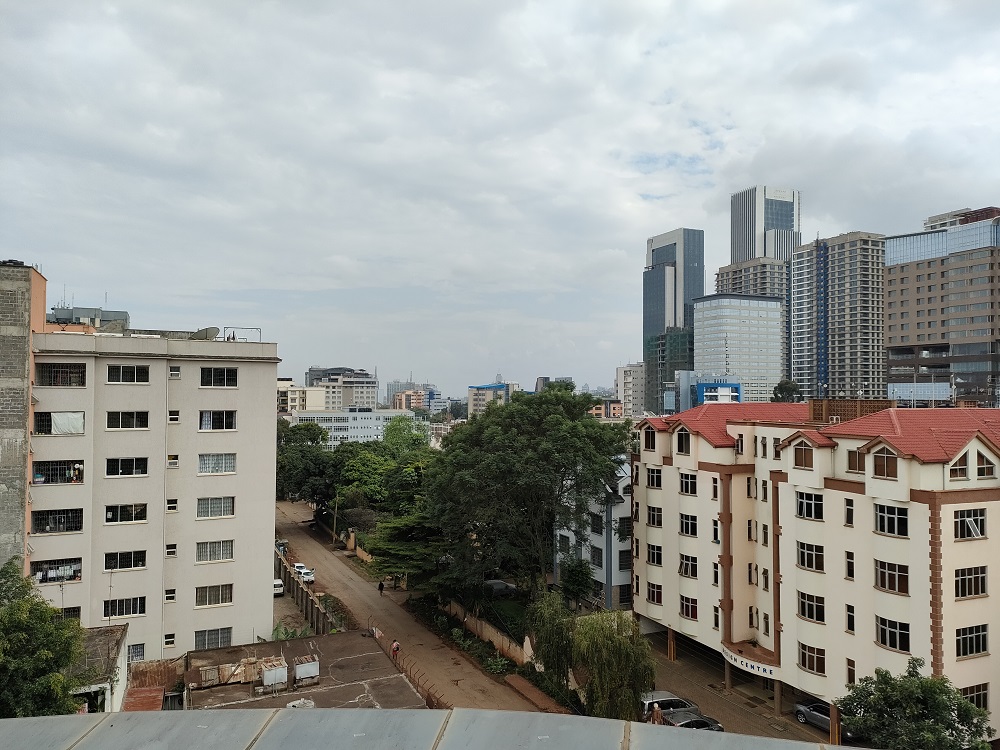
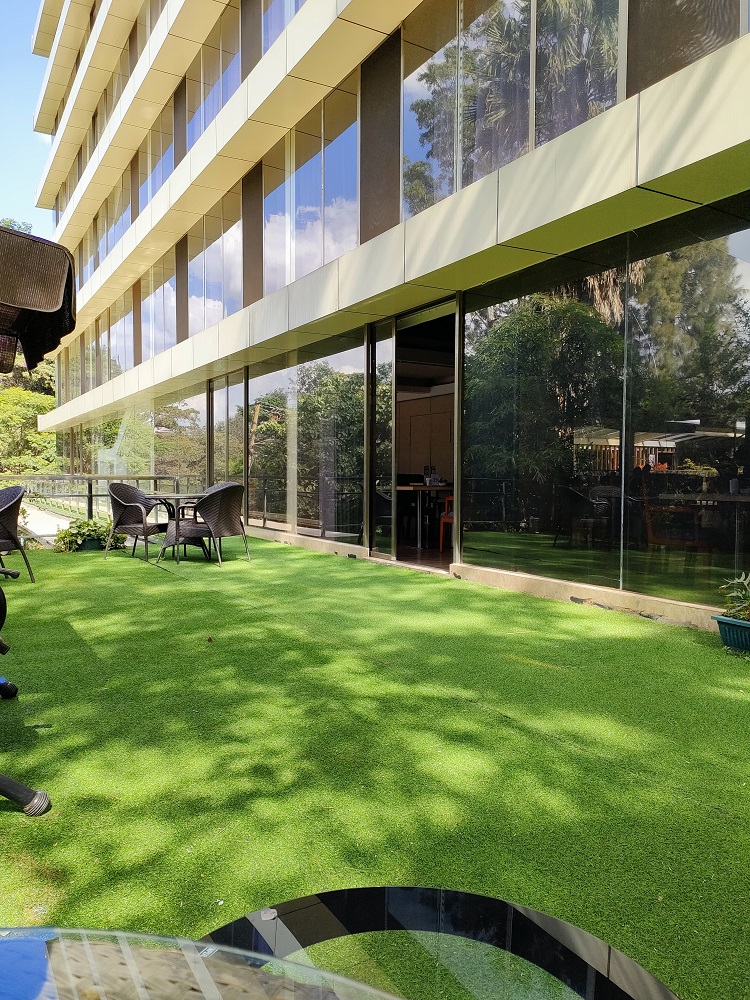
Beloa are some sample shots taken with the Reno 5.

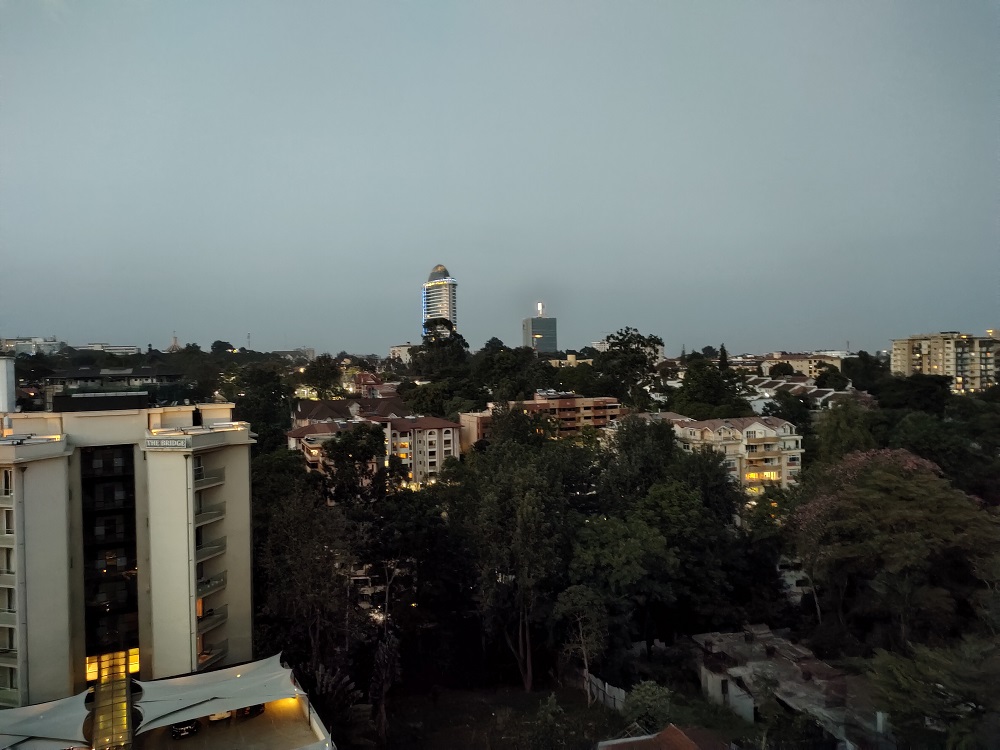




OPPO has mentioned that the devices coming under the Reno5 series are equipped with the new OPPO FDF portrait video system, which deeply integrates strong hardware, flexible software and smart algorithms to significantly improve video quality and portrait effects, for premium video experience to the users. It is through this technology that they have taken portrait video quality to the next level with AI Highlight Video. Using intelligent light, the AI Highlight Video combines the phone’s Ultra Night Video Algorithms and Live HDR Algorithms to significantly enhance video quality in dim and backlit scenes. In the case of dark environments, Ultra Night Video Algorithms will come into play automatically to brighten the scene, while detection of backlit scenes will engage Live HDR Algorithms to reduce overexposed areas.
But there’s a lot more to explore on the OPPO Reno5 in terms of its camera capabilities, with other features such as AI Color Portrait, Monochrome Video, 960fps Smart Slow-motion, Night Flare Portrait, and a feature that gives you the ability to edit high-quality videos at ease with professional-quality video templates and editing tools.
That said, if you are a photography enthusiast, OPPO Reno5 is definitely one to consider.
