



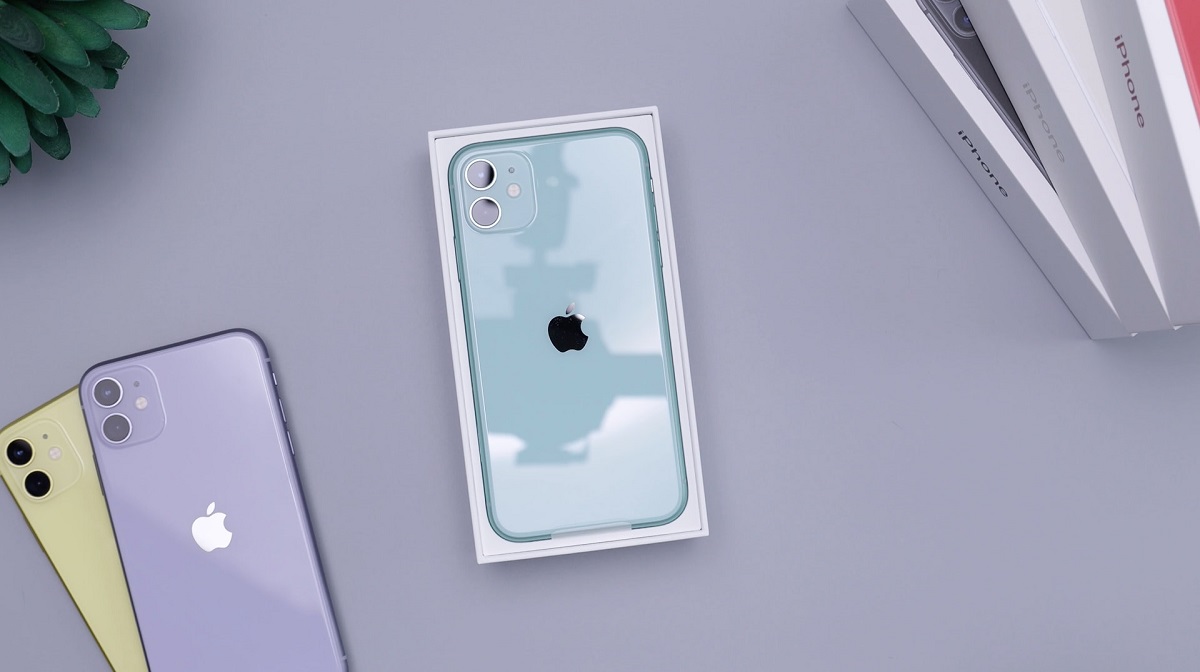
Smartphones keep launching every now and then – Apple releases new iterations every year while Android counterparts launch even more devices throughout the year. That doesn’t mean you should keep upgrading your device every time companies release successors with small incremental updates. Instead, why not take good care of your smartphone to get the most out of it for the long term? In this post, we share the top tips that should help keep your phone in crisp condition for long.

1. Get a smartphone case
Smartphone cases are handy and will help protect the phone from both scratches, and even cracks when accidentally dropped. A phone case is your first line of defense when you accidentally drop your phone and it also helps your phone stay clean and crisp from smudges.
There are various types of cases available, including Flip Cases – which provide all-round protection –, Rugged cases that offer the best grip but are typically bulky and heavy, and even tough cases which also offer the best protection but are less bulky than rugged ones, and etc.
2. Get a Screen Protector
A screen protector helps keep your phone’s display free from scratches and even can prevent cracks upon dropping. A well-installed protector should prevent dents on your phone’s display which can cost you a good amount to replace in case it is damaged. The good thing is screen protectors come cheap. When buying a screen protector, a tampered-glass protector is what you should be going for, considering its toughness.
3. Handle your phone with care
Although drops can be accidental, it is obviously the best idea to take good care of your phone by avoiding the unavoidable.
4. Keep your phone away from Extreme Weather Conditions
Extreme weather conditions like heat, water, and moisture can damage your phone. These are the biggest enemies and it’s often why manufacturers often recommend keeping your gadgets in a cool dry place.
Even though some high-end smartphones like Galaxy S20 series and even the latest iPhone are IP68 rated thus considered resistant to dust, water, and even splash resistant, you should be aware that warranties don’t cover damage by any of these.
5. Install Latest Software Updates
Installing the latest software updates as soon as they are available is recommended. It helps secure your mobile device from the latest discovered flaws thus keeping your data secure. Software updates can also help fix some of the problems you might be encountering and even introduce new features that were not available. On iPhone Go to Settings > General > Software Update, while on Android it varies depending on your manufacturer.
6. Uninstall Unnecessary Apps
Having so many apps installed will slow down your phone’s performance. You should regularly check the apps installed and remove the ones that you don’t need to help save on battery, and even the phone’s memory, or RAM.
7. Charge your Phone Optimally
Good charging habits will help maximize your phone’s battery life. Now that everyone uses lithium-based batteries in their smartphones, it is recommended that you partially charge your phone. Battery University recommends playing between 30 to 80 percent of charge, to get the most out of your lithium-based battery. Apple, on the other hand, also says you should do a full charge cycle once a month i.e. charging to 100 percent and letting the battery drain to 0 percent. Samsung recommends keeping your battery charge between 40 and 80 percent at all times for optimal long-term results.
