


Close Menu

    Subscribe to Updates

    Get the latest tech news

    Facebook X (Twitter) Instagram
    TechArenaTechArena
    • Home
    • News
    • Reviews
    • Features
      • Top 5
    • Startups
    • Contact
    Facebook X (Twitter) Instagram
    TechArenaTechArena
    Home»Apps»How To Enable Dark Mode on Google Chrome For Windows 10
    Apps

    How To Enable Dark Mode on Google Chrome For Windows 10

    Kaluka wanjalaBy Kaluka wanjalaMay 7, 20192 Mins Read
    Facebook Twitter Telegram LinkedIn WhatsApp Email Pinterest
    google chrome dark mode windows 1 1
    google chrome dark mode windows 1 1
    Share
    Facebook Twitter LinkedIn WhatsApp Telegram

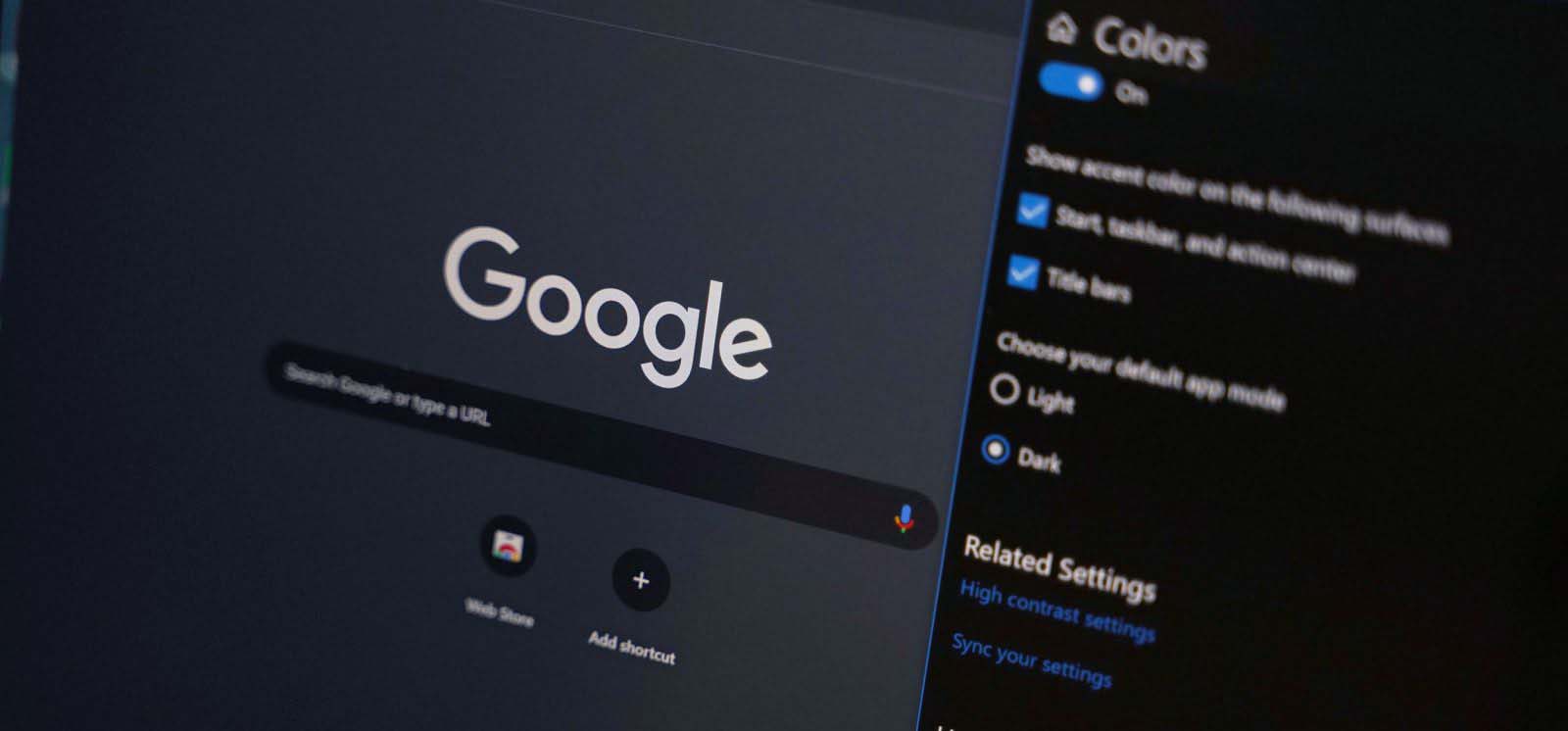
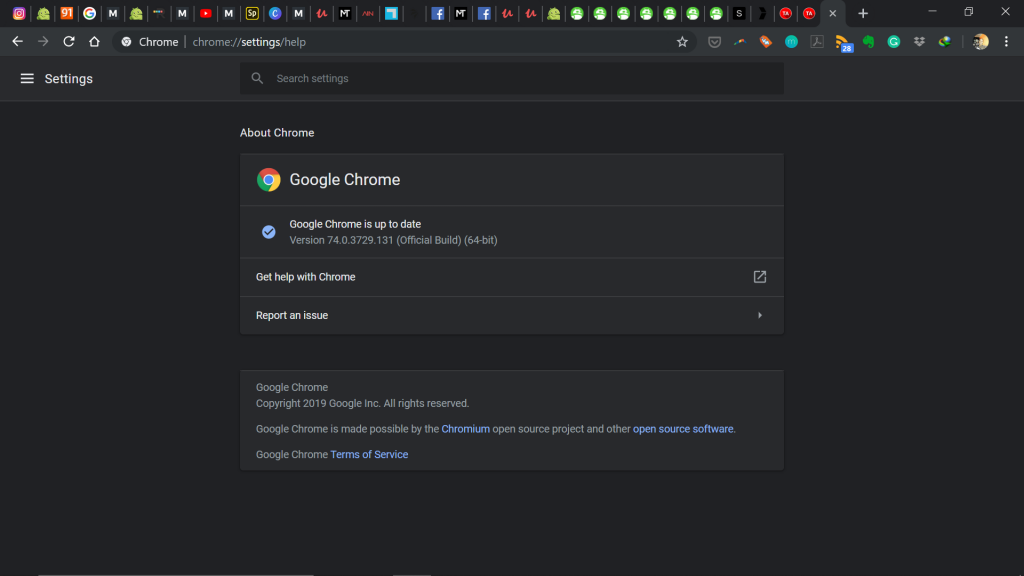
    Late last month, the desktop version of Google Chrome got dark theme support, a feature we first heard about back in February. Everyone has his/her own thoughts on dark mode and how useful or useless this feature is on apps or any service that support it. I do love having this option and normally activate it on apps that support it.

    Dark mode for Google Chrome is available for version 74 of the popular browser for Windows, Mac and Windows. On Windows, dark mode will be enabled automatically on Chrome if you have enabled dark mode on Windows 10. You can enable dark mode on Windows 10 by:

    • Heading to Settings
    • Click on Personalization
    • Choose ‘Colours’
    • Under ‘Choose your colour’ select the ‘Dark’ option. 

    This is the option to enable dark mode on windows and on Google Chrome. There was an option to force dark mode on Chrome but I prefer this more. It is easier and will not change if you reinstall Chrome. Once dark mode on Windows 10 is enabled, it will be enabled on Google Chrome automatically.

    Before you try getting Chrome dark mode, keep in mind that the feature is not available to all users as of now. I do have it on my end and got it a couple of days back but not everyone in the office has it so if you don’t have it on your end, just be patient as you will be getting it soon.
    dark mode google chrome

    Speaking on this, Chrome’s community manager explained, “I can confirm that we are rolling out this feature to a small number of Chrome M74 users now, and that it will become more widely available in the near future.”

    Now Read: Instagram Is Now Enabling Notifications to Those Using Google Chrome

    Image source

    Google google chrome
    Kaluka wanjala
    • Website
    • Facebook
    • X (Twitter)
    • LinkedIn

    Editor at TechArena. I cover all things technology and review new gadgets as I get them. You can reach me on email: [email protected]

    Related Posts

    Why Kenyan Companies Are Rethinking Cloud Strategy: Cost, Compliance and the Rise of Local Providers

    January 29, 2026

    Why Data Privacy Week matters for you and how to protect your information online

    January 28, 2026

    Automate your monthly bills to keep your budgets on track

    January 28, 2026

    Comments are closed.

    Latest Posts

    NETSCOUT Boosts Observability for Remote Sites With Wi-Fi 7 and Real-Time SSL Certificate Monitoring

    January 29, 2026

    Abci-Nexus Spins Out Asopo Technologies to Take Bboxx’s Pulse Software Global

    January 29, 2026

    Why Kenyan Companies Are Rethinking Cloud Strategy: Cost, Compliance and the Rise of Local Providers

    January 29, 2026

    LG to Unveil Integrated HVAC Component Solutions for Next-Gen Commercial Rooftop Systems at AHR Expo 2026

    January 29, 2026
    Advertisement
    Editor's Pick

    Why Kenyan Companies Are Rethinking Cloud Strategy: Cost, Compliance and the Rise of Local Providers

    January 29, 2026

    Why Data Privacy Week matters for you and how to protect your information online

    January 28, 2026

    Automate your monthly bills to keep your budgets on track

    January 28, 2026

    How to Choose the Right Data Centre in East Africa: A Practical Guide for Enterprises and Startups

    January 27, 2026
    © 2026 TechArena.. All rights reserved.
    • Home
    • Startups
    • Reviews

    Type above and press Enter to search. Press Esc to cancel.