


Close Menu

    Subscribe to Updates

    Get the latest tech news

    Facebook X (Twitter) Instagram
    TechArenaTechArena
    • Home
    • News
    • Reviews
    • Features
      • Top 5
    • Startups
    • Contact
    Facebook X (Twitter) Instagram
    TechArenaTechArena
    Home»Apps»SwiftKey for Android Just Got An Update That Makes it Easier to Save and Send Text Phrases
    Apps

    SwiftKey for Android Just Got An Update That Makes it Easier to Save and Send Text Phrases

    Kaluka wanjalaBy Kaluka wanjalaNovember 29, 20162 Mins Read
    Facebook Twitter Telegram LinkedIn WhatsApp Email Pinterest
    Swift key Microsoft
    Swift key Microsoft
    Share
    Facebook Twitter LinkedIn WhatsApp Telegram

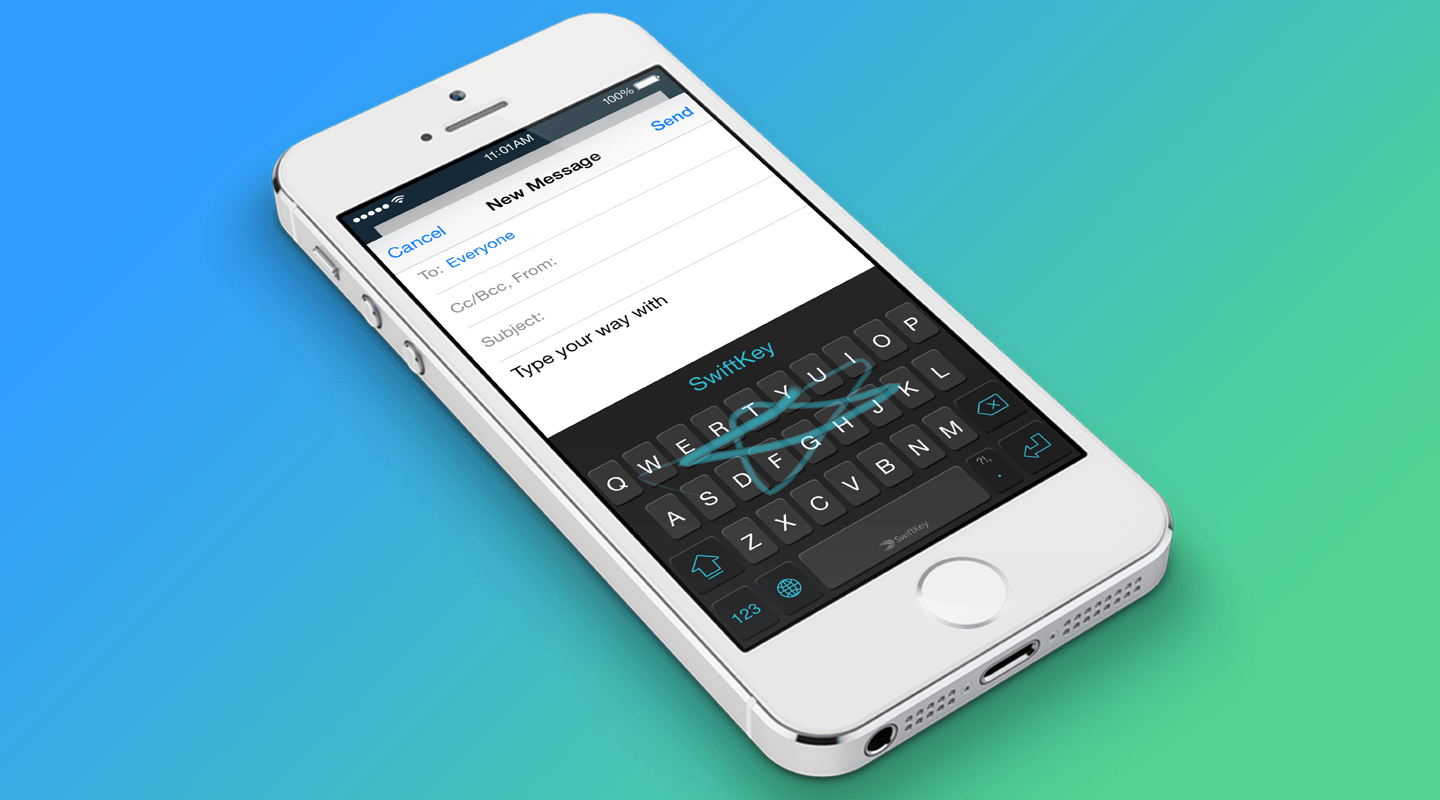
    Swiftkey has just got an update that am very sure will impress you if you are a power user.  The updated app makes it easier for users to save and send out specific phrases when chatting with their contacts. This will save users a lot of time and means a better chatting experience overall.

    With the updated app, users will be able to save phrases they use often to the app’s new clipboard and access them whenever they want to. These phrases may include your contact info or the words you normally use and you will be able to quickly copy and paste them into texts when you need to. If you have used the beta version of the app, you may have noticed this clipboard but those who use the final release of the app are seeing it for the first time. If you use specific phrases regularly, go ahead and download the updated SwiftKey app and start saving them.

    Besides the phrases, SwiftKey is also adding shortcuts that will allow users to save certain phrases using one word. For example, you can save a shortcut such as ‘Address1’ and use that to hold your home address. Whenever you type ‘Address1’ your home address will be typed automatically. This saves you a few seconds and is convenient if you type the same phrases on a regular basis.

    One last thing this update brings is the incognito mode. We have heard about this feature before and it is finally making its way to the official app on the play store. With this feature, you will be able to eliminate certain phrases and words from popping up as predictions when you are typing. This makes for a smooth experience as you do not have to keep dealing with predictions that are not really relevant to you.

    Also Read: Microsoft Buys SwiftKey for $250 Million

    swiftkey
    Kaluka wanjala
    • Website
    • Facebook
    • X (Twitter)
    • LinkedIn

    Editor at TechArena. I cover all things technology and review new gadgets as I get them. You can reach me on email: [email protected]

    Related Posts

    How to Bridge your Imagination and Reality This Festive Season with Galaxy AI

    December 16, 2025

    Airtel Money Enables Direct Showmax Payments for Kenyan Subscribers

    December 16, 2025

    Binance Launches ‘Binance Junior’ Crypto Savings Account for Kids and Teens 

    December 3, 2025

    Comments are closed.

    Latest Posts

    NTT DATA Completes 100 Starlink Installations in Kenya

    December 16, 2025

    [Op-Ed] From Generative to Agentic: How Kenya’s AI Future Will Be Built on Trust, Data and Practical Automation

    December 16, 2025

    How to Bridge your Imagination and Reality This Festive Season with Galaxy AI

    December 16, 2025

    Airtel Money Enables Direct Showmax Payments for Kenyan Subscribers

    December 16, 2025
    Advertisement
    Editor's Pick

    [Op-Ed] From Generative to Agentic: How Kenya’s AI Future Will Be Built on Trust, Data and Practical Automation

    December 16, 2025

    Inside Ampersand the Startup Powering East Africa’s Electric Motorcycles

    December 11, 2025

    What You Need to Know About KCB and Visa’s New Tap to Phone Payment Solution in Kenya

    December 11, 2025

    Accelerated entry: How East Africa Leapfrogged into the Cloud Age

    December 11, 2025
    © 2025 TechArena.. All rights reserved.
    • Home
    • Startups
    • Reviews

    Type above and press Enter to search. Press Esc to cancel.