


Close Menu

    Subscribe to Updates

    Get the latest tech news

    Facebook X (Twitter) Instagram
    TechArenaTechArena
    • Home
    • News
    • Reviews
    • Features
      • Top 5
    • Startups
    • Contact
    Facebook X (Twitter) Instagram
    TechArenaTechArena
    Home»Apps»The Tecno Phantom 6 Plus Just Got Its First Update
    Apps

    The Tecno Phantom 6 Plus Just Got Its First Update

    Kaluka wanjalaBy Kaluka wanjalaNovember 9, 20162 Mins Read
    Facebook Twitter Telegram LinkedIn WhatsApp Email Pinterest
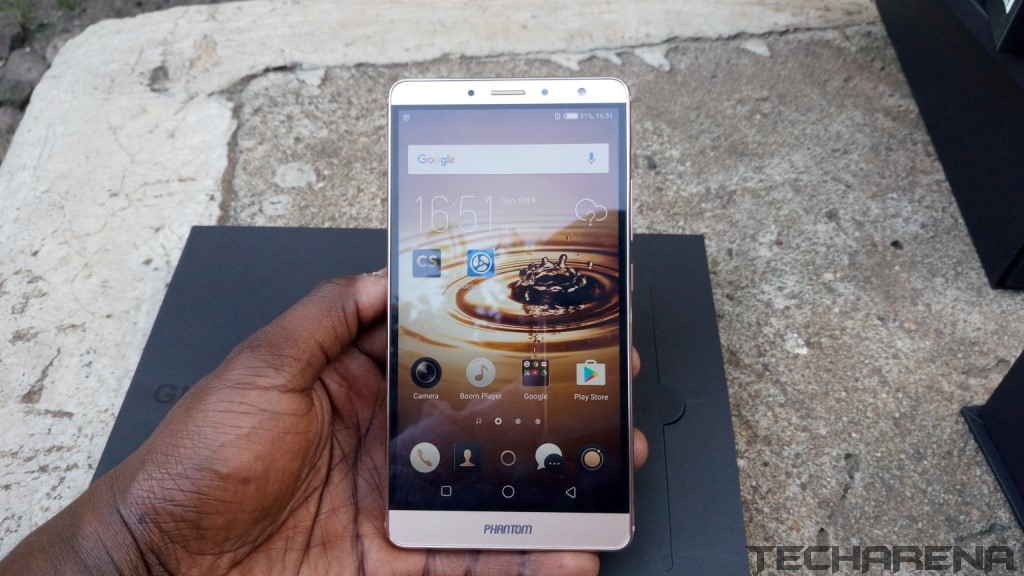
    Phantom 6 Plus
    Phantom 6 Plus
    Share
    Facebook Twitter LinkedIn WhatsApp Telegram

    Back is September, Tecno launched its 2016 flagship smartphones, the Phantom 6 and Phantom 6 Plus. This is the company’s flagship smartphones that we expect to get regular updates that fix bugs to ensure the best user experience is maintained.

    If you own the Tecno Phantom 6 Plus, you may be happy to know that the phone just got its first minor update that fixes some bugs, optimizes performance and introduces some new apps to HiOS. This update started rolling out yesterday so you should expect a notification of the same if you haven’t already.

    You need to have a MicroSD card in your phone to download the update even if you have enough memory on your phone. This is quite a huge file you are downloading so make sure your internet connection is stable for you to successfully update your phone.

    What’s New?
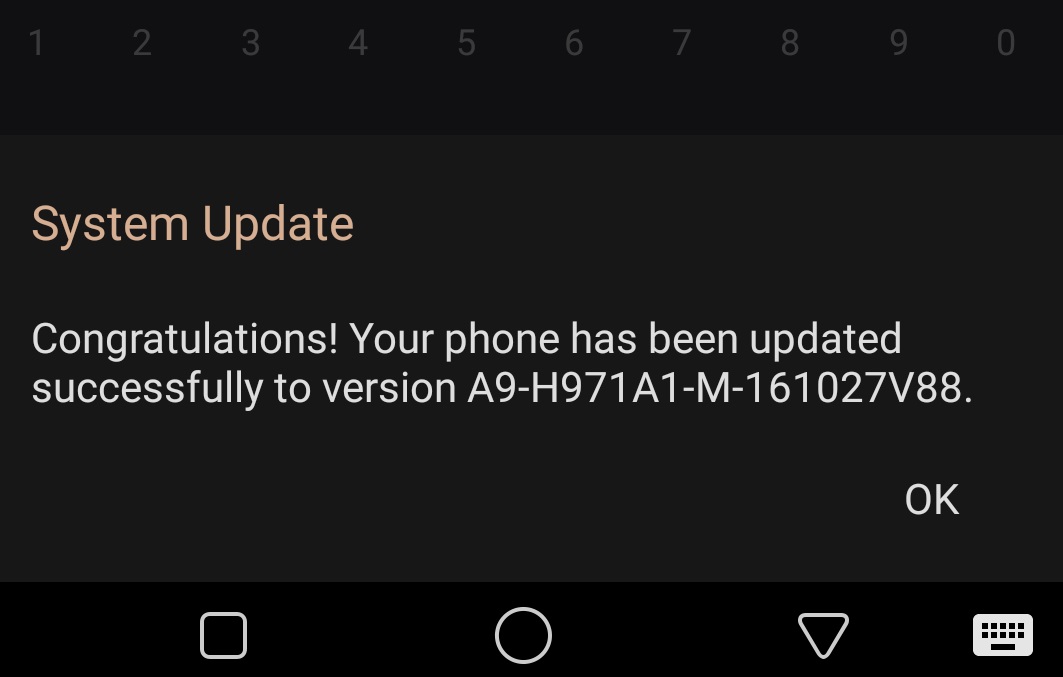
    Tecno Phantom 6 Plus Update
    Tecno Phantom 6 Plus Update

    From the changelog, this is what the update brings to the Phantom 6 Plus.

    Fixes the issue that Red 3G SIM card can’t get internet access in Ethiopia.

    Fixes the issue of delayed connection to a 5GHz network.

    Optimize waves parameter to improve the acoustic fidelity

    Optimized system stability and performance while fixing other issues

    Added Aha APK

    Added Trustlook APK

    Added Phoenix Browser

    If you do not have the update on your Phantom 6 Plus, head over to your phone’s setting menu and scroll down to the ‘About’ section’. Tap on the ‘System Update’ tab and you are good to go.

    Also Read: The Tecno Phantom 6 Plus Unboxing and First Impressions

    phantom 6 plus TECNO tecno phantom 6 plus
    Kaluka wanjala
    • Website
    • Facebook
    • X (Twitter)
    • LinkedIn

    Editor at TechArena. I cover all things technology and review new gadgets as I get them. You can reach me on email: [email protected]

    Related Posts

    MYDAWA Stabilizes Platform After Major Upgrade

    December 18, 2025

    How to Bridge your Imagination and Reality This Festive Season with Galaxy AI

    December 16, 2025

    Airtel Money Enables Direct Showmax Payments for Kenyan Subscribers

    December 16, 2025

    2 Comments

    1. Dalia Fallaha on December 2, 2016 8:46 am

      Start the discussion…i lost my fast charging after this update

      • kalu on December 15, 2016 12:00 pm

        How, Have you contacted Tecno, our review unit is Ok even after the update. Might be your device.

    Latest Posts

    250 Youth in Dagoretti North Graduate from Huawei’s DigiTruck Digital Skills Programme

    December 19, 2025

    UAE’s $1B AI for Development Fund Opens Door for Kenya’s National AI Strategy

    December 19, 2025

    Qualcomm Announces Successful Completion of Make in Africa Startup Mentorship Program 2025

    December 19, 2025

    Rwanda-Based Fintech Kayko Raises $1.2 Million Seed Round

    December 19, 2025
    Advertisement
    Editor's Pick

    TechArena to Break New Documentary Series Telling Africa’s Blockchain and AI Story From Nairobi

    December 18, 2025

    [Op-Ed] How Safaricom Is Helping Enterprises Build Cyber Resilience

    December 17, 2025

    [Op-Ed] From Generative to Agentic: How Kenya’s AI Future Will Be Built on Trust, Data and Practical Automation

    December 16, 2025

    Inside Ampersand the Startup Powering East Africa’s Electric Motorcycles

    December 11, 2025
    © 2025 TechArena.. All rights reserved.
    • Home
    • Startups
    • Reviews

    Type above and press Enter to search. Press Esc to cancel.