


Close Menu

    Subscribe to Updates

    Get the latest tech news

    Facebook X (Twitter) Instagram
    TechArenaTechArena
    • Home
    • News
    • Reviews
    • Features
      • Top 5
    • Startups
    • Contact
    Facebook X (Twitter) Instagram
    TechArenaTechArena
    Home»Gadgets»Samsung Expands Language Support with Kiswahili and Amharic
    Gadgets

    Samsung Expands Language Support with Kiswahili and Amharic

    Brand SpotBy Brand SpotMarch 26, 20252 Mins Read
    Facebook Twitter Telegram LinkedIn WhatsApp Email Pinterest
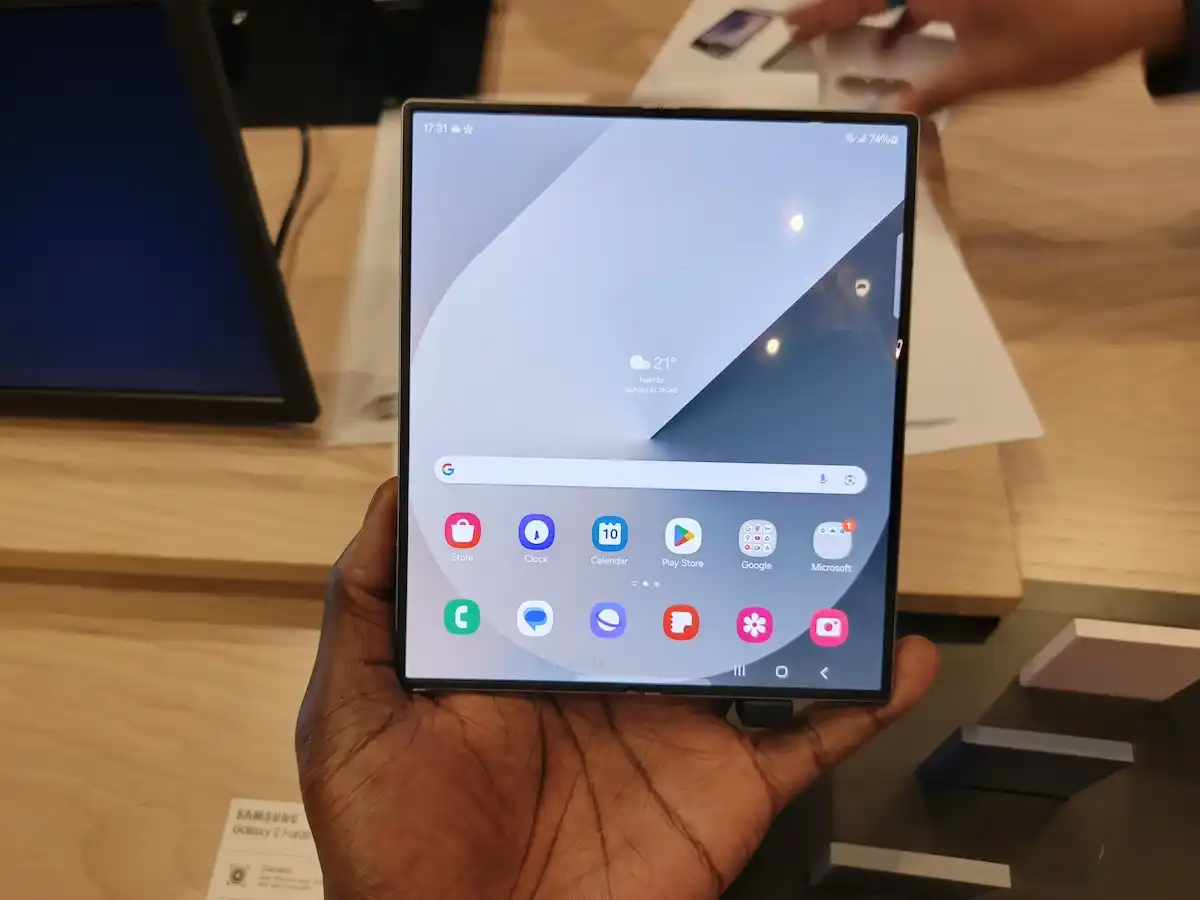
    Samsung Galaxy Z Fold 5 in Kenya
    Samsung Galaxy Z Fold 5 in Kenya
    Share
    Facebook Twitter LinkedIn WhatsApp Telegram

    Samsung has announced the expansion of language support on its devices to include Kiswahili and Amharic, strengthening its commitment to inclusivity and accessibility for users in East Africa and beyond. This initiative reaffirms Samsung’s dedication to enhancing user experience by embracing linguistic diversity and catering to the needs of millions of speakers across the region.

    With the addition of Kiswahili and Amharic, Samsung continues to lead the way in providing localized solutions that make technology more accessible. This latest update enables more users to navigate Samsung devices in their preferred language, ensuring seamless interaction and improved usability.

    “Samsung Electronics is committed to innovation that empowers communities. By adding Kiswahili and Amharic language support, we are taking a significant step toward bridging the digital divide and fostering greater inclusion,” said Anthony Hutia, Head of the Mobile Experience Division at Samsung Electronics East Africa.

    This language expansion aligns with Samsung’s broader mission to make technology user-friendly for everyone, regardless of linguistic background. Users can now enjoy a more personalized experience, enhancing communication and engagement with Samsung’s world-class products.

    You can change the language and input settings on your Samsung Galaxy phone by following these steps:

    To Change the System Language:

    1. Open Settings – Tap the Settings app on your phone.
    2. Go to General Management – Scroll down and selectGeneral Management.
    3. Tap Language & Region – Select Language.
    4. Add a Language – Tap Add language, then choose the desired language from the list.
    5. Set as Default – After selecting the language, tap Set as default or move it to the top of the list.
    6. Enjoy– Experience Kiswahili language and input on your device

    To Change Keyboard Language and Input:

    1. Open Settings – Tap Settings.
    2. Go to General Management – Select General Management.
    3. Tap Samsung Keyboard Settings – Select Samsung Keyboard under Keyboard list and default.
    4. Manage Input Languages – Tap Languages and types, then Manage input languages.
    5. Download and Enable a Language – Choose your desired language from the list and download it if needed.
    6. Switch Between Languages – When typing, press and hold the spacebar or tap the globe icon to switch between languages.
    Samsung
    Brand Spot
    • Website
    • Facebook
    • X (Twitter)
    • Instagram
    • LinkedIn

    Brand Spot by Techarena allows companies to share their stories directly with TechArena's audience. To promote your brand and get featured, email [email protected]

    Related Posts

    Airtel Money Enables Direct Showmax Payments for Kenyan Subscribers

    December 16, 2025

    NBA Africa Names Five Winning Startups in Second Triple-Double Accelerator

    December 16, 2025

    Making The Most Of Your Bank Cards This Festive Season For Safer And Smarter Spending

    December 15, 2025
    Leave A Reply Cancel Reply

    This site uses Akismet to reduce spam. Learn how your comment data is processed.

    Latest Posts

    Airtel Money Enables Direct Showmax Payments for Kenyan Subscribers

    December 16, 2025

    NBA Africa Names Five Winning Startups in Second Triple-Double Accelerator

    December 16, 2025

    Making The Most Of Your Bank Cards This Festive Season For Safer And Smarter Spending

    December 15, 2025

    Huawei DigiTruck Programme Launched in Dagoretti North

    December 15, 2025
    Advertisement
    Editor's Pick

    Inside Ampersand the Startup Powering East Africa’s Electric Motorcycles

    December 11, 2025

    What You Need to Know About KCB and Visa’s New Tap to Phone Payment Solution in Kenya

    December 11, 2025

    Accelerated entry: How East Africa Leapfrogged into the Cloud Age

    December 11, 2025

    How Buying Data on M-PESA Opened New Doors for Sheila

    December 10, 2025
    © 2025 TechArena.. All rights reserved.
    • Home
    • Startups
    • Reviews

    Type above and press Enter to search. Press Esc to cancel.