


Close Menu

    Subscribe to Updates

    Get the latest tech news

    Facebook X (Twitter) Instagram
    TechArenaTechArena
    • Home
    • News
    • Reviews
    • Features
      • Top 5
    • Startups
    • Contact
    Facebook X (Twitter) Instagram
    TechArenaTechArena
    Home»Apps»Spotify Daylist is now Available to Users in kenya
    Apps

    Spotify Daylist is now Available to Users in kenya

    Kaluka wanjalaBy Kaluka wanjalaMarch 14, 2024Updated:March 14, 20242 Mins Read
    Facebook Twitter Telegram LinkedIn WhatsApp Email Pinterest
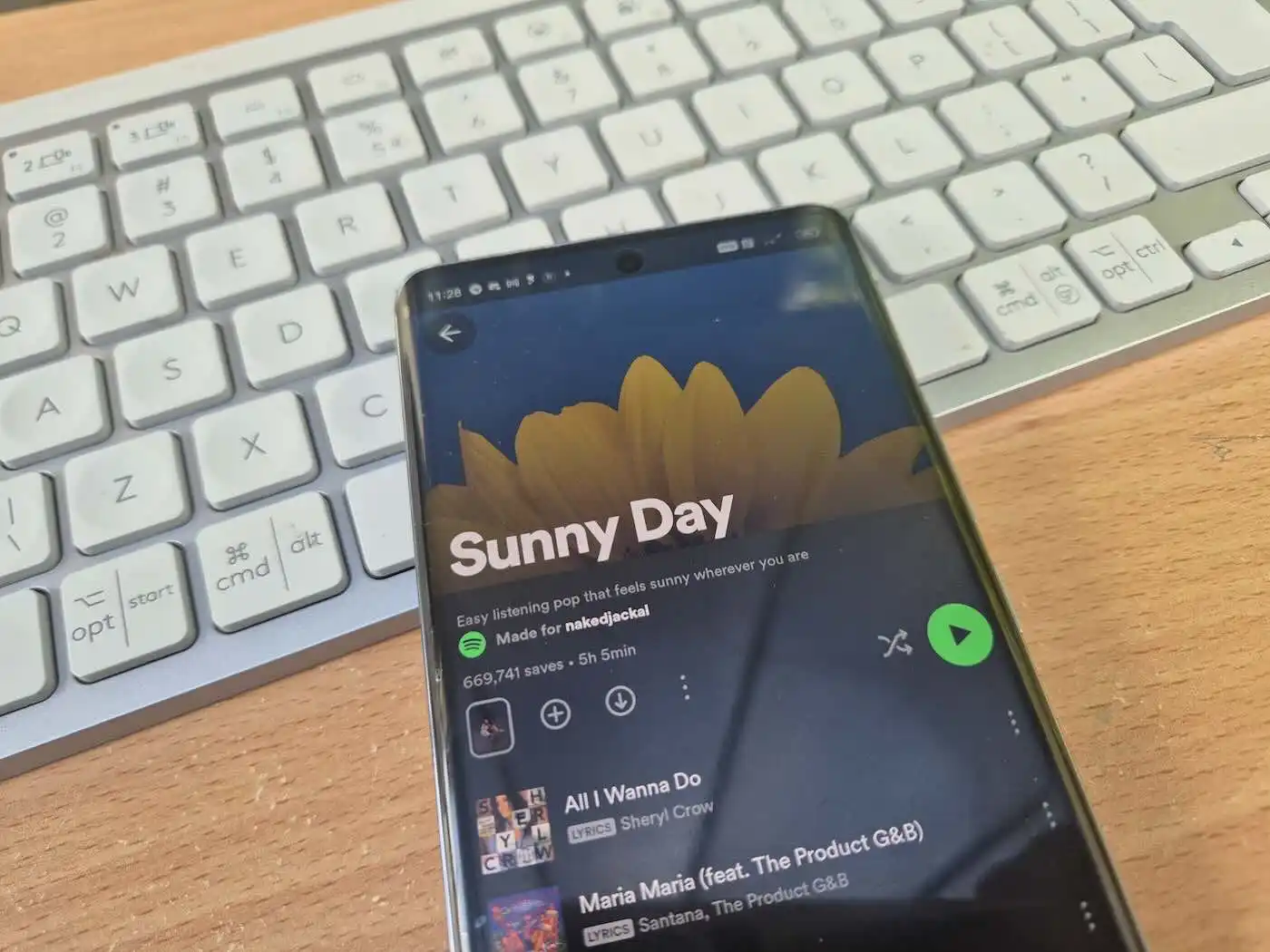
    Spotify Daylist
    Spotify Daylist
    Share
    Facebook Twitter LinkedIn WhatsApp Telegram

    Last year Spotify Daylist was launched in a few select markets and we finally have it in kenya. Spotify Daylist has seen a search spike of 17,000% and has captured the attention of music lovers across the world offering a hyper-personalized, dynamic and playful playlist experience.

    What is Spotify Daylist?

    Daylist is a unique playlist that evolves throughout the day to align with specific moments and moods you are experiencing. From sunrise to sunset, it curates specific playlists tailored to your preferences. This helps offer a seamless transition between different genres and vibes. Whether you want nostalgic tunes from the 2000s, laid-back chilling melodies, or the energy of the 2010s, Daylist will sort you out.

    How to Access Spotify Daylist in Kenya

    It is easier to find and enjoy personalized Daylist for both Free and Premium users in Kenya. All you have to do is go to spotify.com/daylist or search ‘Daylist’ on the Spotify app. Daylist updates multiple times throughout the day. This guarantees that you will always have the perfect soundtrack every moment.

    Saving and Sharing Your Daylist

    Once you discover a Daylist that you like, saving and sharing it is easy. All you have to do is:

    1. Save: If you love a specific Daylist playlist, save it to your Library by tapping the three-dot menu, select “Add to playlist,” then tap “New playlist.” Remember to save it before the next update to ensure it is in your collection.
    2. Share: You can express your individuality by sharing your Daylist with others. You can do so through:
      • Ready-made screenshot of your Daylist
      • Social media sticker
      • Changing sharecard with up to four different background graphics.

    Also Read: Mdundo Introduces a Ksh 5 Daily Subscription Service

    spotify Spotify Daylist
    Kaluka wanjala
    • Website
    • Facebook
    • X (Twitter)
    • LinkedIn

    Editor at TechArena. I cover all things technology and review new gadgets as I get them. You can reach me on email: [email protected]

    Related Posts

    250 Youth in Dagoretti North Graduate from Huawei’s DigiTruck Digital Skills Programme

    December 19, 2025

    UAE’s $1B AI for Development Fund Opens Door for Kenya’s National AI Strategy

    December 19, 2025

    Qualcomm Announces Successful Completion of Make in Africa Startup Mentorship Program 2025

    December 19, 2025

    Comments are closed.

    Latest Posts

    BongoBongo: Leading Online Sports Betting Operator in Kenya

    December 24, 2025

    When Should Startups Start Automating Tests?

    December 23, 2025

    Ethereum Price: A Comprehensive Guide to Understanding Its Value

    December 23, 2025

    How Casino Bonuses Define Your Experience in Online Casinos

    December 22, 2025
    Advertisement
    Editor's Pick

    TechArena to Break New Documentary Series Telling Africa’s Blockchain and AI Story From Nairobi

    December 18, 2025

    [Op-Ed] How Safaricom Is Helping Enterprises Build Cyber Resilience

    December 17, 2025

    [Op-Ed] From Generative to Agentic: How Kenya’s AI Future Will Be Built on Trust, Data and Practical Automation

    December 16, 2025

    Inside Ampersand the Startup Powering East Africa’s Electric Motorcycles

    December 11, 2025
    © 2026 TechArena.. All rights reserved.
    • Home
    • Startups
    • Reviews

    Type above and press Enter to search. Press Esc to cancel.