


Close Menu

    Subscribe to Updates

    Get the latest tech news

    Facebook X (Twitter) Instagram
    TechArenaTechArena
    • Home
    • News
    • Reviews
    • Features
      • Top 5
    • Startups
    • Contact
    Facebook X (Twitter) Instagram
    TechArenaTechArena
    Home»Apps»WhatsApp Rolls out end-to-end encrypted chat cloud backups
    Apps

    WhatsApp Rolls out end-to-end encrypted chat cloud backups

    Kaluka wanjalaBy Kaluka wanjalaOctober 15, 20212 Mins Read
    Facebook Twitter Telegram LinkedIn WhatsApp Email Pinterest
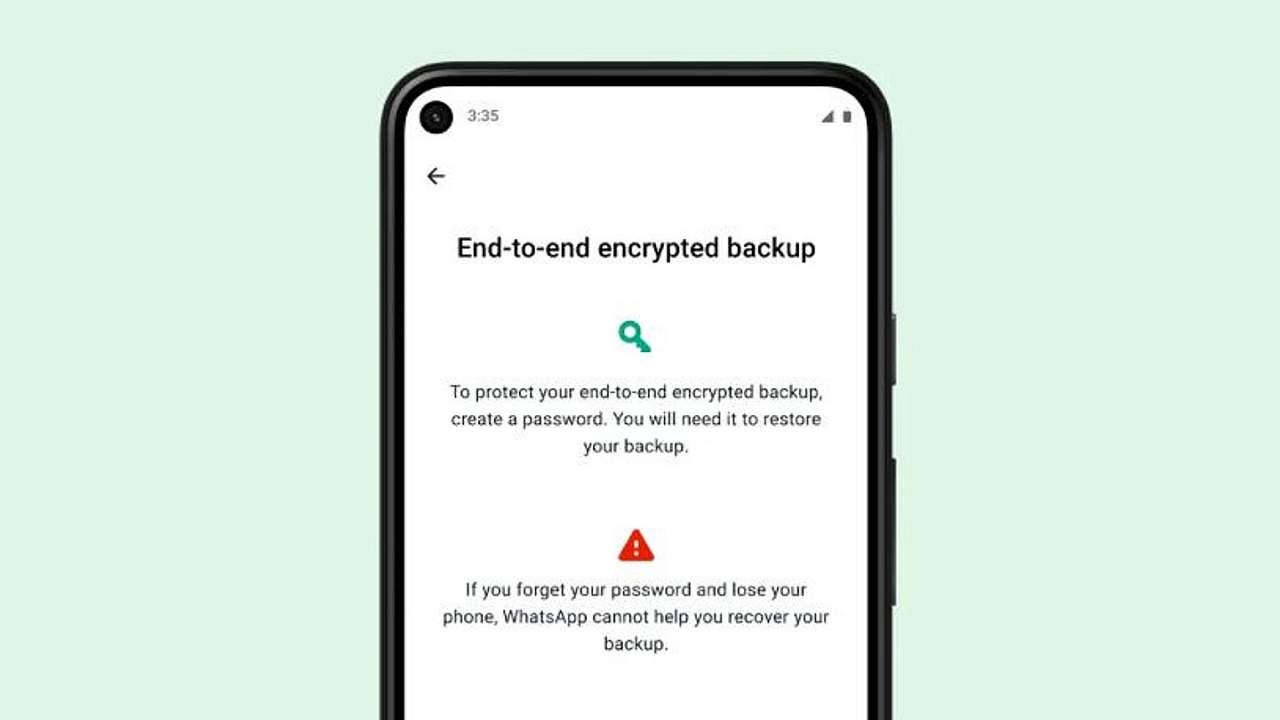
    WhatsApp encrypted chat backups
    WhatsApp encrypted chat backups
    Share
    Facebook Twitter LinkedIn WhatsApp Telegram

    WhatsApp has finally started rolling out end-to-end chat cloud backups. With this, users will be able to keep a copy of their messaging history backed-up without worrying about compromising their privacy.

    WhatsApp is rolling out the feature to users gradually and will be monitoring the experience and address any potential issues before making it available to all users.

    Encrypted cloud backups first rolled out to some beta users a few months back but availability was limited. This is similar to how WhatsApp rolls out most of its features but eventually they end up reaching more users if the initial reception is good. With today’s announcement, those who want to store encrypted messaging logs on Google Drive or iCloud will easily be able to do so.

    End-to-end encrypted cloud backups will cover chat logs, video calls, voice messages, text-based messages and media-based messages.  Users will have the option of encrypting backups with either 64-digit encryption key or a password. Neither of these will be available to WhatsApp or anyone else unless you decide to share it with them.

    For you to use end-to-end encrypted chat backups, you will need the latest version of WhatsApp on Android or iOS. To access the feature, go to:

    • WhatsApp Settings
    • Tap on Chat
    • Select Chat Backup
    • End-to-end Encrypted Backup

    You will then be prompted to create a password or encryption key and afterwards the backup process will commence.

    Read: How to Stop Telegram Notifications When A New Contact Joins The App

    whatsapp
    Kaluka wanjala
    • Website
    • Facebook
    • X (Twitter)
    • LinkedIn

    Editor at TechArena. I cover all things technology and review new gadgets as I get them. You can reach me on email: [email protected]

    Related Posts

    Send App by Flutterwave Launches Travel Card for Nigerians in Diaspora

    December 5, 2025

    LOOP Unveils New Device Financing Service in Partnership with bolttech

    December 5, 2025

    Access Bank Kenya and National Bank of Kenya Launch W Initiative to Expand Financing for Women Entrepreneurs

    December 5, 2025

    Comments are closed.

    Latest Posts

    Send App by Flutterwave Launches Travel Card for Nigerians in Diaspora

    December 5, 2025

    LOOP Unveils New Device Financing Service in Partnership with bolttech

    December 5, 2025

    Access Bank Kenya and National Bank of Kenya Launch W Initiative to Expand Financing for Women Entrepreneurs

    December 5, 2025

    Genetec predicts top physical security trends for 2026

    December 5, 2025
    Advertisement
    Editor's Pick

    Sovereignty emerges as the defining cloud challenge for EMEA enterprises

    December 2, 2025

    [Op-Ed] Unlocking Peak Productivity: Three steps to unlocking the agentic enterprise future

    December 1, 2025

    How Safaricom’s Digital Infrastructure is Helping Kenyan Businesses Build Resilience

    November 28, 2025

    The next outage is coming – is your organisation prepared?

    November 27, 2025
    © 2025 TechArena.. All rights reserved.
    • Home
    • Startups
    • Reviews

    Type above and press Enter to search. Press Esc to cancel.