


Close Menu

    Subscribe to Updates

    Get the latest tech news

    Facebook X (Twitter) Instagram
    TechArenaTechArena
    • Home
    • News
    • Reviews
    • Features
      • Top 5
    • Startups
    • Contact
    Facebook X (Twitter) Instagram
    TechArenaTechArena
    Home»Apps»Adobe Adds Native Photoshop Support for M1 Macs
    Apps

    Adobe Adds Native Photoshop Support for M1 Macs

    Alvin WanjalaBy Alvin WanjalaMarch 11, 20212 Mins Read
    Facebook Twitter Telegram LinkedIn WhatsApp Email Pinterest
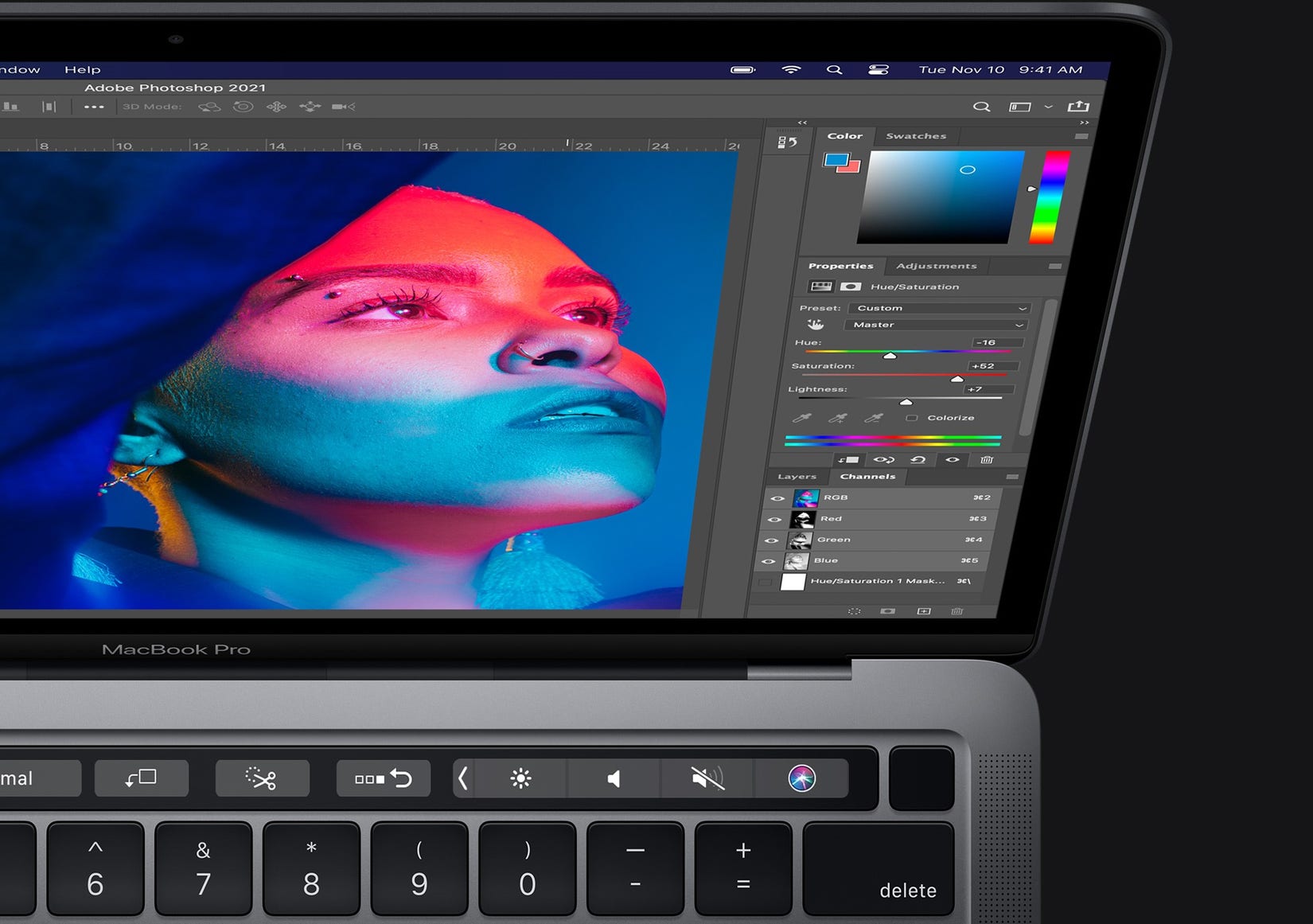
    Photoshop on MacBook
    Photoshop on MacBook
    Share
    Facebook Twitter LinkedIn WhatsApp Telegram

    Good news to owners of the latest Macs with Apple’s new in-house M1 chip: Adobe Photoshop now runs natively. Straight off the bat, that hints at performance improvement.

    Adobe says native Photoshop support delivers “significant performance gains” leveraging the new ARM architecture.

    According to the company, on average, various features run 1.5x faster than on “similarly configured previous generation systems.”

    These internal tests were based on a variety of factors. For instance, opening and saving files, running filters, and compute-heavy operations like Content-Aware Fill and Select Subject. All of these pointed to one coherent conclusion: faster performance.

    Despite the already substantial speed improvements delivered by utilizing the new architecture, Adobe says it’s just the beginning.

    It will continue to work with Apple for further performance optimization over time.

    The only caveat to switching over to the new native Photoshop is the lack of recently rolled out features, for now. Most notably, there’s no “Invite to Edit” and “Preset Syncing,” both of which rolled out this year.

    If you have grown to love these two and other latest Photoshop features, you can still run the x86 version via built-in macOS Rosetta 2 emulator.

    New Features in Photoshop

    Besides native M1 support, Adobe also announced some new features. Two new features are coming to Photoshop on iPad, Cloud Documents Version History, and Cloud Documents offline access.

    While Adobe Camera Raw plugin is getting a new Super Resolution feature that leverages machine learning technology to boost an image’s resolution in one click.

    Read Next: Adobe Simplifies Creative Collaboration in Photoshop, and Illustrator

    Adobe Photoshop MacBook
    Alvin Wanjala
    • Facebook
    • X (Twitter)
    • Instagram

    Alvin Wanjala has been writing about technology for over 2 years(and counting). He writes about different topics in the consumer tech space. He loves streaming music, programming, and gaming during downtimes.

    Related Posts

    LG OLED TVs: Cinematic true-to-life viewing experiences for live AFCON matches

    January 27, 2026

    OPPO Launches Reno15 Series in Kenya With 200MP Camera

    January 26, 2026

    Zenith Bank Enters Kenya With Paramount Bank Acquisition

    January 23, 2026

    Comments are closed.

    Latest Posts

    LG OLED TVs: Cinematic true-to-life viewing experiences for live AFCON matches

    January 27, 2026

    How to Choose the Right Data Centre in East Africa: A Practical Guide for Enterprises and Startups

    January 27, 2026

    OPPO Launches Reno15 Series in Kenya With 200MP Camera

    January 26, 2026

    The Rise of Online Betting in Kenya: Why Players Are Choosing – Secretbet

    January 26, 2026
    Advertisement
    Editor's Pick

    How to Choose the Right Data Centre in East Africa: A Practical Guide for Enterprises and Startups

    January 27, 2026

    How 2026 will stitch together the future of payments

    January 22, 2026

    5 Blockchain Trends to Watch in 2026: Insights from D24 Fintech’s CTO

    January 21, 2026

    Why SMEs Need Tailored Digital Banking Solutions

    January 20, 2026
    © 2026 TechArena.. All rights reserved.
    • Home
    • Startups
    • Reviews

    Type above and press Enter to search. Press Esc to cancel.