


Close Menu

    Subscribe to Updates

    Get the latest tech news

    Facebook X (Twitter) Instagram
    TechArenaTechArena
    • Home
    • News
    • Reviews
    • Features
      • Top 5
    • Startups
    • Contact
    Facebook X (Twitter) Instagram
    TechArenaTechArena
    Home»Features»Exploring the LG NanoCell Connections Options
    Features

    Exploring the LG NanoCell Connections Options

    Brand SpotBy Brand SpotAugust 28, 20202 Mins Read
    Facebook Twitter Telegram LinkedIn WhatsApp Email Pinterest
    LG Nanoecell TV
    LG Nanoecell TV
    Share
    Facebook Twitter LinkedIn WhatsApp Telegram

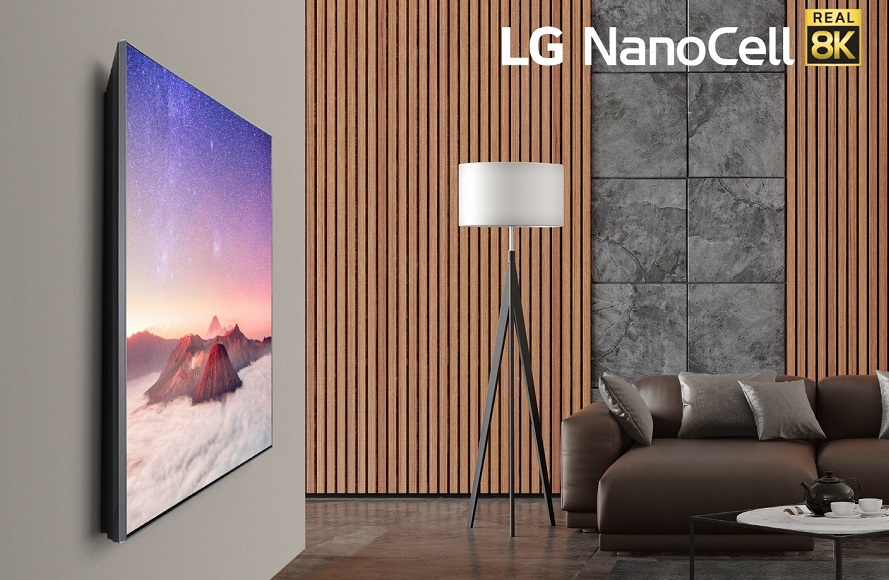
    The LG NanoCell TVs offer a wide range of benefits and its connection options let you watch what you want from the installed apps and even your mobile devices as well as connecting your TV to your smart devices. With these connection options, you can consume the content that you want without any restrictions.

    Connection Through Apps

    The LG NanoCell is powered by WebOS which gives users access to a wide range of video on demand services. Some of the apps users can get access to include DSTV Now, Netflix, ShowMax, YouTube, Amazon Prime just to name a few. Through these services, users can watch the latest and greatest TV shows, movies and videos.

    With the many apps at their disposal, unlimited entertainment for the whole family is guaranteed. Most of the popular streaming services will come pre-installed on the TV and all users will have to do is sign in to get started.

    Cast from Your Phone

     If you have photos and videos on your phone, you can share, stream, mirror or cast the content directly to your LG NanoCell TV for consumption on the big screen. You can share content from any iOS or Android phone with ease with no restrictions. For iOS users, this also supports Apple HomeKit and Apple AirPlay.

    “LG TV is now capable of streaming and sharing contentto a larger screen from an iOS device without the need to purchase an additional device.”

    Easily Control IoT Devices

    Through the LG NanoCell TVs, you will be able to control any of the smart and IoT devices you have in your home. All this can easily be done through the LG ThinQ AI Home Dashboard from where you can also add and see all your smart home appliances at once.

    You are free to add any smart home devices as this feature is not limited to LG smart devices only. You do not need an addition hub to link to these smart devices and adding them to the dashboard means that you can control them using your voice through the remote.

    LG LG Nanocell
    Brand Spot
    • Website
    • Facebook
    • X (Twitter)
    • Instagram
    • LinkedIn

    Brand Spot by Techarena allows companies to share their stories directly with TechArena's audience. To promote your brand and get featured, email [email protected]

    Related Posts

    How to Check the 2025 KCSE Examination Results Online

    January 9, 2026

    What You Need to Know About KESONIA, Kenya’s New Benchmark Interest Rate

    January 6, 2026

    LG Unveils 2026 LG gram Laptops Made with Aerospace-Grade Materials

    January 5, 2026

    Comments are closed.

    Latest Posts

    Terra Industries Raises $11.75M to Build Africa’s First Autonomous Defense Technology Prime

    January 12, 2026

    Egyptian SaaS Startup FitXpert Raises Seven-Figure Investment to Fuel Regional Expansion

    January 12, 2026

    Vertiv Frontiers Report Maps the Future of AI-Driven Data Centres

    January 12, 2026

    Samsung Unveils “Your Companion to AI Living” at CES 2026

    January 9, 2026
    Advertisement
    Editor's Pick

    How to Check the 2025 KCSE Examination Results Online

    January 9, 2026

    What You Need to Know About KESONIA, Kenya’s New Benchmark Interest Rate

    January 6, 2026

    BeyondTheCode.ai at CATS Nairobi: Inside Africa’s Blockchain and AI Story

    January 1, 2026

    TechArena to Break New Documentary Series Telling Africa’s Blockchain and AI Story From Nairobi

    December 18, 2025
    © 2026 TechArena.. All rights reserved.
    • Home
    • Startups
    • Reviews

    Type above and press Enter to search. Press Esc to cancel.