


Close Menu

    Subscribe to Updates

    Get the latest tech news

    Facebook X (Twitter) Instagram
    TechArenaTechArena
    • Home
    • News
    • Reviews
    • Features
      • Top 5
    • Startups
    • Contact
    Facebook X (Twitter) Instagram
    TechArenaTechArena
    Home»Apps»Google Introduces Verified SMS Feature in Android Messages to Fight Spam Texts
    Apps

    Google Introduces Verified SMS Feature in Android Messages to Fight Spam Texts

    Alvin WanjalaBy Alvin WanjalaDecember 16, 2019Updated:August 15, 20252 Mins Read
    Facebook Twitter Telegram LinkedIn WhatsApp Email Pinterest
    Android Messages
    Android Messages
    Share
    Facebook Twitter LinkedIn WhatsApp Telegram

    Spam messages have increasingly become a problem in this digital era. Recent reports from Truecaller have shown that Africa has the three top countries where users receive most spam texts in a month.

    In Ethiopia, for example, a mobile phone user receives around 120 spam texts in a month, the highest rate globally. South Africa ranks second while Kenya, unsurprisingly, is at number three.

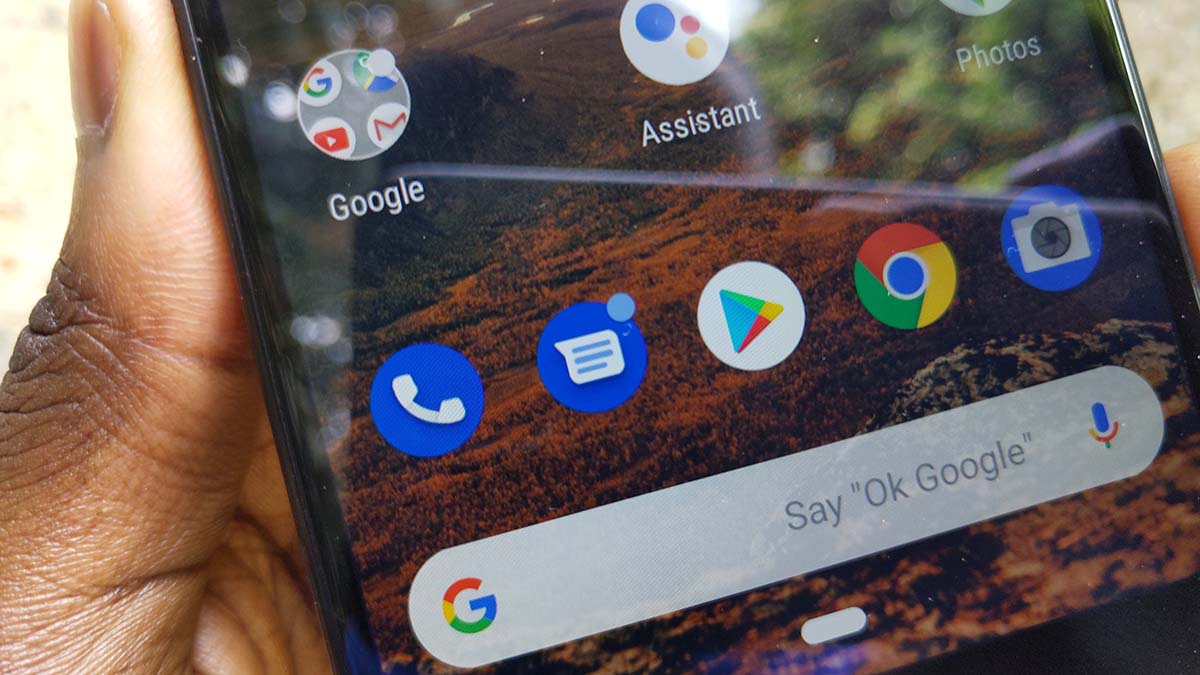
    Google wants to fight the rise of spam texts through its newly introduced spam protection tools in the proprietary Android Messages app. One of the new features is the Verified SMS feature. Through this feature, Google will verify any text from a strange number if it’s from a legitimate business or not.

    For verified businesses, you will be able to see a business name, logo, and a verification badge inside the message thread. The company says the verification process is done per-message basis, and it’s done without sending your messages to Google.

    SMS texts with no verification, however, doesn’t mean the business is not legit. This is because not all businesses have been registered on Google’s database yet.

    Verified SMS is rolling out gradually in few countries(excluding Kenya) as per now, but it will also be available in the global markets in the future.

    On top of the Verified SMS feature, Google also tipped on its Real-time spam protection tools available on Android Messages.

    “With Spam protection for Messages, we warn you of suspected spam and unsafe websites we’ve detected. If you see a suspected spam warning in Messages you can help us improve our spam models by letting us know if it’s spam or not,” Roma Slyusarchuk, Software Engineer of Messages at Google explained.

    android messages Google
    Alvin Wanjala
    • Facebook
    • X (Twitter)
    • Instagram

    Alvin Wanjala has been writing about technology for over 2 years(and counting). He writes about different topics in the consumer tech space. He loves streaming music, programming, and gaming during downtimes.

    Related Posts

    LG Positions Africa as Key Growth Frontier for AI-Powered Smart Home Expansion at InnoFest 2026 MEA

    February 6, 2026

    Cellulant Appoints Michael Muriuki as Chief Product & Technology Officer

    February 6, 2026

    Deepfake Scams and AI-Generated Malware Are Now Top Cyber Risks for Kenya, ESET Warns

    February 5, 2026

    Comments are closed.

    Latest Posts

    LG Positions Africa as Key Growth Frontier for AI-Powered Smart Home Expansion at InnoFest 2026 MEA

    February 6, 2026

    Cellulant Appoints Michael Muriuki as Chief Product & Technology Officer

    February 6, 2026

    Deepfake Scams and AI-Generated Malware Are Now Top Cyber Risks for Kenya, ESET Warns

    February 5, 2026

    Google Opens Applications for 10th Cohort of Startups Accelerator Africa

    February 5, 2026
    Advertisement
    Editor's Pick

    Deepfake Scams and AI-Generated Malware Are Now Top Cyber Risks for Kenya, ESET Warns

    February 5, 2026

    The Smartphone as an AI Platform: What On-Device AI Really Means for Africa

    February 4, 2026

    What You Need to Know About Kenya’s National Electric Mobility Policy (e-Mobility Policy)

    February 4, 2026

    How Data Centers Are Reshaping Africa’s Power Market

    February 2, 2026
    © 2026 TechArena.. All rights reserved.
    • Home
    • Startups
    • Reviews

    Type above and press Enter to search. Press Esc to cancel.