Close Menu

    Subscribe to Updates

    Get the latest tech news

    Facebook X (Twitter) Instagram
    TechArenaTechArena
    • Home
    • News
    • Reviews
    • Features
      • Top 5
    • Startups
    • Contact
    Facebook X (Twitter) Instagram
    TechArenaTechArena
    Home»Apps»Google Assistant Now Able To Read and Reply Your Messages from WhatsApp, Telegram and Others
    Apps

    Google Assistant Now Able To Read and Reply Your Messages from WhatsApp, Telegram and Others

    Alvin WanjalaBy Alvin WanjalaAugust 3, 20192 Mins Read
    Facebook Twitter Telegram LinkedIn WhatsApp Email Pinterest
    Google Assistant
    Google Assistant
    Share
    Facebook Twitter LinkedIn WhatsApp Telegram

    Google Assistant has long been able to read and answer messages from the native messages app. But from now, it can also read and reply messages from other social media platforms as well.

    The added support enables you to read messages from a number of social media platforms, including WhatsApp, Telegram, Slack, Discord, GroupMe, and many others.

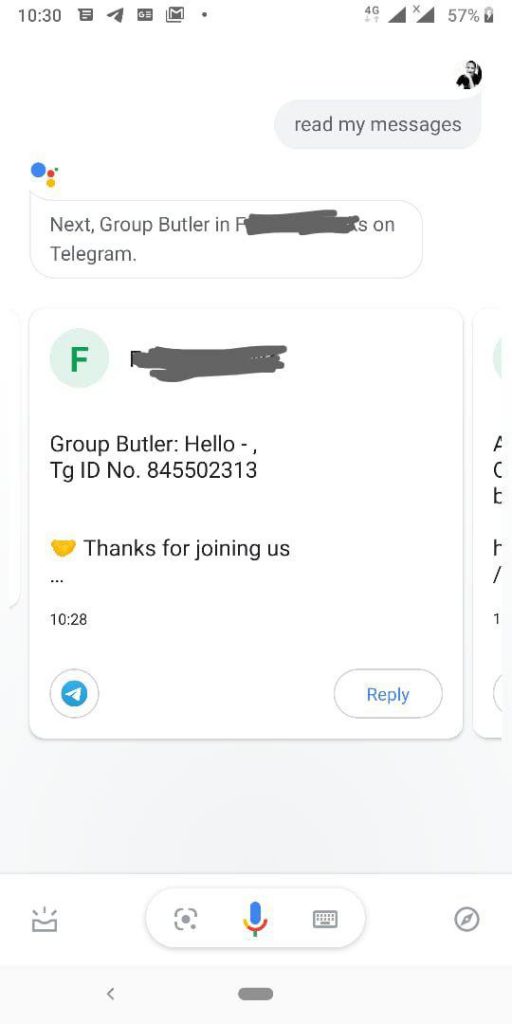
    However, Google Assistant won’t be able to read your media messages like pictures, audio, or video. Trying to read my telegram messages with pictures, Google Assistant did say: “the message also contains a picture” after shouting “photo” a couple of times.

    Trying out the reply option, it works pretty well, I was able to reply to my telegram message without any hustle. Normally Google Assistant will ask you to reply to messages from a sender who supports replies only. The exception applies to messages from the likes of Safaricom and even Telegram channels which by default do not support responses.

    How To Enable “Read My Messages” in Google Assistant

    • Open Google Assistant using the trigger keyword ‘hey Google.’
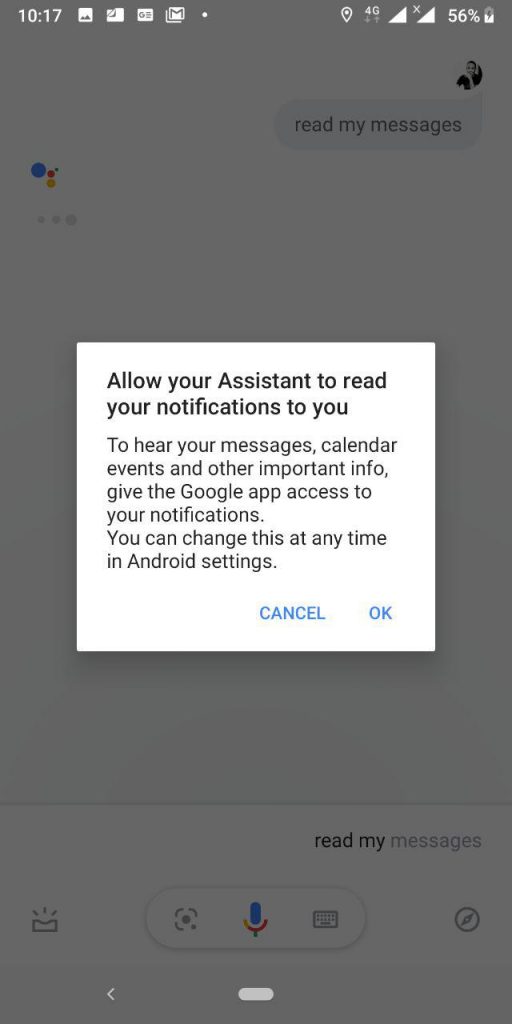
    • Say “read my messages”
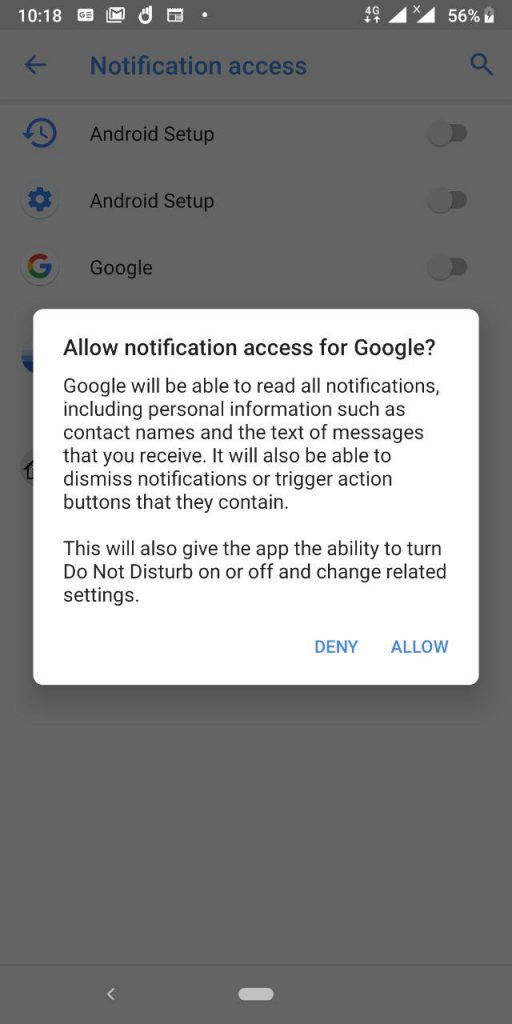
    • Give Notification access to Google
    • You will now have Google Assistant read(shout) your messages anytime you need to.
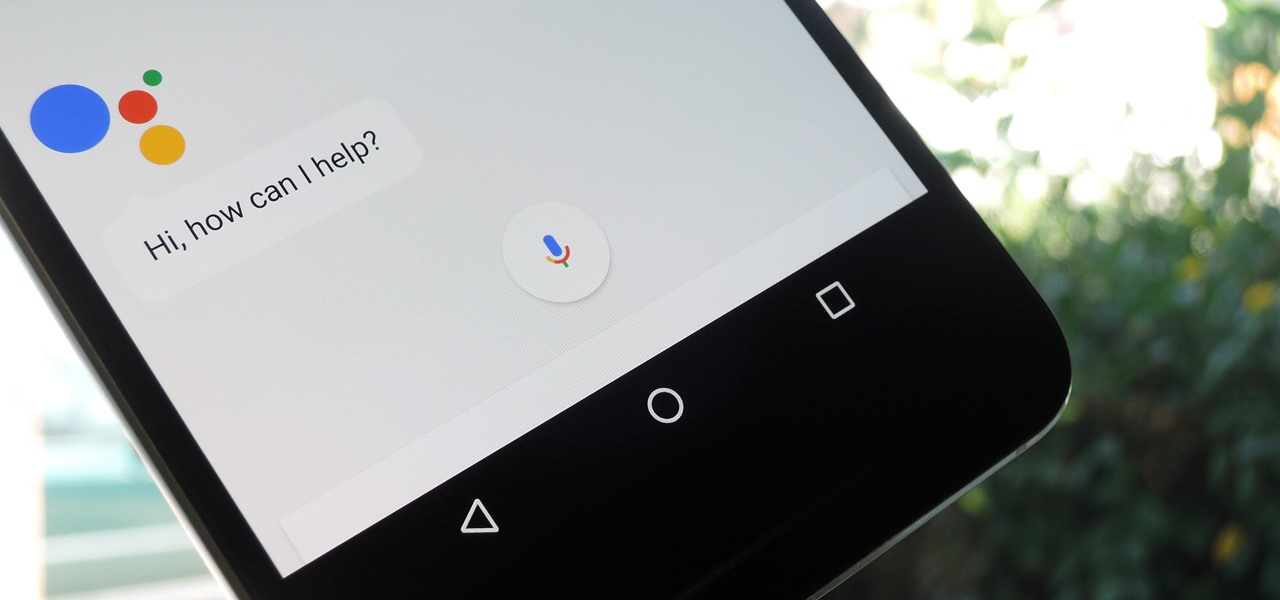
    To use Google Assistant to read your messages, say the words “read my messages.” anytime Google Assistant is up and running.

    Google google assistant Telegram whatsapp
    Alvin Wanjala
    • Facebook
    • X (Twitter)
    • Instagram

    Alvin Wanjala has been writing about technology for over 2 years(and counting). He writes about different topics in the consumer tech space. He loves streaming music, programming, and gaming during downtimes.

    Related Posts

    Absa, Microsoft and Women in Tech Expand ElevateHer AI Programme Across Nine African Markets

    February 6, 2026

    LG Positions Africa as Key Growth Frontier for AI-Powered Smart Home Expansion at InnoFest 2026 MEA

    February 6, 2026

    Cellulant Appoints Michael Muriuki as Chief Product & Technology Officer

    February 6, 2026

    Comments are closed.

    Latest Posts

    Absa, Microsoft and Women in Tech Expand ElevateHer AI Programme Across Nine African Markets

    February 6, 2026

    LG Positions Africa as Key Growth Frontier for AI-Powered Smart Home Expansion at InnoFest 2026 MEA

    February 6, 2026

    Cellulant Appoints Michael Muriuki as Chief Product & Technology Officer

    February 6, 2026

    Pin Up how to play and win instructions for experienced players

    February 6, 2026
    Advertisement
    Editor's Pick

    Deepfake Scams and AI-Generated Malware Are Now Top Cyber Risks for Kenya, ESET Warns

    February 5, 2026

    The Smartphone as an AI Platform: What On-Device AI Really Means for Africa

    February 4, 2026

    What You Need to Know About Kenya’s National Electric Mobility Policy (e-Mobility Policy)

    February 4, 2026

    How Data Centers Are Reshaping Africa’s Power Market

    February 2, 2026
    © 2026 TechArena.. All rights reserved.
    • Home
    • Startups
    • Reviews

    Type above and press Enter to search. Press Esc to cancel.