



Smart home devices are not that popular in Kenya but ITB Connect wants to change that. The company sells its devices through Jumia and at the moment has a smart video doorbell (available for Ksh 7,999) and a smart dash cam (also available for Ksh 7,999). As we are moving towards a connected world, these devices will play a big role in our lives depending on what we want and how we plan to use them.
In this post, I will be looking at the ITB Connect smart video doorbell to see what it has to offer and if it is worth your money.
Unboxing and Setup
Inside the box you get the smart video doorbell and all the accessories you will need to install it on your door. The accessories include all the screws, USB Cable for charging, the battery and the battery cover. This is almost everything you will need to install the doorbell, except for the screwdriver which is not included.
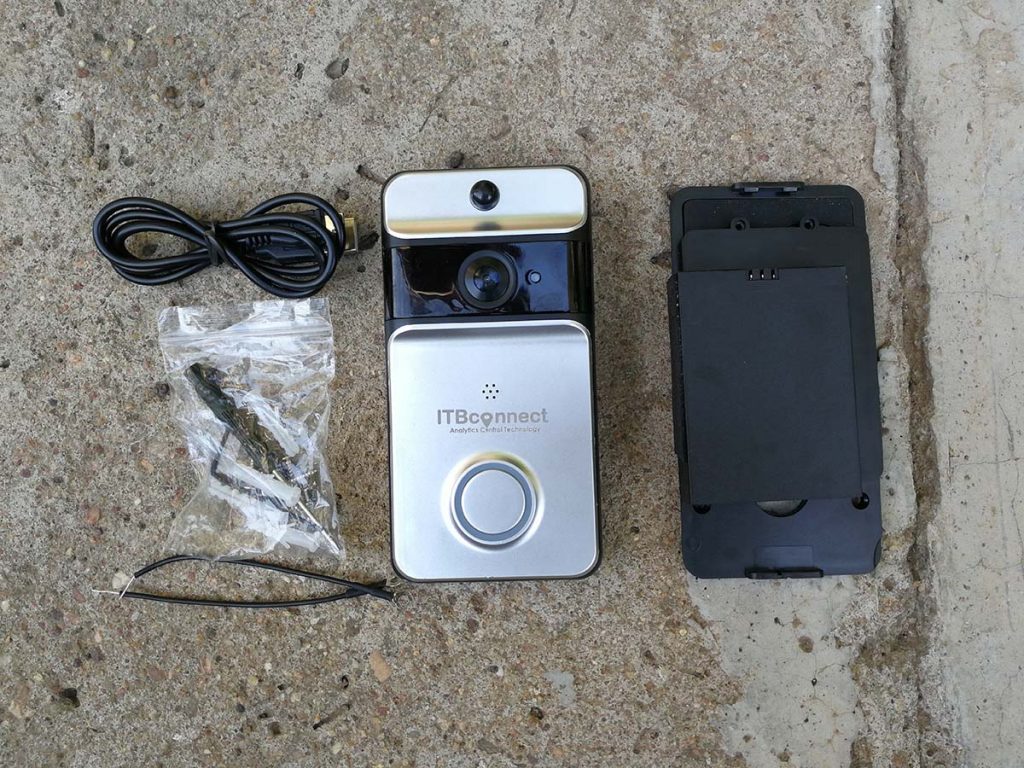
You will also get the user guide that will have all the steps you need to follow to setup your smart doorbell. The setup process is straightforward and needs an active Wi-Fi connection to be completed since this is a smart doorbell that will need the connection to share the live images of what is happening around your door when you are not around.
Before placing the battery in the doorbell, you will have to switch it on (the battery) and then install the battery covers to be able to use it. This battery lasts for over 6 months so no need to worry about it running out when you are not around. You can also connect this doorbell to your existing doorbell or hardwire it to use electricity and not the battery. Even if you are planning to hardwire your doorbell, it is a good idea to have the battery in there just for backup just in case.
With the battery in place and the doorbell mounted on your door, press the doorbell button and hold till the LED light around it turns on. You will then have to download the ‘XSH cam’ app from the Google Play Store or Apple App store to continue with the setup process.
After downloading the app on your phone, open it and wait till you hear the doorbell prompt you that it is ready to use. When that happens, tap on the ‘Add a device’ on the app you just downloaded. You then choose ‘Setup device’ and then follow the screen prompts to complete the setup process. The process should take less than five minutes and you will have your smart video doorbell ready to use.
Note: You need a 2.4GHz Wi-Fi network to use this doorbell.
Using ITB Connect Smart Video Doorbell
After completing the setup process, you are free to use your doorbell as you please.
By default, the doorbell will call your phone when there is activity around your front door as long as your home Wi-Fi network is active. When you get the call from doorbell, you accept it to see what is happening around your door. You can choose to record the video of the person who is there or even take a photo. By default, the video resolution is set to SD but you can change that to HD if you want better quality. The photos and videos recorded are stored on your phone or on the cloud for easy access later.
This doorbell will notify you when someone is close to your door even before they ring the doorbell. You can adjust the sensitivity of this depending on where you live. There is significant traffic around my door so I set the sensitivity to medium so that it does not notify me of these movements all the time. I tried setting the sensitivity to high and I got notifications every few minutes so I had to change that. You can even set the sensitivity to low if there is so much foot traffic around your door.
The ITB Connect smart video doorbell supports two way audio. With this, once you see who is at your door, you can talk to them directly even when you are not there. They will hear you through the speakers at the bottom of the doorbell and you can record this conversation if you’d like to. Sound quality is really good and I could clearly hear people on the other side.
This smart doorbell has an infrared night vision mode that is perfect at night. This is just one of the video modes you get with this doorbell, the other unique ones include a high light compensation mode and a back-light compensation mode.
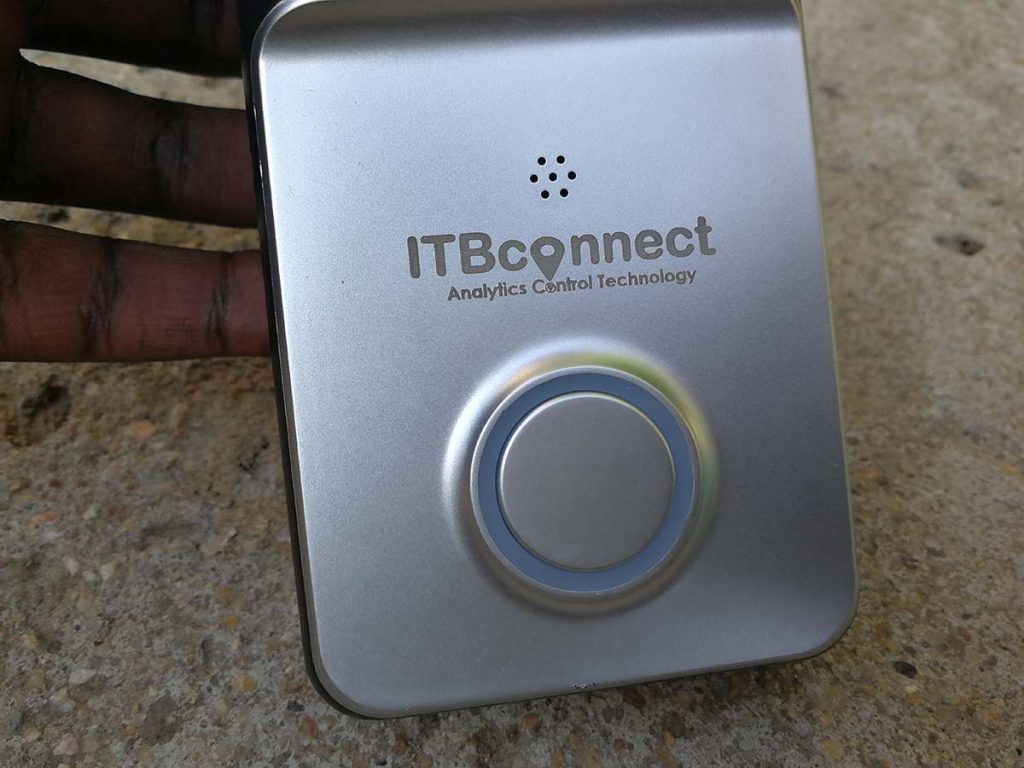
The one thing I do appreciate about this doorbell is that it has a wide-angle lens. With this lens, you are able to capture more of what is going on around your front door without missing anything.
The ITB Connect smart video doorbell is one of the many smart devices from the company and is available on Jumia for Ksh 7,999. You can get it here if you are interested.
Now Read: Infinix HOT 7 Unboxing and First Impressions
