



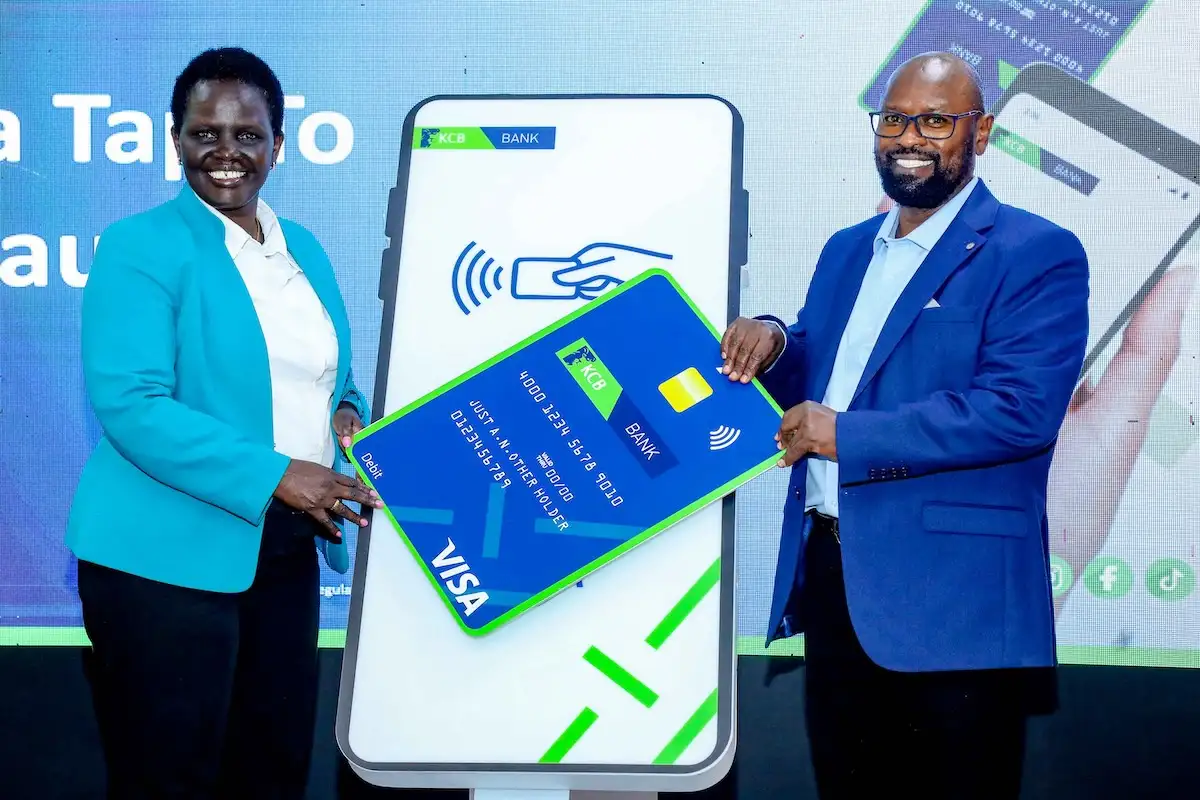
KCB Bank Kenya and Visa have partnered to introduce a Tap to Phone payment solution that allows merchants to accept card payments using only an NFC-enabled Android smartphone. The launch is part of Kenya’s growing shift toward modern and flexible digital payments.
This guide breaks down everything merchants need to know before they sign up.
How Tap to Phone Works
Tap to Phone turns a merchant’s NFC-enabled Android smartphone into a payment acceptance device. Merchants do not have to use physical point-of-sale terminal and instead they open a dedicated app and allows customers to complete transactions by tapping their contactless card on the back of the phone. The transaction is then processed digitally and secured through Visa tokenization technology.
This setup is great for SMEs that want to start accepting digital payments. Most SMEs wasnt this without investing in any additional hardware that is usually expensive.
How Merchants Activate Tap to Phone
The activation process for merchants is simple and straightforward and can be done through a simple self-service process.
After onboarding through the bank, KCB sends a one-time password to the merchant’s registered number. The OTP is used to activate the app on the phone and links it to the merchant’s account. Once this is completed the phone is ready to accept digital payments.
Do Merchants Need a Separate App
Yes.
KCB provides the official Tap to Phone application to merchants as part of the onboarding process. The app is required since it handles authentication, security and transaction processing. Merchants only need to ensure they have an NFC-enabled Android device.
Can the System Work Offline
No.
For Tap to Phone to work, it does require an active internet connection to process transactions. Every payment must be authenticated and completed in real time since this is an online platform. You only need a reliable connection since the process does not consume so much data.
Are There Any Fees for Merchants
Yes there are.
The merchant bears the transaction cost. Cardholders do not pay any additional fee.
For SMEs, this cost is often lower compared to buying and maintaining a traditional POS machine, which is one of the reasons Tap to Phone is positioned as a cost-friendly option.
The Onboarding Process
Merchants will need to go through a KCB application process at a bank branch.
Once approved, the bank provides access to the Tap to Phone app and guides the merchant on activation. From there the process can be completed on the smartphone.
Why Tap to Phone?
Tap to Phone is likely to play a major role in the next phase of Kenya’s digital payments story.
This solution helps to reduce the entry barrier for SMEs that find POS terminals expensive. It supports faster consumer payments and at the same time aligns with Kenya’s broader shift toward cashless transactions.
For these and more stories, follow us on X (Formerly Twitter), Facebook, LinkedIn and Telegram. You can also send us tips or reach out at [email protected].
Also Read: Absa and Visa Extend Partnership to Drive Digital Payment Innovation Across Africa
