



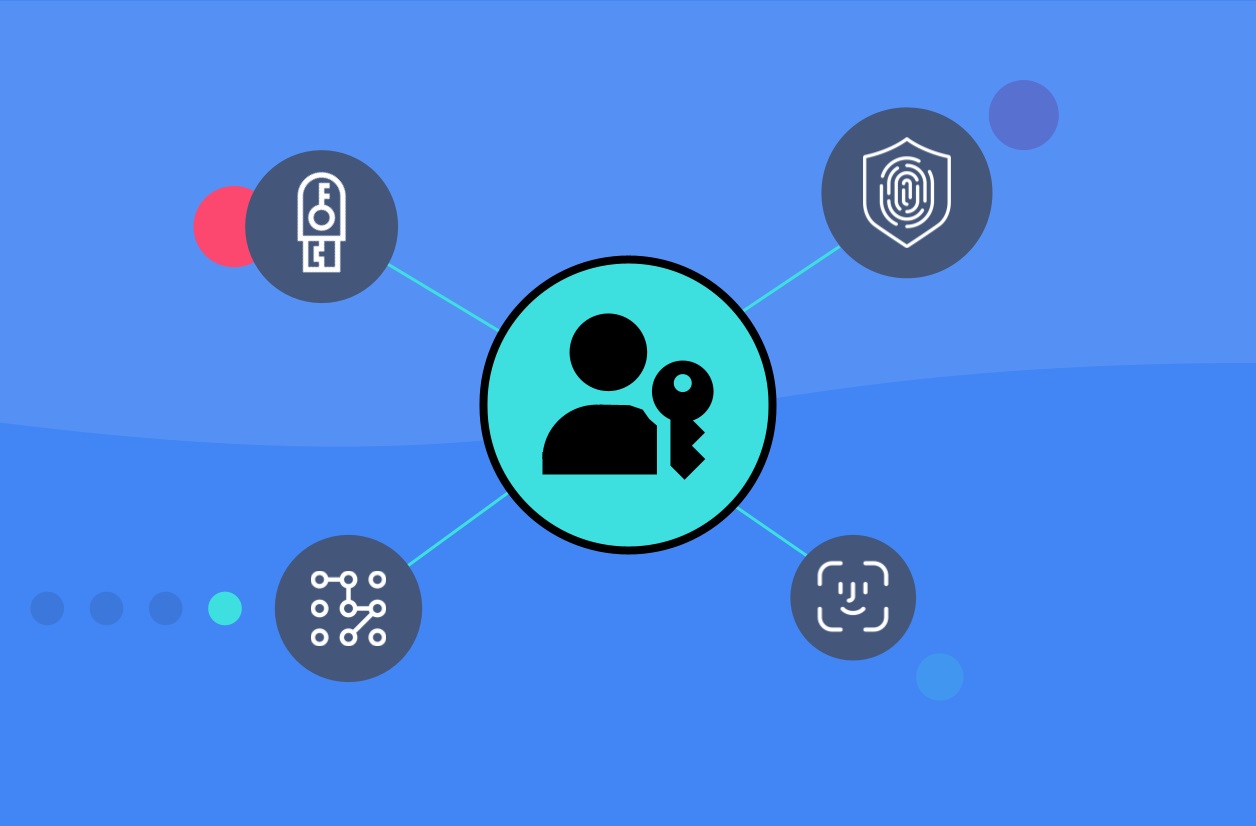
In today’s digital age, security is a top concern for businesses and individuals alike. One of the most fundamental security measures is the use of passkeys. Passkeys are a type of security authentication that is used to provide access to a software application, social media accounts etc. In this blog post, we will discuss all there is to know about passkeys, including what they are, how they work, and how to create and manage them.
What is a Passkey?
A passkey is a combination of letters, numbers, and symbols that is used to verify the identity of the user and grant them access to the system or application. It is similar to a password, but it is generally longer and more complex, making it more secure. Passkeys can be generated by the system or application, or they can be created by the user.
How Passkeys Work
When a user attempts to access a system or application, they are prompted to enter their passkey. The system then compares the passkey entered by the user with the one stored in its database. If the passkey entered by the user matches the stored passkey, the user is granted access to the system or application.
Passkeys are stored in a database in an encrypted format. This means that even if a hacker gains access to the database, they will not be able to read the passkeys because they are encrypted. When a user creates a passkey, the system uses a mathematical algorithm to generate a unique string of characters that is then encrypted and stored in the database.
Creating and Managing Passkeys
When creating a passkey, it is important to choose a passkey that is difficult to guess or crack. A strong passkey should be at least 12 characters long and include a combination of uppercase and lowercase letters, numbers, and symbols. It should also be unique and not used for any other accounts.
It is also important to change passkeys regularly. This can help prevent unauthorized access to the system or application. Passkeys should be changed at least every three months, or more frequently if there is a security concern.
Passkeys should be stored securely and never shared with anyone else. They should also be kept private and not written down or stored in a document on the computer or mobile device. One way to keep track of passkeys is to use a password manager. A password manager is a tool that helps users store and manage their passkeys securely.
What is the difference between a Passkey and a Password?
The main difference between a passkey and a password is the length and complexity of the authentication code. A passkey is generally longer and more complex than a password, which makes it more secure.
A password is a secret code that is used to verify the identity of the user and grant them access to a system or application. It is usually a combination of letters, numbers, and symbols. Passwords are often required to be at least 8 characters long and contain a mix of uppercase and lowercase letters, numbers, and symbols.
On the other hand, a passkey is a longer and more complex code that is typically at least 12 characters long and includes a combination of uppercase and lowercase letters, numbers, and symbols. Passkeys are often generated by the system or application, and they are typically more secure than passwords.
