



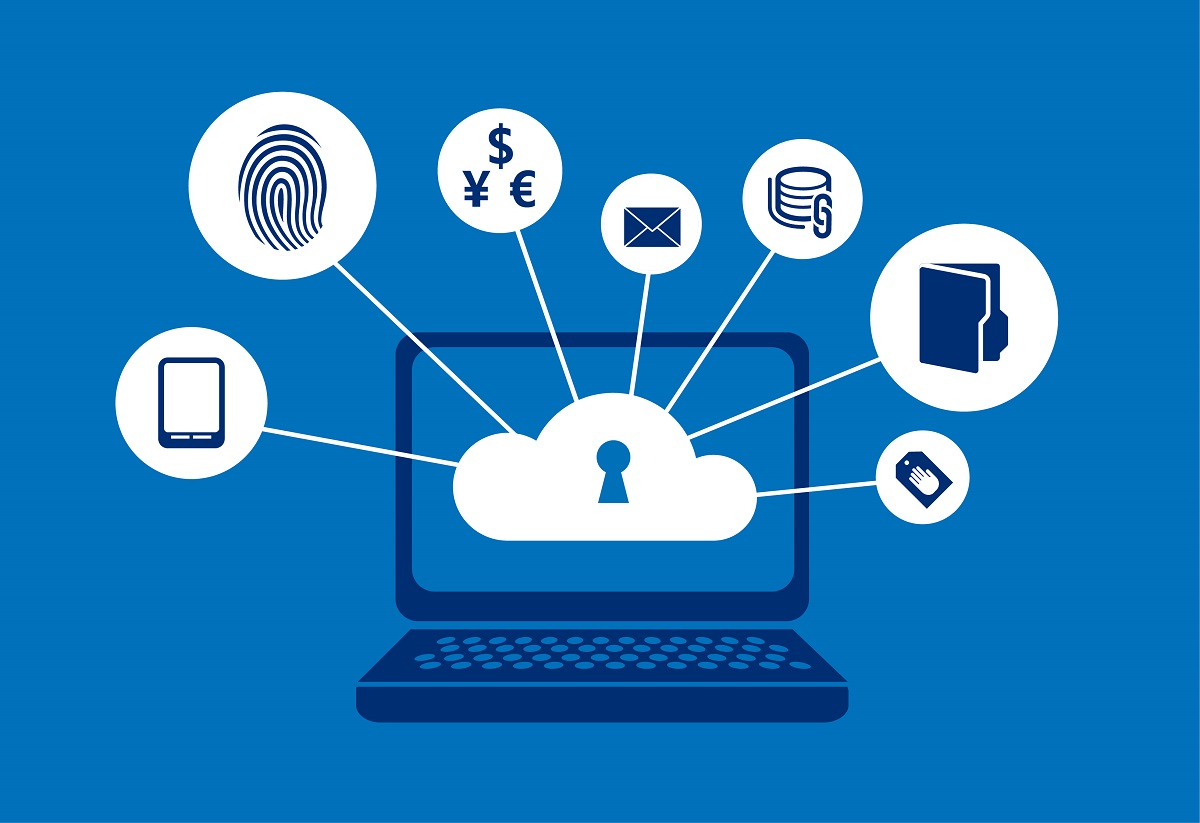
In the digital age, it’s essential to protect your privacy online. With so much personal information available on the internet, it’s easy for cybercriminals to gain access to sensitive information and use it for malicious purposes. To keep your data safe, it’s crucial to adopt best practices for digital privacy. Here are some tips to help you stay protected:
Use Strong Passwords
One of the simplest ways to protect your digital privacy is to use strong passwords. Avoid using easily guessable information such as your name, date of birth, or favorite sports team. Instead, create a unique password using a mix of letters, numbers, and symbols. Consider using a password manager to securely store your passwords and generate strong, random passwords for each of your online accounts.
Enable Two-Factor Authentication
Two-factor authentication (2FA) is a security measure that requires you to provide two forms of identification when logging into an online account. This could be a password and a code sent to your phone or an authentication app, or a fingerprint or face scan. 2FA adds an extra layer of security to your accounts, making it much harder for cybercriminals to gain access.
Avoid Public Wi-Fi Networks
Public Wi-Fi networks, such as those found in coffee shops, airports, and hotels, are often unsecured and can be easily hacked. When using public Wi-Fi, your personal information and online activities are vulnerable to cyberattacks. To stay safe, avoid using public Wi-Fi for sensitive activities, such as banking or shopping online. Instead, use your mobile data or a secure, private Wi-Fi network.
Keep Software and Devices Up-to-Date
Cybercriminals are always finding new ways to exploit vulnerabilities in software and devices. To stay protected, it’s important to keep all your software and devices up-to-date with the latest security updates and patches. This will help fix any known vulnerabilities and prevent cyberattacks.
Be Careful What You Share Online
Be mindful of what you post online, especially on social media. Avoid sharing sensitive information, such as your home address, phone number, or financial information. Also, be wary of clicking on links from unknown sources, as these could contain malware or lead to phishing scams.
Use Privacy-Focused Technologies
There are various technologies available that can help protect your digital privacy, such as privacy-focused browsers, encrypted messaging apps, and virtual private networks (VPNs). Consider using these technologies to enhance your online privacy and stay protected from cyberthreats.
Monitor Your Accounts Regularly
It’s important to regularly monitor your online accounts to ensure that no unauthorized activity has taken place. Look for any unusual transactions or logins, and report any suspicious activity to your bank or online service provider immediately.
By following these best practices, you can significantly reduce your risk of cyberattacks and protect your digital privacy. Remember to always be vigilant, stay informed, and take proactive steps to keep your data safe online.
Read: The Importance of Digital Privacy: How to Protect Your Personal Information Online
