


Close Menu

    Subscribe to Updates

    Get the latest tech news

    Facebook X (Twitter) Instagram
    TechArenaTechArena
    • Home
    • News
    • Reviews
    • Features
      • Top 5
    • Startups
    • Contact
    Facebook X (Twitter) Instagram
    TechArenaTechArena
    Home»News»Flutterwave adds Google Pay as a payment method for African Businesses
    News

    Flutterwave adds Google Pay as a payment method for African Businesses

    Kaluka wanjalaBy Kaluka wanjalaSeptember 23, 2022Updated:September 24, 20222 Mins Read
    Facebook Twitter Telegram LinkedIn WhatsApp Email Pinterest
    Google Pay - Flutterwave
    Share
    Facebook Twitter LinkedIn WhatsApp Telegram

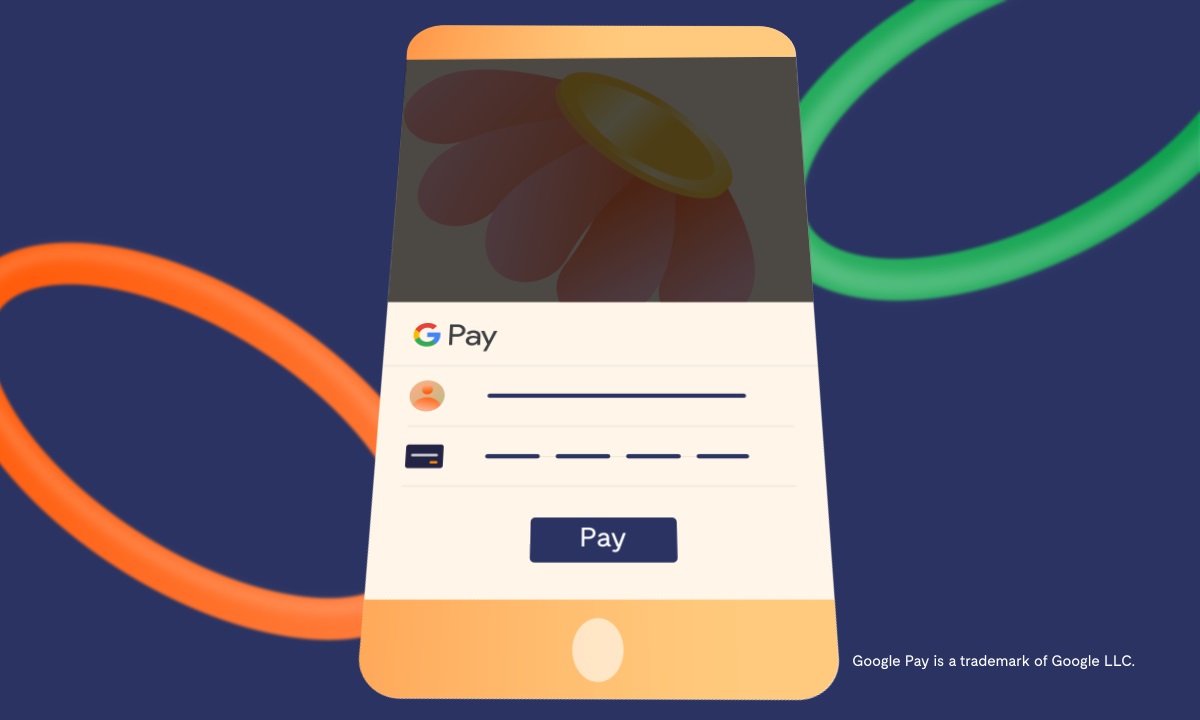
    Flutterwave,  today announced Google Pay, a mobile payment service, developed by Google, as a payment method on Flutterwave. As part of this collaboration, Google Pay will serve as an additional payment option for merchants on Flutterwave for business. This collaboration will offer safe and seamless payments, as well as convenient checkout experiences for customers.

    Google Pay is a safe, simple, and helpful way to make contactless payments in store, and also payments in apps and on the web. Users store their cards for Google Pay in Google Wallet, a digital wallet app that is available on supported Android smartphones, tablets or watches.

    With this collaboration, Google Pay users in supported countries across the world can pay businesses on Flutterwave across Africa. With an average transaction completion time of 3 minutes, this integration is slated to reduce cart abandonment rate for businesses on Flutterwave.

    How it Works

    1. Get on a Flutterwave-supported website

    2. Select what you want to pay for

    3. Fill the order form

    4. Select Pay with Google Pay as your payment method

    5.  Complete the payment with your Google Pay details.

    To get paid via Google Pay, Flutterwave merchants must manually opt-in on their dashboard.

    Olugbenga ‘GB’ Agboola, Founder and CEO of Flutterwave, said, “The continued and rapid growth of Flutterwave is due to our commitment to building a platform with simplified payments for everyone. The GooglePay payment option will attract more international customers and increase the current success rates for businesses on Flutterwave. Integrating with Google pay will allow users across the globe to participate in the booming e-commerce ecosystem in Africa. It will enable us to further fulfill our promise of creating endless possibilities for all”.

    flitterwave flutterwave
    Kaluka wanjala
    • Website
    • Facebook
    • X (Twitter)
    • LinkedIn

    Editor at TechArena. I cover all things technology and review new gadgets as I get them. You can reach me on email: [email protected]

    Related Posts

    Why Data Privacy Week matters for you and how to protect your information online

    January 28, 2026

    Binance Launches “Safety Campaign” in Kenya to Link Road Safety With Crypto Security

    January 28, 2026

    Huawei Launches ICT Competition 2025/26 Bootcamp in Kenya

    January 28, 2026

    Comments are closed.

    Latest Posts

    Why Data Privacy Week matters for you and how to protect your information online

    January 28, 2026

    Binance Launches “Safety Campaign” in Kenya to Link Road Safety With Crypto Security

    January 28, 2026

    Huawei Launches ICT Competition 2025/26 Bootcamp in Kenya

    January 28, 2026

    LG to Debut Next-Generation MAGNIT Micro LED Display at ISE 2026

    January 28, 2026
    Advertisement
    Editor's Pick

    Why Data Privacy Week matters for you and how to protect your information online

    January 28, 2026

    Automate your monthly bills to keep your budgets on track

    January 28, 2026

    How to Choose the Right Data Centre in East Africa: A Practical Guide for Enterprises and Startups

    January 27, 2026

    How 2026 will stitch together the future of payments

    January 22, 2026
    © 2026 TechArena.. All rights reserved.
    • Home
    • Startups
    • Reviews

    Type above and press Enter to search. Press Esc to cancel.